
Seedream 4.5 overview
High‑fidelity image generation and precise edits with stable subjects and 4K detail.
Creative examples

E‑commerce and product visualization
Produce consistent product imagery with accurate materials and 4K clarity.
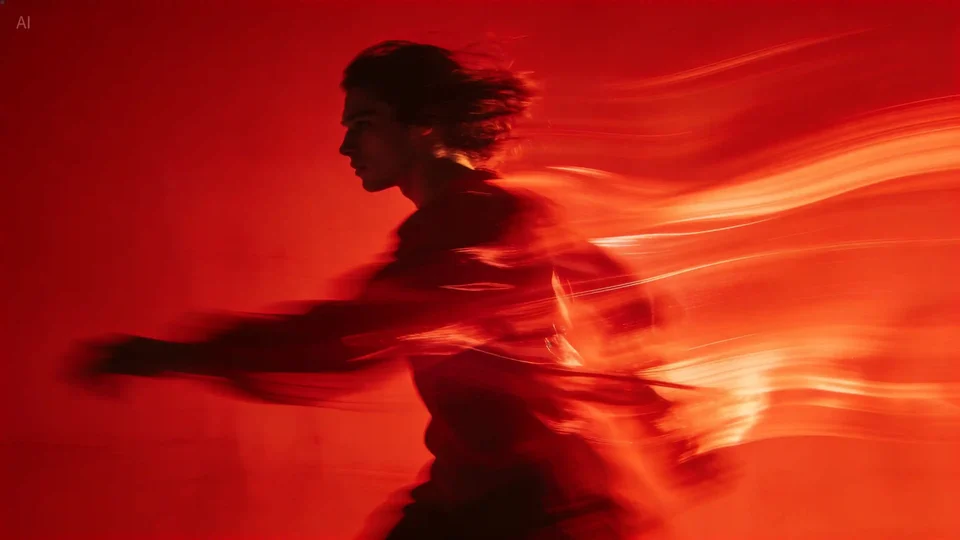
Advertising and concept art
Create cinematic frames and storyboards with controlled lighting and composition.
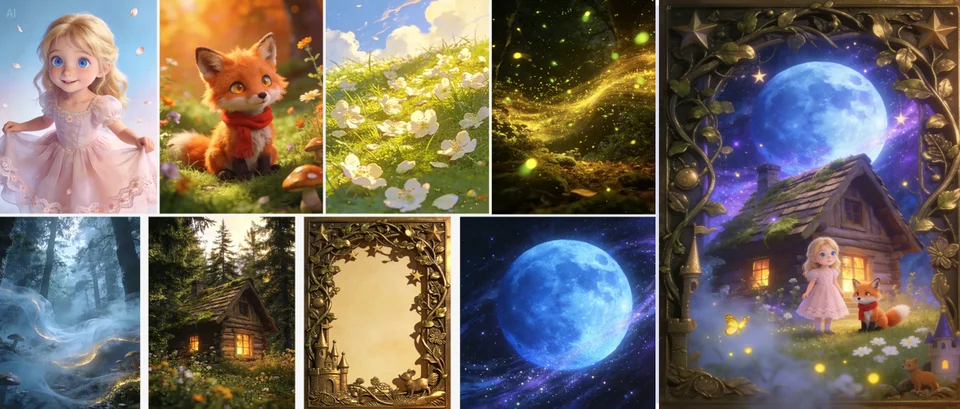
Poster, layout, and logo design
Render small text and layouts clearly for packaging, posters, and brand assets.
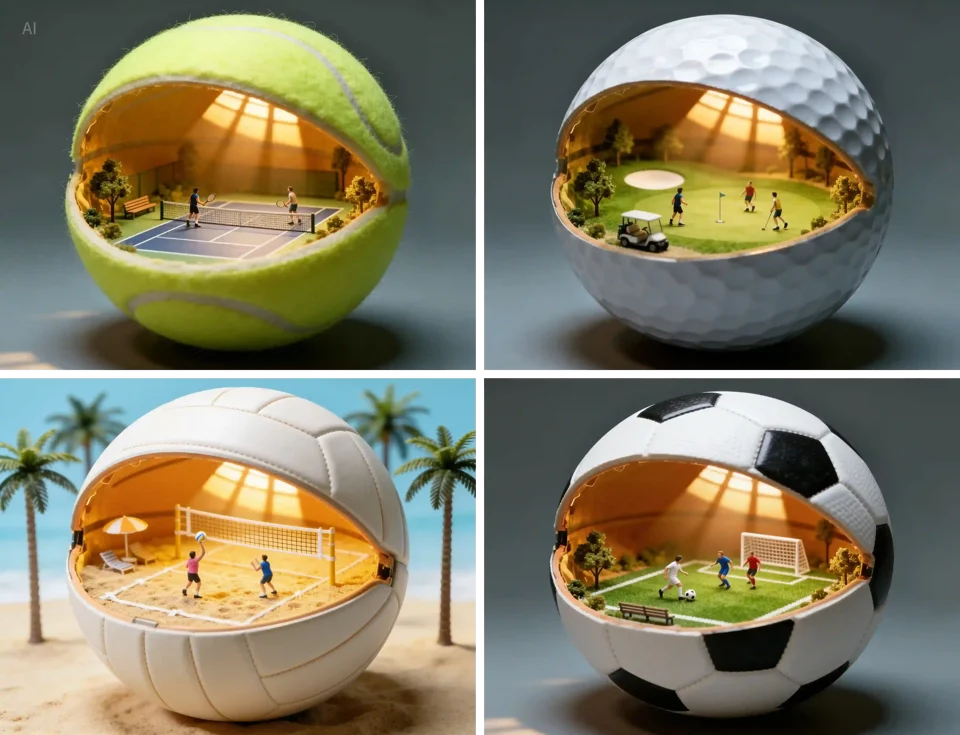
Character sheets and multi‑view sets
Keep identity stable across multiple angles using multi‑image references.
Demo placeholder: painterly scene
Demo placeholder: graphic poster
Why creators choose Seedream 4.5
4K visual clarity
Refined lighting, balanced shading, and crisp details for large‑format outputs.
Stable subject identity
Consistent faces and structures across prompts and multi‑image workflows.
Strong spatial reasoning
Clear object placement and depth relationships for structured scenes.
Precise edits
Targeted adjustments to lighting, composition, and style while preserving identity.
Credits per generation
Credit costs depend on the selected settings. Confirm the amount on the generation button before submitting.
| Generation configuration | credits |
|---|---|
| Base configuration | 6 |
Flexible Credit Packages
See credit costs for Seedream 4.5 and every other model on the pricing page. Credits never expire.
Purchased packs do not expire. Historical balances keep their original expiry. Subscription plans: Monthly credits expire at the end of each benefit month.
FAQ
What inputs does this image model support?
Enter a prompt, choose an aspect ratio, and optionally provide reference images if supported.
How does quality affect results?
Higher quality improves detail and realism but can take longer and cost more credits.
What file types can I upload?
Use PNG, JPG, or WebP images up to the model's maximum image limit.
Does Seedream 4.5 support 4K output?
Yes, it is designed for high‑resolution outputs with improved detail clarity.
Can I edit existing images?
Seedream supports image‑to‑image editing for targeted refinements and style changes.
How many reference images can I use?
Use multiple references when supported to keep identity consistent across outputs.
Is it good for small text?
It performs better with typography and small‑text clarity than earlier versions.