
Model provider xAI
Grok Imagine Image 2
Grok Imagine Image 2 creates prompt-led images and edits reference images in one workflow. Describe a new visual to generate from text, or upload one or more images and describe only the changes you want to make. It is designed for clear instruction following, text-rich layouts, and controlled visual revisions.

Creative examples
Text-rich posters and campaign key art
Turn a structured brief into a promotional image with a clear hierarchy of headline, supporting copy, subject, palette, and composition.

Product and lifestyle marketing concepts
Explore product scenes, social creative, and campaign directions from a prompt before commissioning a full production.
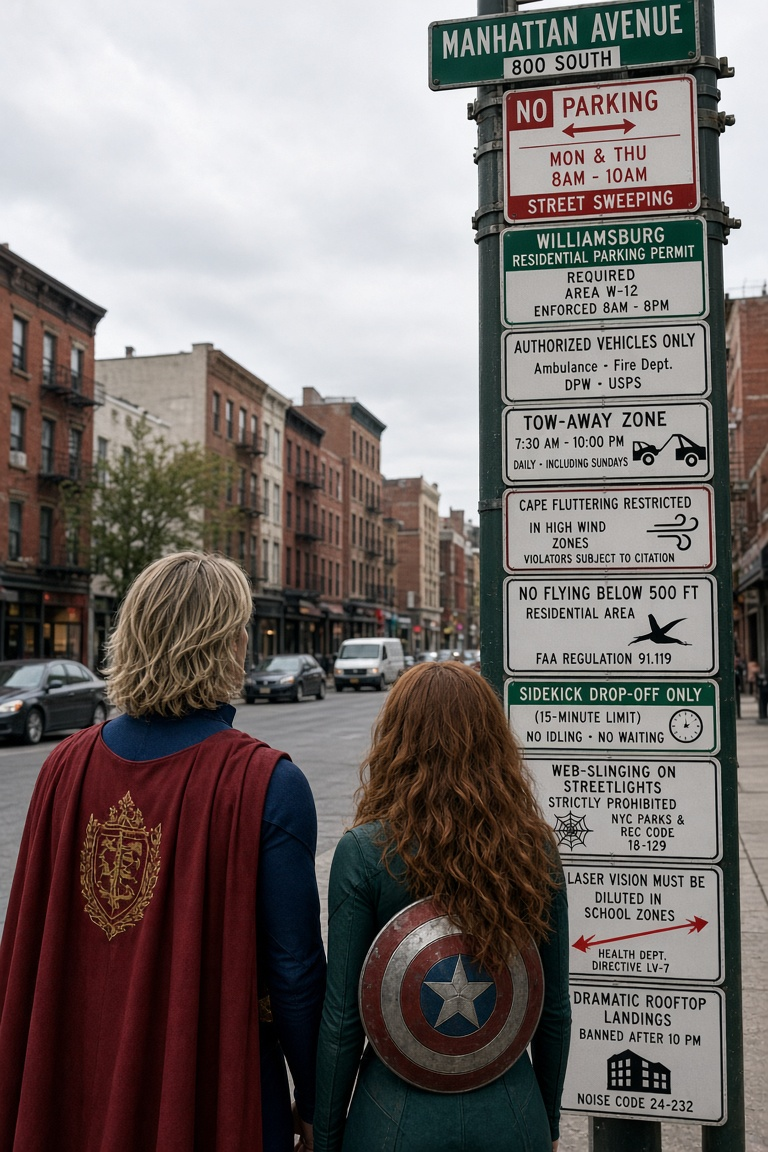
Editorial illustration and visual storytelling
Generate imaginative scenes that combine narrative detail, style direction, and a deliberate composition for articles, decks, and creative concepts.
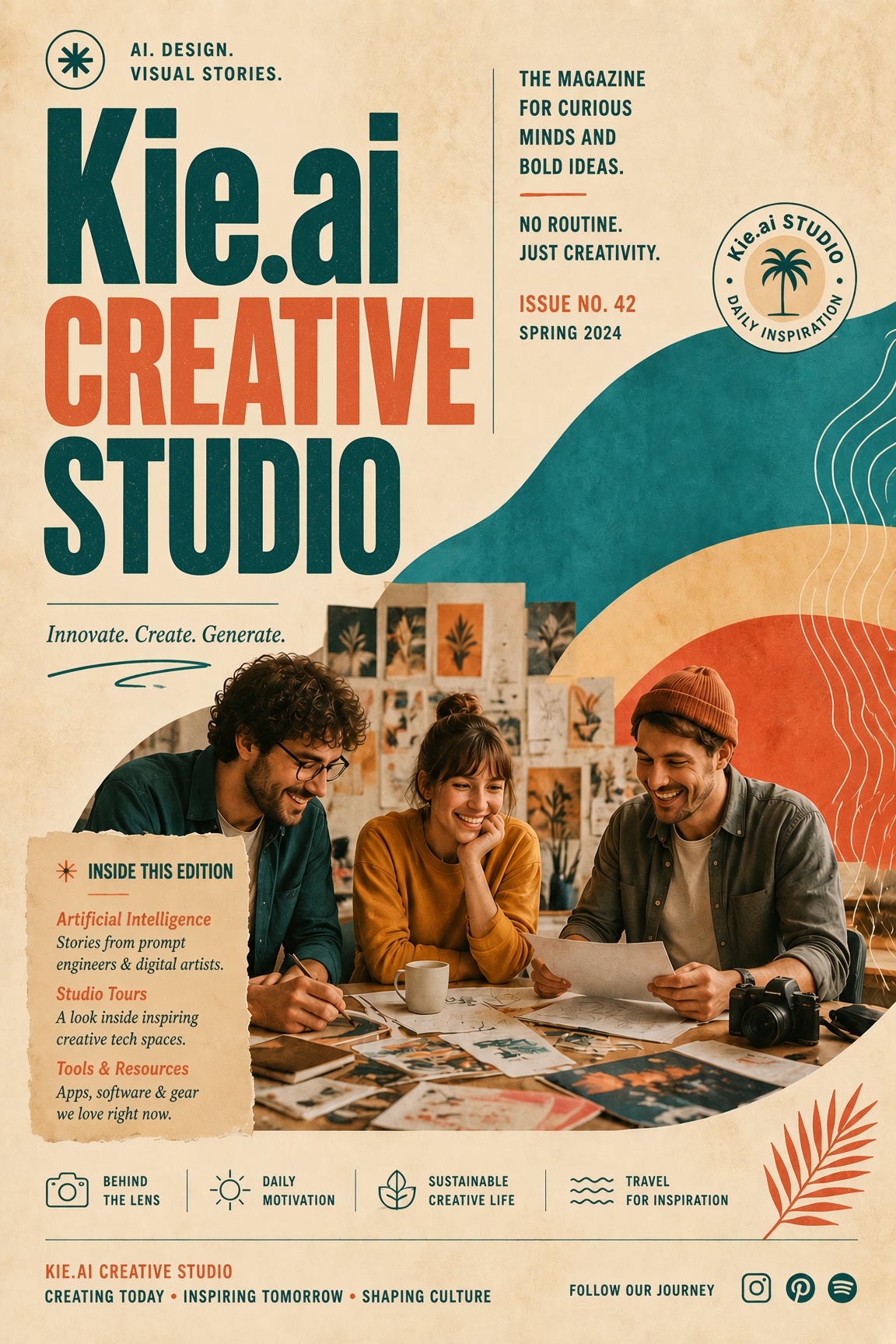
Targeted poster and typography updates
Replace a title, message, or campaign detail while preserving the layout, visual language, and design character of an approved source image.
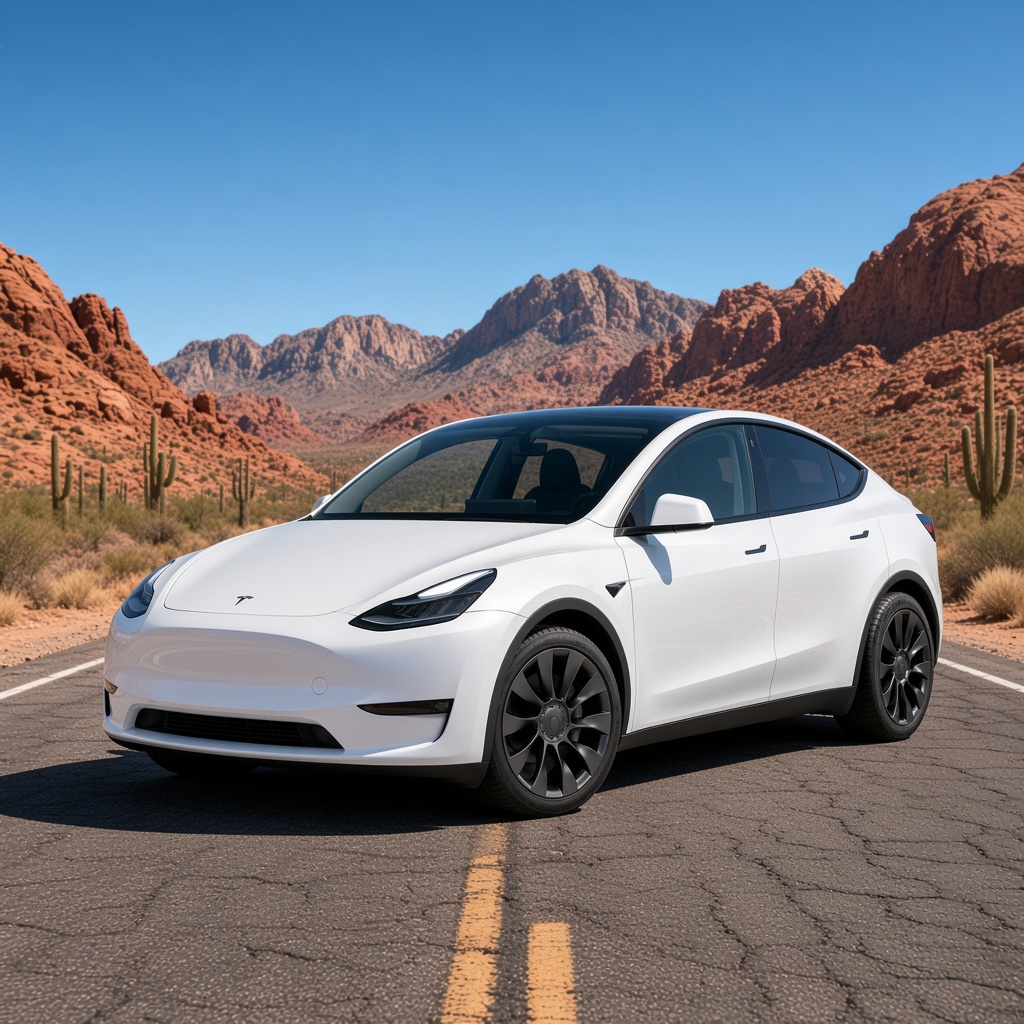
Creative scene transformations
Use one or more references to revise the subject, setting, style, or mood while retaining the key visual details that define the original.
Demo: text-rich campaign poster
Demo: prompt-led visual concept
Demo: controlled poster edit
Demo: product scene transformation
Why creators choose Grok Imagine Image 2 for generation and editing
Follow detailed creative direction
Combine subject, environment, visual style, composition, and text requirements in one structured prompt.
Design layouts with readable copy
Create poster, campaign, and editorial concepts where typography and visual hierarchy matter.
Choose the frame for the placement
Generate square, portrait, landscape, or vertical visuals for feeds, landing pages, ads, and publication layouts.
Keep exploration affordable
Each generated image costs 4 credits, making it practical to test several directions before selecting a final concept.
Credits per generation
Credit costs depend on the selected settings. Confirm the amount on the generation button before submitting.
| Generation configuration | credits |
|---|---|
| Base configuration | 4 |
Flexible Credit Packages
See credit costs for Grok Imagine Image 2 and every other model on the pricing page. Credits never expire.
Purchased packs do not expire. Historical balances keep their original expiry. Subscription plans: Monthly credits expire at the end of each benefit month.
FAQ
What can I create with Grok Imagine Image 2?
Create images from text or edit reference images. It is useful for posters, product concepts, editorial illustrations, and changes to an existing design.
How do I choose generation or editing?
Enter a prompt without images to generate a new image. Upload reference images to switch automatically to editing and describe the changes you want.
How many reference images can I upload?
You can upload up to five reference images for one editing request. Explain the role of each image and which details should be kept.
How many credits does an image cost?
Each generated image costs 4 credits. Text-to-image and image editing use the same per-image rate.
Can I create posters with text?
Include the exact wording and describe its placement and hierarchy. Check spelling and layout in the result before publishing.
How can I preserve details when editing?
List the elements to keep and the specific change to make. For example, change a headline while retaining the composition. Review the result because other details may also change.