
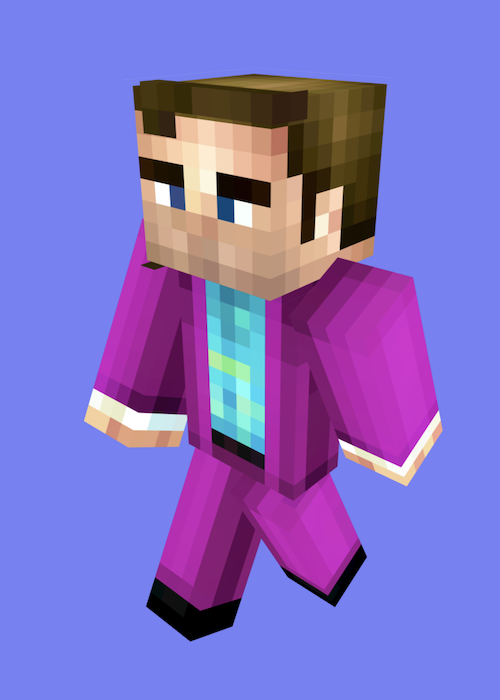
 Saul Goodman
AI Minecraft Skin Generator
Output mode
Creation steps
- 1Character preview
- 2Edit previewOptional
- 3Generate game skin
PNG, JPG, WebP up to 10MB
CostCharacter preview: 6 credits

Your generated skin and 3D preview will appear here.
64 × 64 PNG · Classic (Steve)Photo to Skin in action
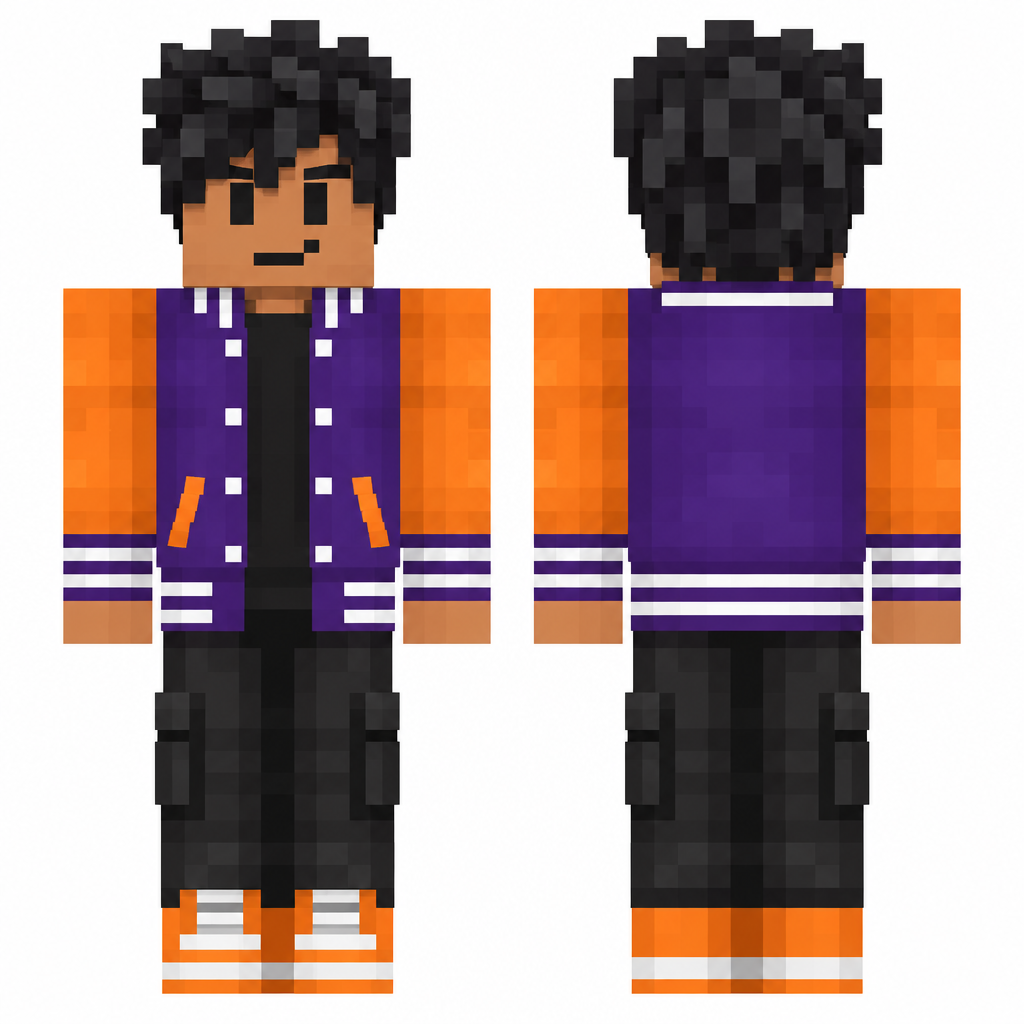
Roblox to Minecraft, using the same Photo to Skin workflow.
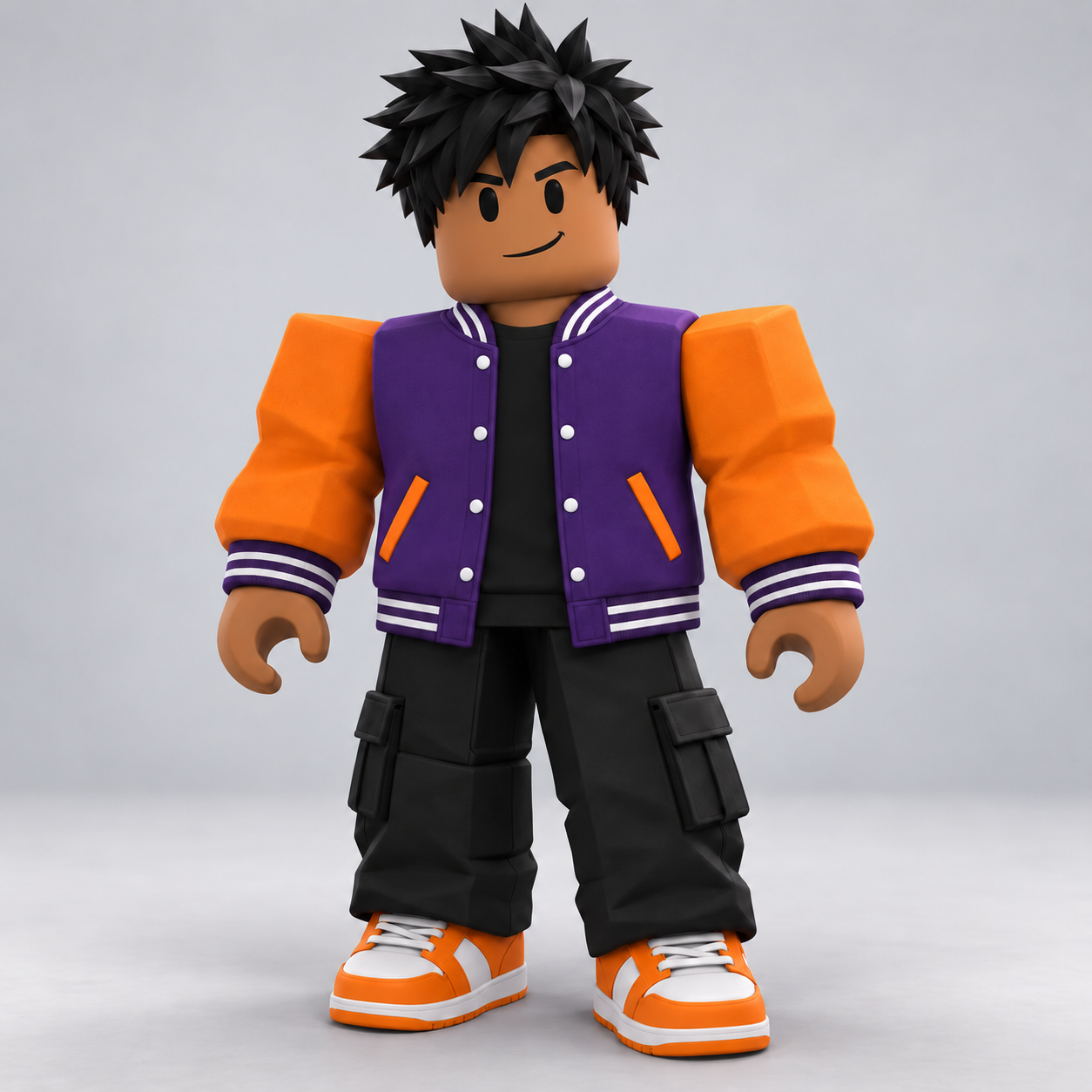
See What AI Minecraft Skin Generator Can Do
Upload a photo to create matching front and back character views, then convert them into a Minecraft skin atlas. Preview, download and edit the final 64×64 Classic PNG.
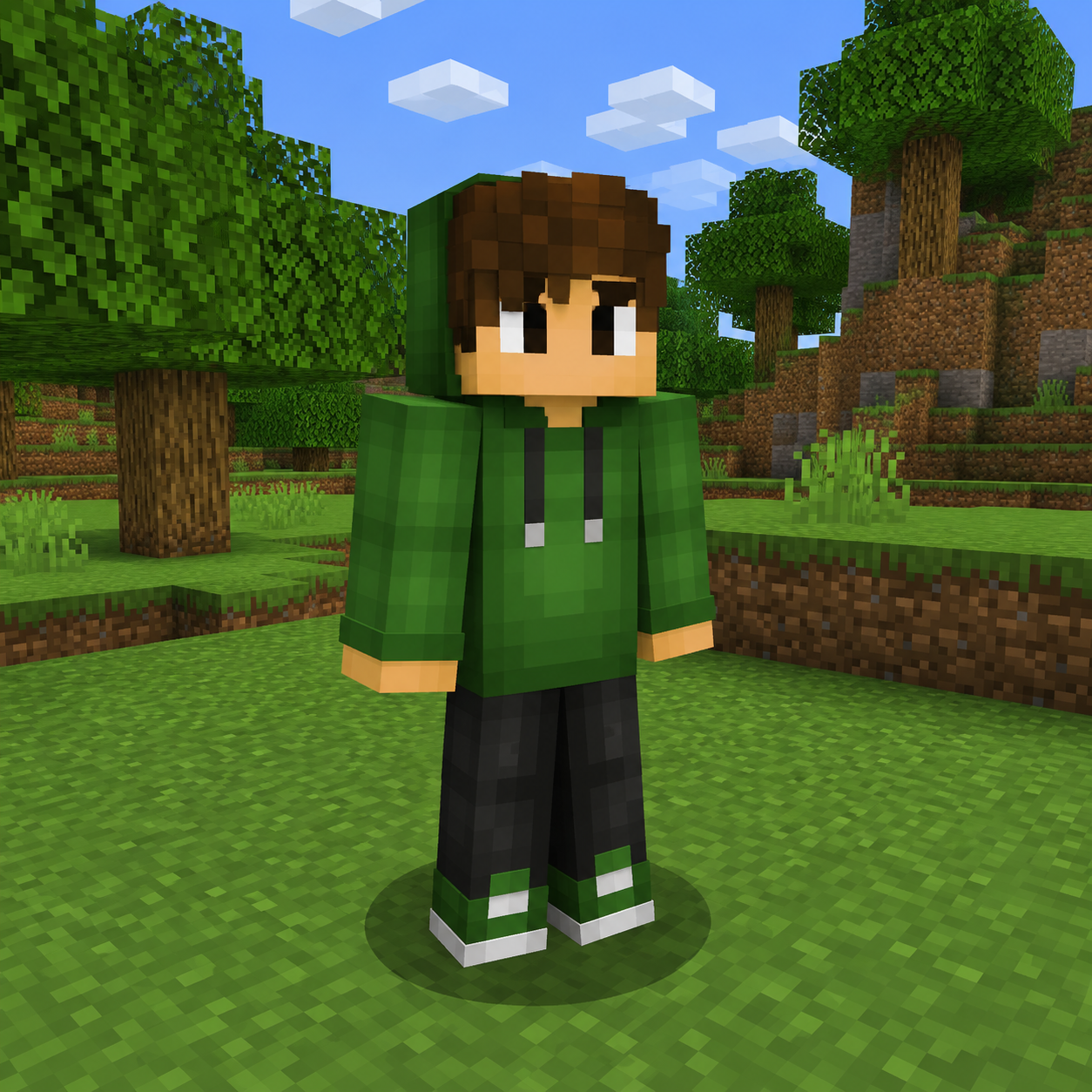
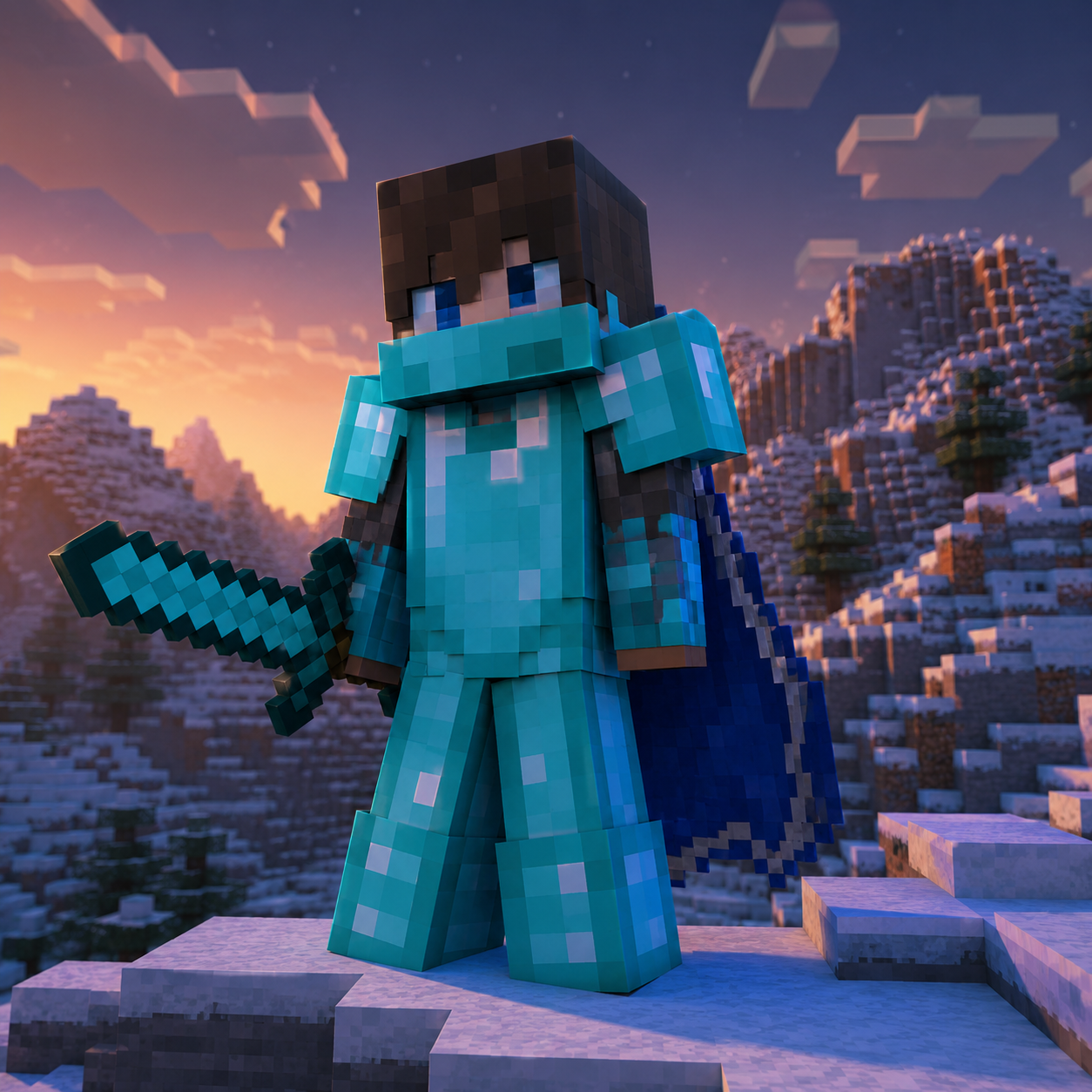
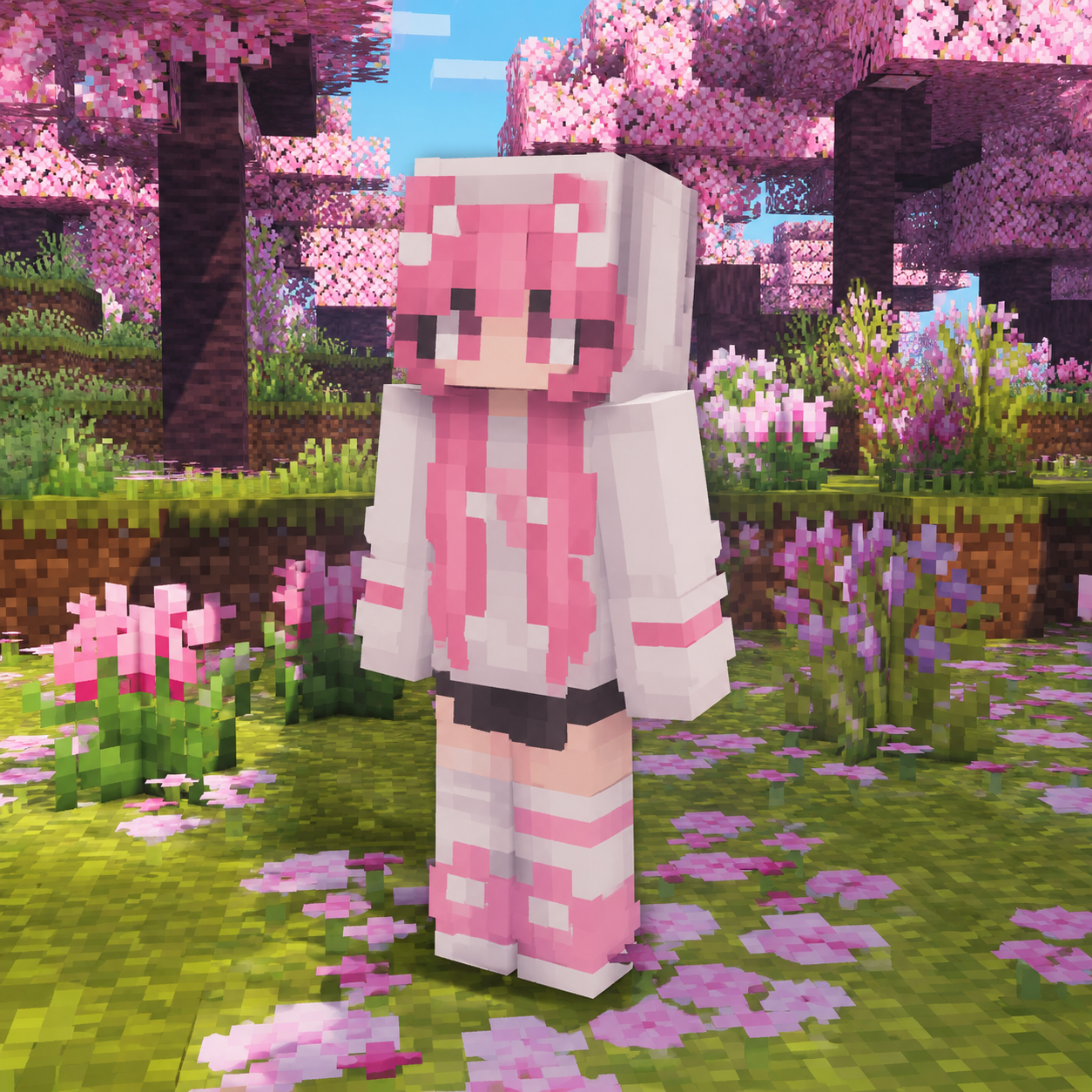
Playable skin
Saul Goodman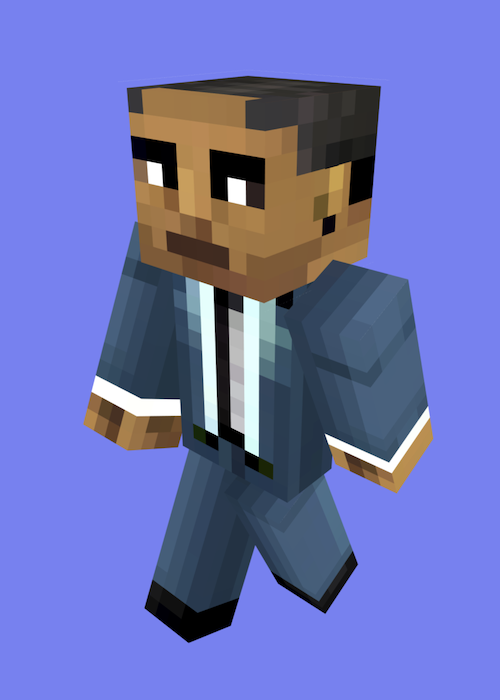 Gustavo Fring
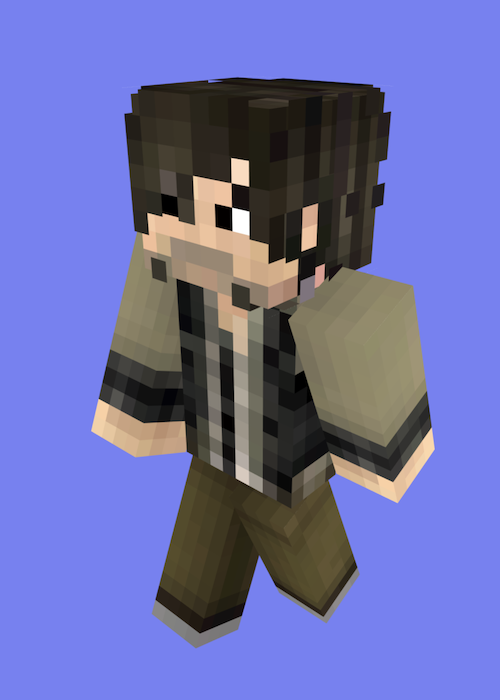 Daryl Dixon
How to Use AI Minecraft Skin Generator
Choose your reference
Upload a clear photo or character reference and optionally describe appearance changes.
Create front and back views
AI creates matching full-body views of the same Minecraft character.
Download a 64 × 64 skin PNG
Our downloads are 64×64 PNG skins with Classic / Steve arms. Choose Classic / Wide when importing in Java. Bedrock custom skin importing depends on your device; check the official guidance first.
Use your skin in Minecraft
Follow the photo-to-skin workflow, verify your PNG and check Java, Bedrock and console compatibility.
Read the photo-to-skin guideAI Minecraft Skin Generator
AI Minecraft Skin Generator Turns Photos Into Skins
After you upload a photo, an image generation model creates matching front and back views of a Minecraft character based on your appearance. These views are then converted into an unfolded skin texture. Finally, our software processes its dimensions and transparent regions to produce a 64×64 Classic PNG that you can preview, download and edit. Drag the 3D character to check the front, back and sides before importing it into the game.
Upload Photo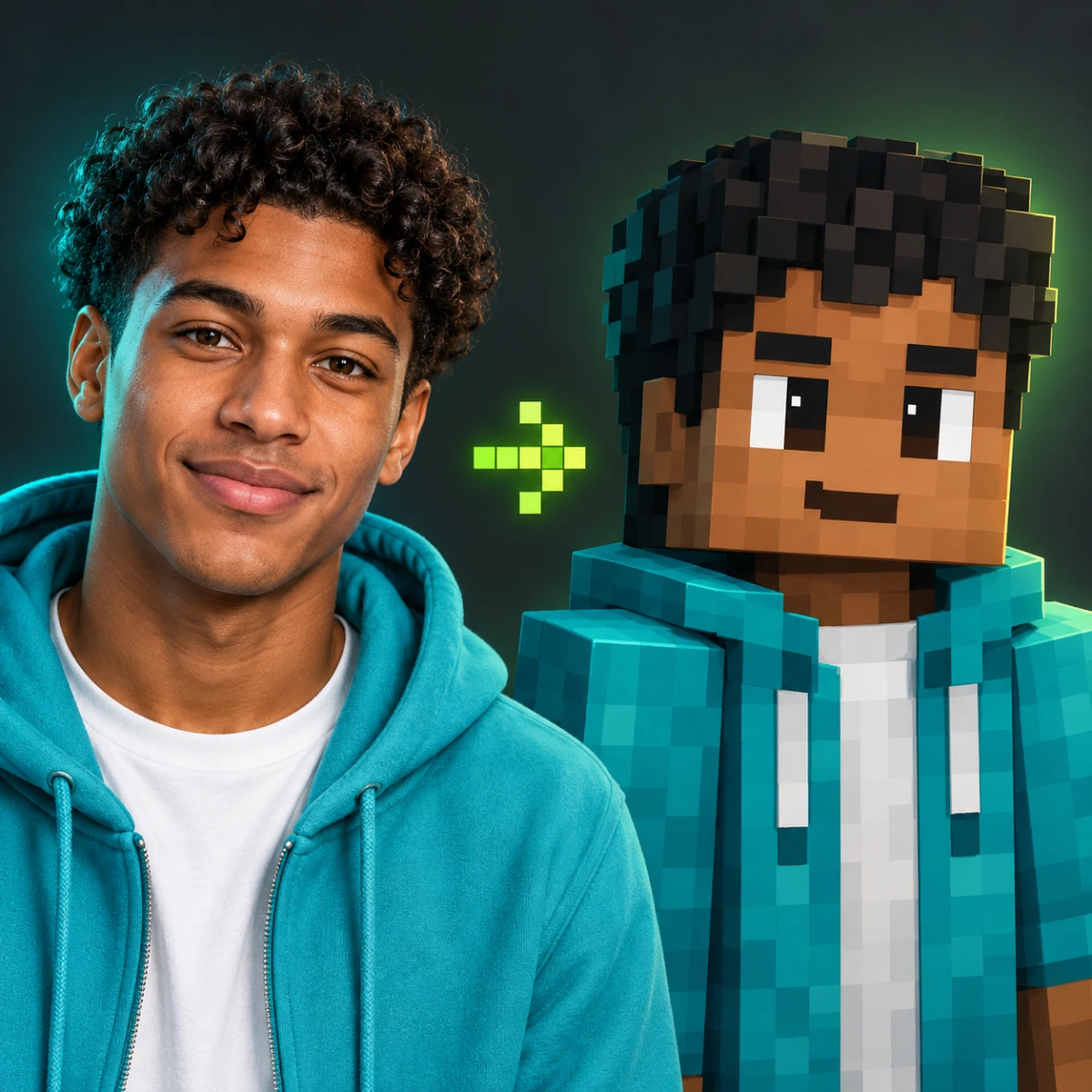
AI Minecraft Skin Generator
AI Minecraft Skin Generator Delivers Classic Blocky Looks
Instead of a flat cartoon filter, the AI Minecraft Skin Generator rebuilds your image with square pixel faces, voxel proportions, and clean in-game character presentation. The result reads like a real Minecraft skin preview while still feeling like you.
Upload PhotoAI Minecraft Skin Generator
Download Share-Ready AI Minecraft Skin Generator Results
Posters, character illustrations and concept art made with general AI image tools cannot be used directly as Minecraft skins. Our service turns photos or text descriptions into textures with the game’s skin layout, producing a 64×64 Classic PNG you can import into Minecraft, preview in 3D, download and edit.
Upload PhotoWhy Players Love AI Minecraft Skin Generator
Players, creators, and server friends use ImagineGo's AI Minecraft Skin Generator to turn photos into blocky Minecraft character previews with instant downloads.
Anya PetrovaVerified user · 2 days ago
Finally looks like me in-game
I uploaded a selfie and the AI Minecraft Skin Generator gave me a blocky adventurer that still had my hair and vibe. Perfect for my server intro card.
Ben HarrisVerified user · 1 week ago
Warrior style slapped
Needed a tougher look for a survival world. The diamond warrior skin kept my face shape while adding armor energy. Super clean download.
Isabelle KimVerified user · 2 weeks ago
Pastel skin for my friends group
Made matching pastel Minecraft looks for our friend group photos. Everyone recognized each other instantly. Generation was fast enough to batch.
Maya ChenVerified user · 3 weeks ago
Better than random skin sites
Most generators ignore likeness. The AI Minecraft Skin Generator actually kept my features while going full blocky. Neon style looked amazing.
Lucas MeyerVerified user · 1 month ago
Great for thumbnails
I use these Minecraft skin previews on YouTube thumbnails. The blocky silhouette pops and still feels personal. No watermark is a huge plus.
Nora WilliamsVerified user · 1 month ago
Ninja vibe for night builds
Tried the stealth ninja style for a dark-mode build montage. Clean outlines, recognizable face, ready to post. Love this tool.
Frequently asked questions
How close does the AI Minecraft Skin Generator keep my likeness?
The AI Minecraft Skin Generator preserves hair color, face identity cues, and outfit hints while converting you into a blocky Minecraft character. Fine photo detail is simplified into square pixels, but people should still recognize you.
What kind of photo works best?
Clear, front-facing portraits with good lighting work best. Visible hair and clothing help the AI Minecraft Skin Generator map your look into a Minecraft-style skin preview. Avoid heavy blur, sunglasses that hide the face, or extreme crops.
Which Minecraft skin styles can I choose?
Text mode offers adventurer, warrior, pastel, neon, mage and ninja presets. In photo mode, describe optional appearance changes such as outfit or hair color.
Is this a real Minecraft skin file or a preview image?
Our downloads are 64×64 PNG skins with Classic / Steve arms. Choose Classic / Wide when importing in Java. Bedrock custom skin importing depends on your device; check the official guidance first.
Will the result have a watermark?
No. AI Minecraft Skin Generator outputs download watermark-free through ImagineGo's normal image generation flow, ready for profiles or social posts.
How many credits does the AI Minecraft Skin Generator use?
Text to Skin costs 3 credits; Photo to Skin costs 15. The price appears before generation, and either-stage failures return reserved credits. Manual editing and PNG export are free.
How long does generation take?
AI-generated Classic skin · 64 × 64 PNG · Generations may take a few minutes.
Can I use the skin preview commercially?
Yes. Images generated through ImagineGo — including AI Minecraft Skin Generator outputs — include commercial usage rights for profiles, marketing creatives, and client work, subject to ImagineGo's terms.
Are my uploaded photos stored or shared?
Uploaded photos are processed to create your AI Minecraft Skin Generator result and are not shared with third parties for unrelated purposes. See ImagineGo's privacy policy for retention details.
What affects the quality of the Minecraft skin look?
Photo clarity, lighting, and framing matter most. A sharp, well-lit subject gives the AI Minecraft Skin Generator cleaner block edges and a more recognizable face. Low-resolution inputs can produce softer or less detailed skins.
Make your Minecraft skin
Upload a photo, preview your skin in 3D, then download or edit it.
Upload Photo