Qwen-Image-2.1
No image yet
Add a prompt to generate your first image.
Qwen-Image-2.1 — Create images from your ideas
Turn a description into detailed product visuals, expressive posters and transparent stickers. Choose 1K or 2K and a shape that fits your project.
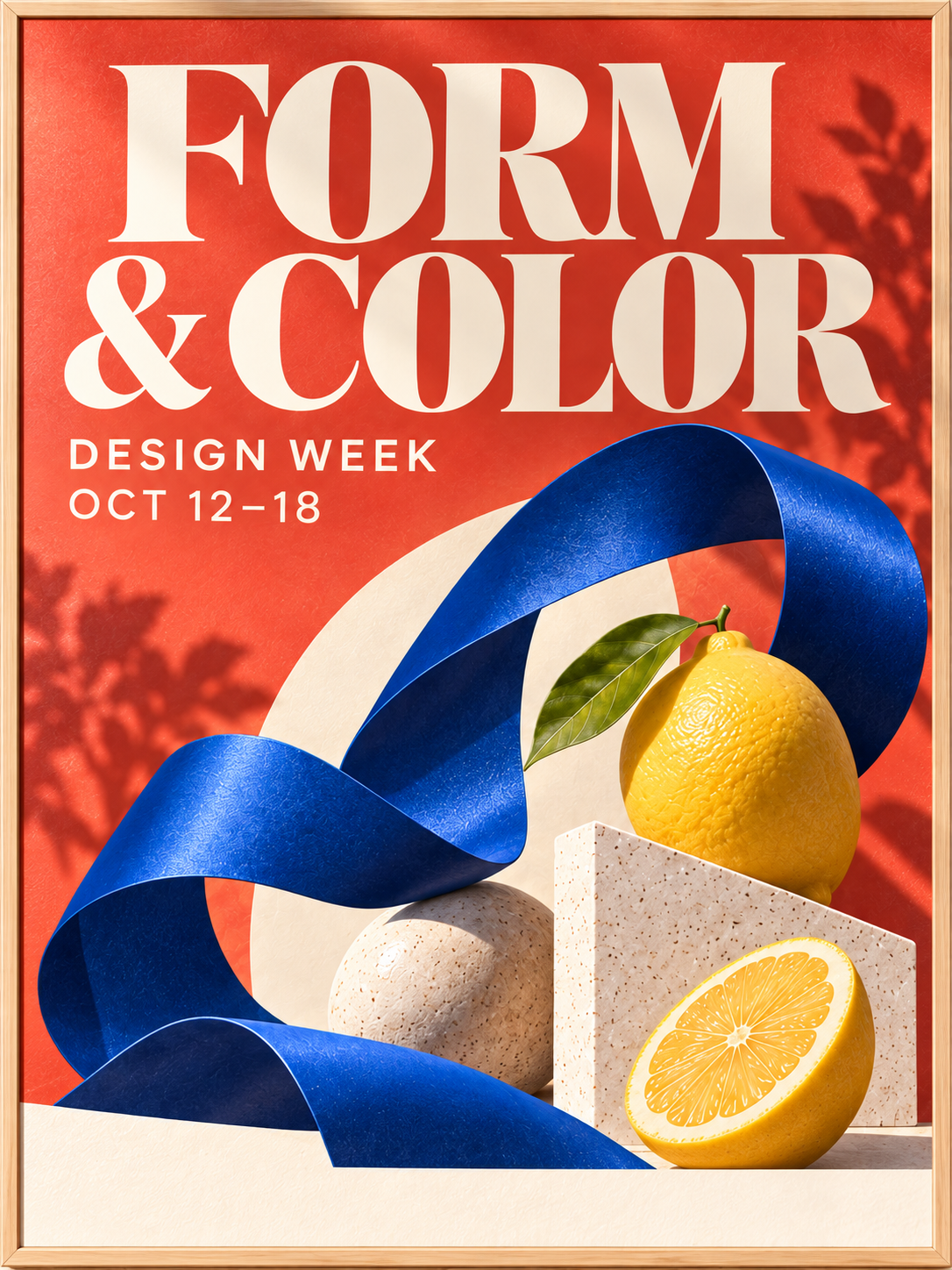
Posters with words that belong in the picture
Describe the headline, colors and mood for an event poster, invitation or social post. Put the exact words in quotation marks and keep the message short; review spelling and spacing before sharing.
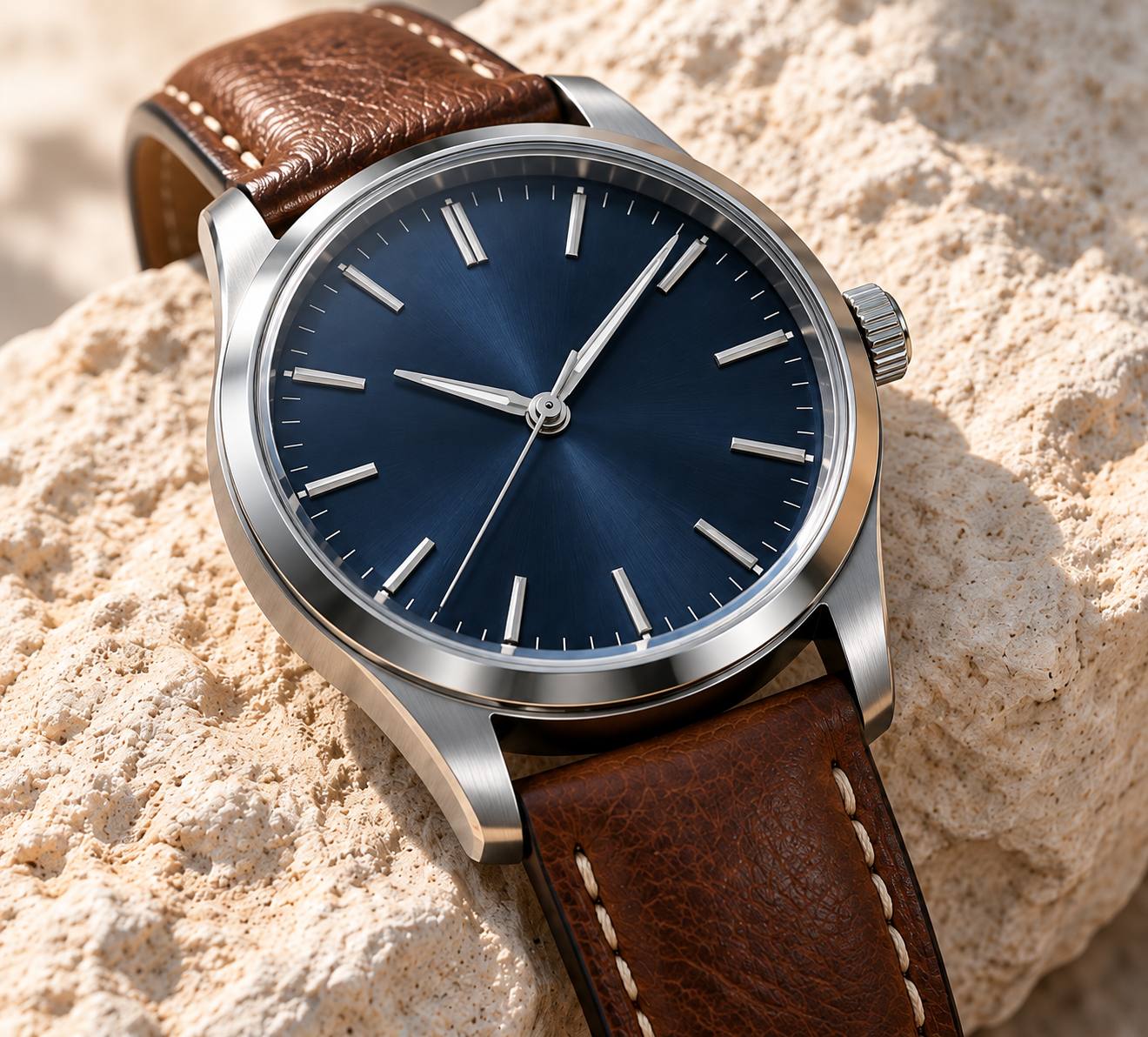
Product ideas with rich materials and light
Explore a product concept with the texture, lighting and setting you have in mind. Try brushed metal, soft leather or glossy glass, then choose 2K when small surface details matter.
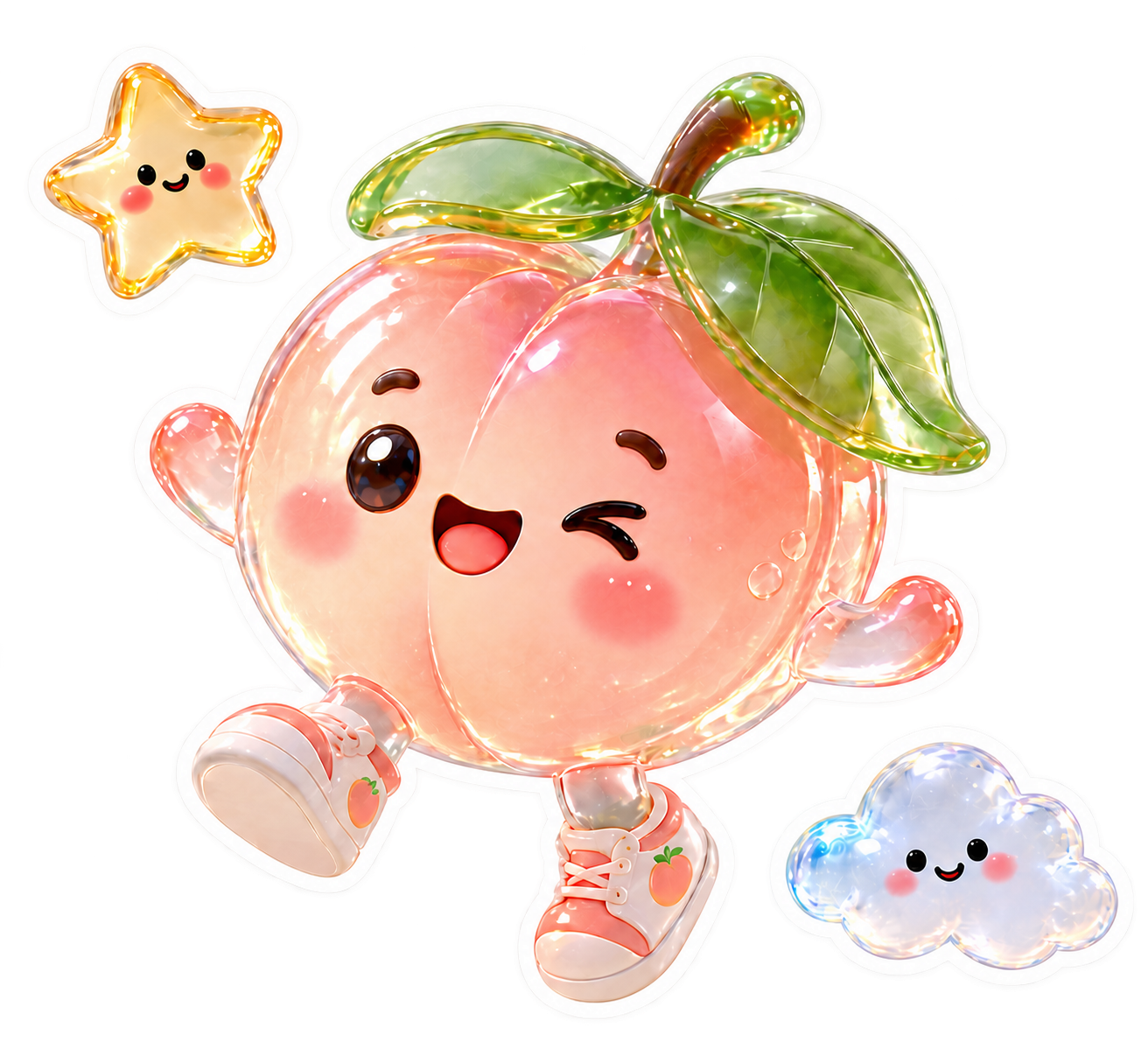
Stickers and design elements you can reuse
Choose a transparent background to make a character or decorative element for your next layout. Describe just the subject and export as PNG or WebP to keep transparency.
Make Qwen-Image-2.1 work for your next idea
Start with a clear description
Write in your preferred language and name the subject, composition and visual style. Prompt enhancement is on by default to help develop a short idea; switch it off when you want to keep your wording.
Choose detail and cost
A 1K image uses 4 points; a 2K image uses 8 points. Start with 1K to explore ideas, then use 2K for a more detailed result. The generation button shows the cost before you start.
Fit the space you have
Choose from nine aspect ratios, including square, portrait, landscape and extra-wide layouts. Set the shape before generating so your subject has room in the final composition.
Keep control of the result
Save as PNG, WebP or JPEG, or choose PNG or WebP for a transparent background. An optional seed lets you repeat the same setup when the description, settings and model version stay the same.
Flexible Credit Packages
See credit costs for Qwen-Image-2.1 and every other model on the pricing page. Credits never expire.
View all pricingFAQ
How do I create an image with Qwen-Image-2.1?+
Sign in to imagineGo, describe your image, choose its shape and resolution, then generate. When the image is ready, preview it and download your selected format.
How many points does an image use?+
Each 1K image uses 4 points and each 2K image uses 8 points. Changing the aspect ratio or choosing a transparent background does not change that price.
Which resolutions and shapes can I choose?+
Choose 1K or 2K, with 1:1, 4:3, 3:4, 3:2, 2:3, 16:9, 9:16, 21:9 or 9:21. 2K takes longer to generate; 4K is not available for this model.
How can I make a transparent image?+
Choose Transparent and save as PNG or WebP. Describe only the subject, because mentioning a scene, surface or background may result in an opaque image. JPEG does not support transparency.
Can I put words in my image?+
Yes. Include the exact words in quotation marks and describe their placement and style. Short text usually works best; check names, spelling and layout in the finished image.
Can I upload a photo on this page?+
This page creates images from text descriptions. Photo editing and reference-image uploads are not available in this version of the Qwen-Image-2.1 tool.
What do prompt enhancement and seed do?+
Prompt enhancement expands your description before generation and is enabled by default. Leave the seed blank for variety, or enter an integer such as 0 to repeat a setup with the same description, settings and model version.
How long can my description be?+
Use up to 5,000 characters in any language. Start with the main subject and add the details that matter most, such as lighting, materials, colors and composition.