
Upload Image
Select a PNG, JPG, or WebP file up to 10 MB. The 2D to 3D Image Converter handles portraits, logos, characters, sketches, animals, products, and more — any clear subject with defined edges works well.
Upload any flat image and turn it into a polished 3D-style visual with depth, lighting, and texture in seconds. Choose a style and download the result.
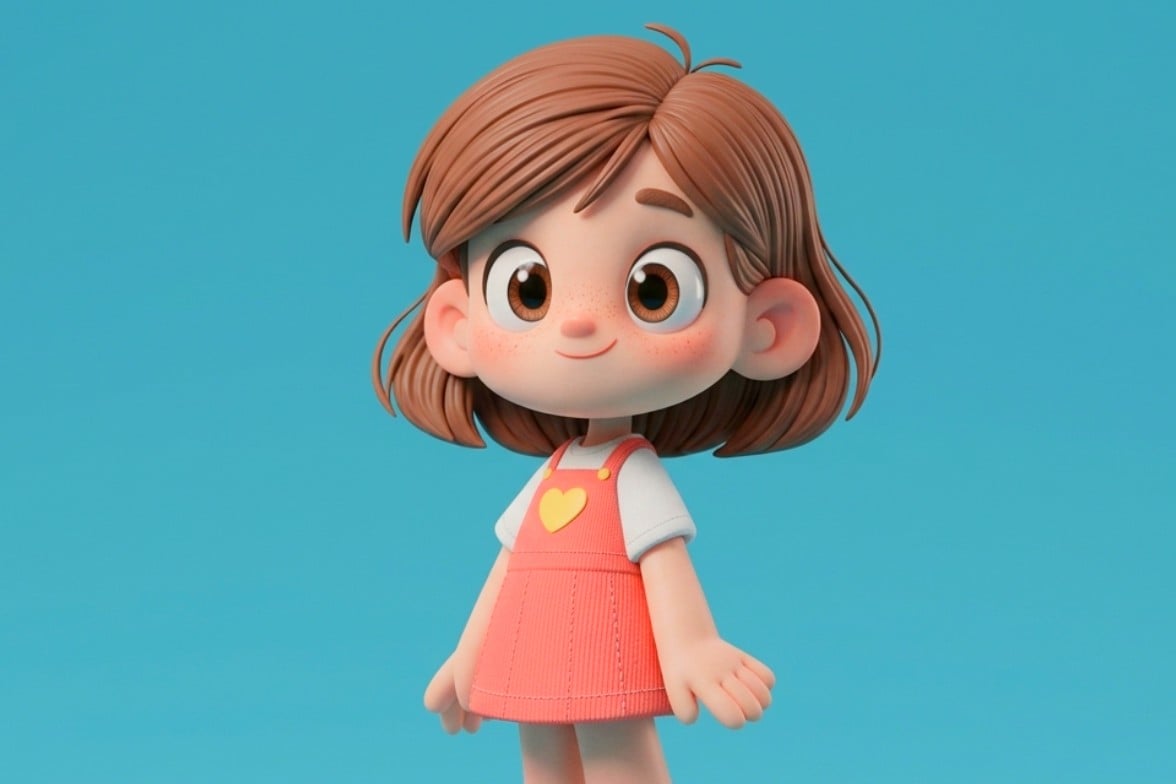
Choose a model and describe your idea. Your finished work will appear here.
Upload any flat image and turn it into a polished 3D-style visual with depth, lighting, and texture in seconds. Choose a style and download the result.
Select a PNG, JPG, or WebP file up to 10 MB. The 2D to 3D Image Converter handles portraits, logos, characters, sketches, animals, products, and more — any clear subject with defined edges works well.
Pick a 3D style preset — Standard, Cartoon, Claymation, or Fluffy. The 2D to 3D Image Converter adds real depth, relighting, shadow, and dimensional material texture while preserving the original subject and composition.
Preview the 3D-style result and download it at full resolution, watermark-free. Use the converted image for branding, social content, game design, printing, or any creative project.
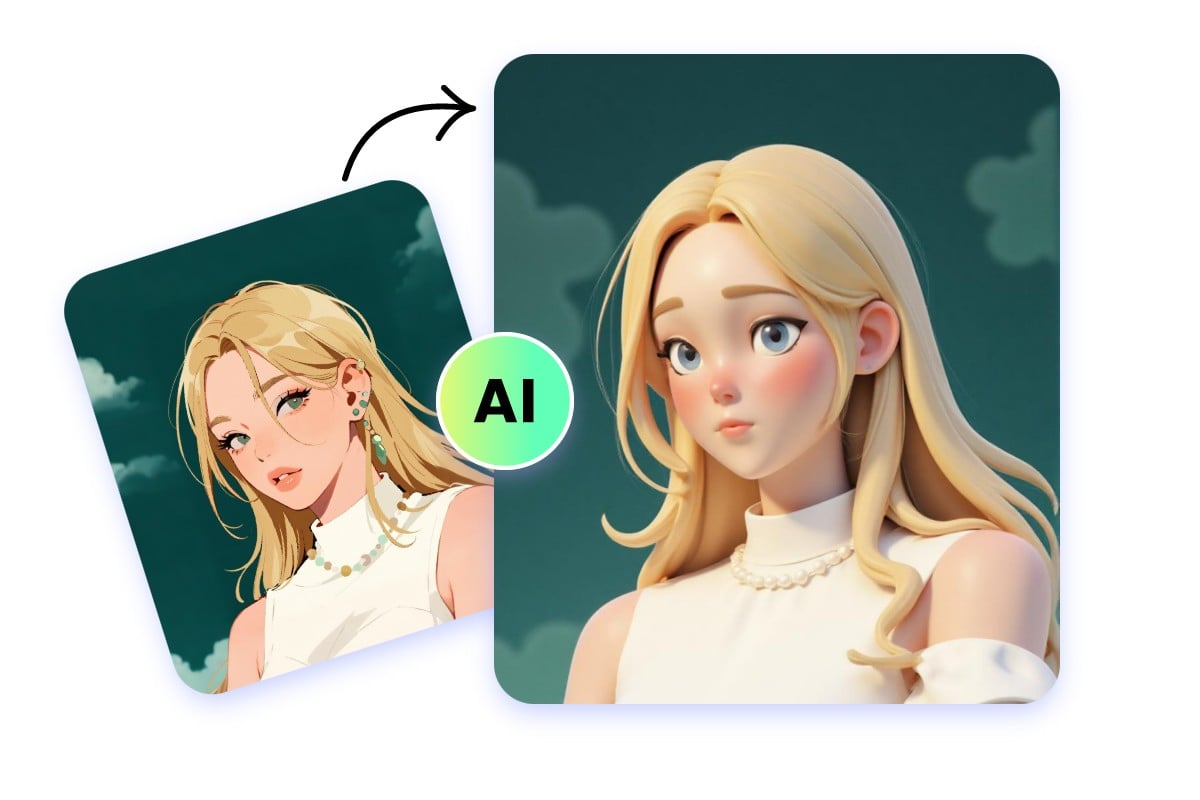
ImagineGo's 2D to 3D Image Converter analyzes the shapes, edges, and tones in your flat image and reconstructs them with convincing depth, shadow gradient, and dimensional lighting — making the result feel genuinely three-dimensional rather than filtered.
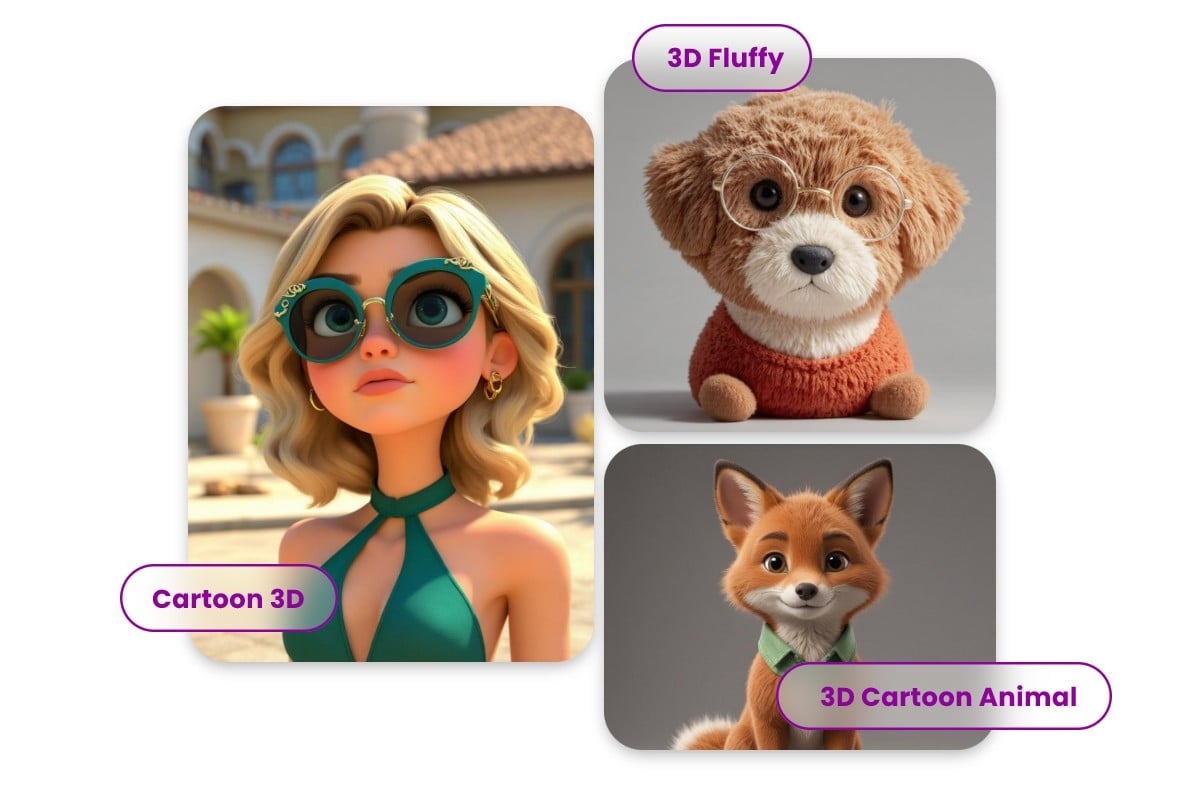
Not every project needs the same look. The 2D to 3D Image Converter offers Standard 3D for realistic renders, Cartoon 3D for a Pixar-like effect, Claymation for a handcrafted feel, and Fluffy 3D for soft plush textures — all from a single upload.
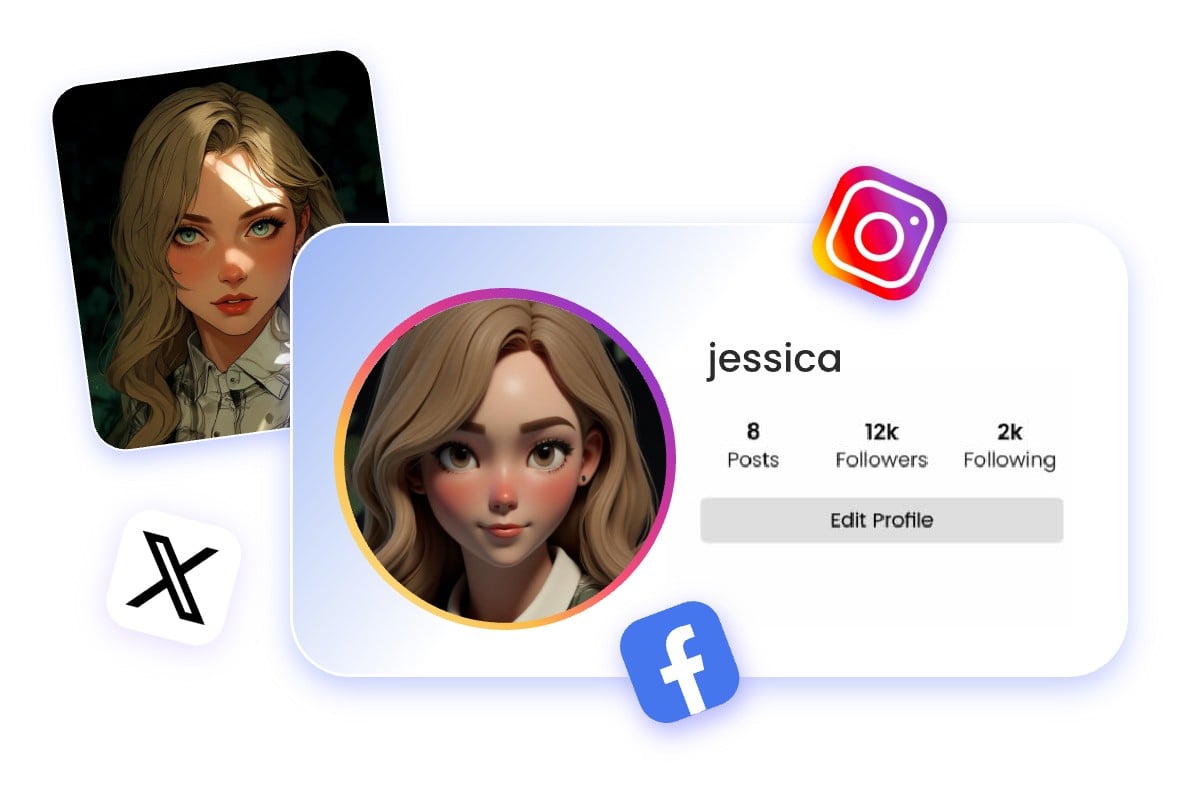
From corporate logos and anime characters to pet photos and product shots, the 2D to 3D Image Converter handles a wide range of subjects. If it has a recognizable shape and clear edges, the converter can add dimension and depth.
Transform flat logo images into dimensional branding visuals for posters, shops, and product presentations.
Visualize characters, props, and concept art with a dimensional game-ready look.
Turn drawings, sketches, or children’s art into cute stylized 3D characters.
Give pets and animal illustrations a fluffy or cartoon 3D effect with more depth.
Yes. You can use the generated 3D-style image as a concept visual for design, branding, printing, and creative planning.
You can upload common image formats such as PNG, JPG, JPEG, and WebP.
No. This is a 3D style transfer tool. It creates a 3D-looking image, not an OBJ, STL, or other 3D model file.
Yes. Choose from style presets such as standard 3D, 3D cartoon, claymation, and fluffy 3D.
Generation time depends on queue and model load. You can view completed results in History.
Each conversion uses a fixed number of credits shown in the cost panel before you generate. Credits on ImagineGo never expire, so you can convert images at your own pace.
Yes. All images generated through ImagineGo — including 2D to 3D Image Converter outputs — come with commercial usage rights. Use them in branding, client work, social media, or product visuals freely.
Clean, well-lit images with a clearly defined subject work best. The 2D to 3D Image Converter performs better on images where edges, shapes, and depth cues are visible. Blurry or heavily cluttered backgrounds may reduce accuracy.
Images you upload are processed solely to generate your 3D conversion result. They are not shared with third parties. See ImagineGo's privacy policy for full details on data handling and retention.
Standard 3D works best for logos, portraits, and product shots where you want a realistic render. Cartoon 3D suits characters and illustrations. Claymation adds a tactile handmade look. Fluffy 3D is ideal for animals and plush-style outputs. You can try multiple styles on the same image.
 Minecraft Skin Editor
 Photo to Disney
 PNG to GLB
 Edit Text in Image