
Flux 2 Pro overview
High‑fidelity image generation with strong multi‑reference consistency and precise text rendering.
Creative examples

Multi‑image composition
Blend multiple references into cohesive scenes without losing identity.

Product variations
Create consistent product series with reliable materials and lighting.
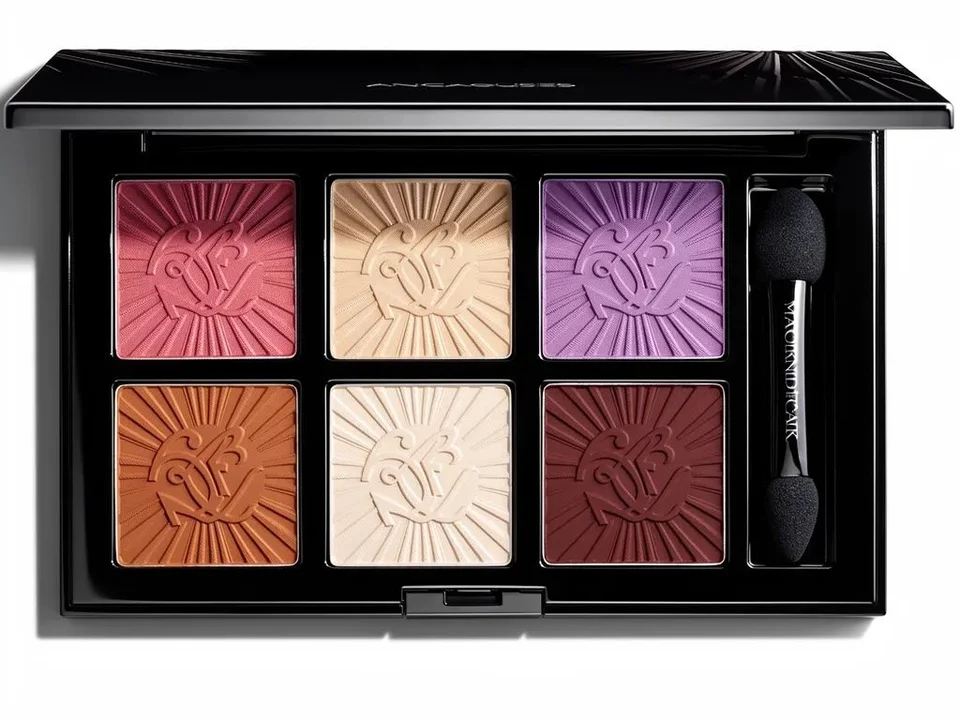
Art direction explorations
Test visual styles and compositions while keeping structure stable.
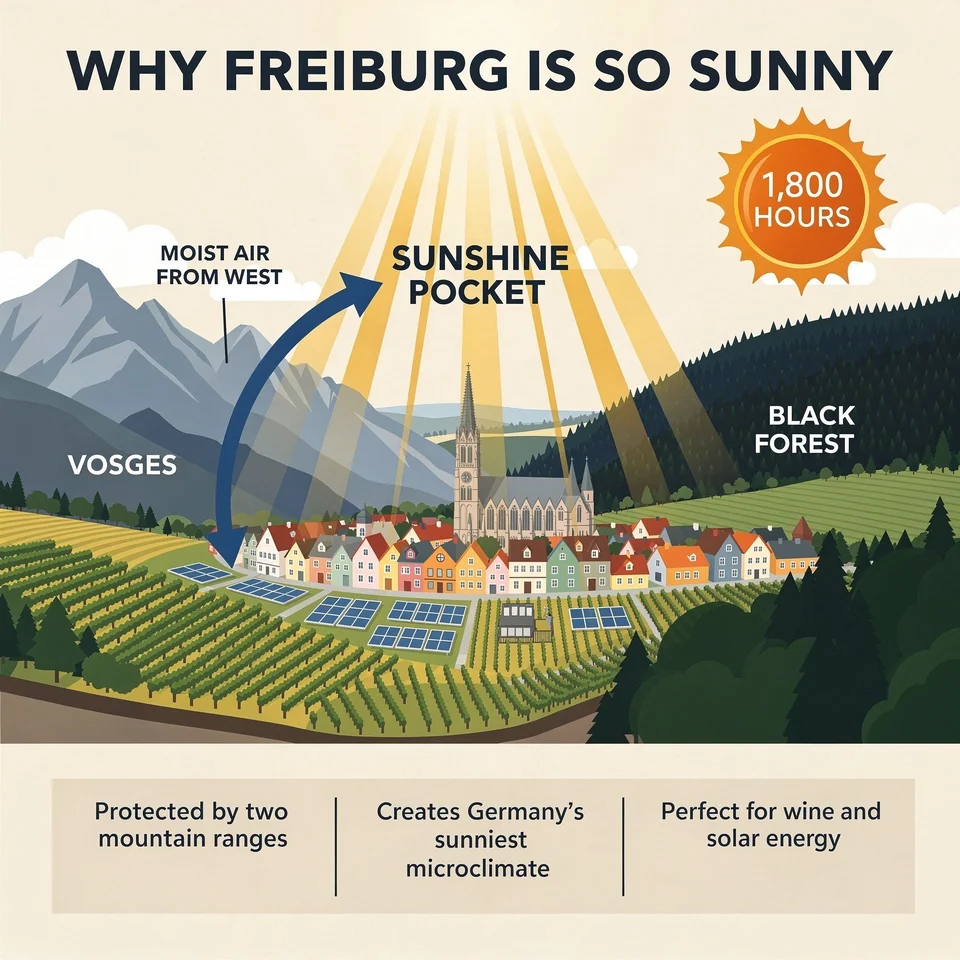
High‑quality marketing assets
Generate polished visuals for campaigns, banners, and brand systems.
Demo placeholder: multi-image blend
Demo placeholder: polished product shot
Why creators choose Flux 2
Photoreal detail
Delivers sharp textures and realistic lighting for premium visual output.
Multi‑reference consistency
Keeps identity and style aligned when using multiple guidance images.
Accurate text rendering
Handles logos and small text more cleanly for layout‑driven assets.
Flexible control
Supports varied compositions and controlled edits for production workflows.
Credits per generation
Credit costs depend on the selected settings. Confirm the amount on the generation button before submitting.
| Generation configuration | credits |
|---|---|
| 1K | 5 |
| 2K | 7 |
Flexible Credit Packages
See credit costs for Flux 2 Pro and every other model on the pricing page. Credits never expire.
Purchased packs do not expire. Historical balances keep their original expiry. Subscription plans: Monthly credits expire at the end of each benefit month.
FAQ
What inputs does this image model support?
Enter a prompt, choose an aspect ratio, and optionally provide reference images if supported.
How does quality affect results?
Higher quality improves detail and realism but can take longer and cost more credits.
What file types can I upload?
Use PNG, JPG, or WebP images up to the model's maximum image limit.
What is Flux 2 best known for?
Photoreal detail, strong multi-reference consistency, and clean text rendering.
Can I use multiple reference images?
Yes, when the model supports image guidance you can provide several references.
Does Flux 2 handle logos and small text?
It performs better than many models for layout-driven assets and readable text.
What use cases fit Flux 2 Pro?
Product visuals, brand assets, and high-fidelity marketing imagery.