Anya Petrova
Verified user
2 days ago
Finally found my perfect shade
I tried six colors before my salon appointment and showed my stylist the exact one I wanted. The copper red looked so real I almost forgot it was AI.
AI Hair Color Try-On
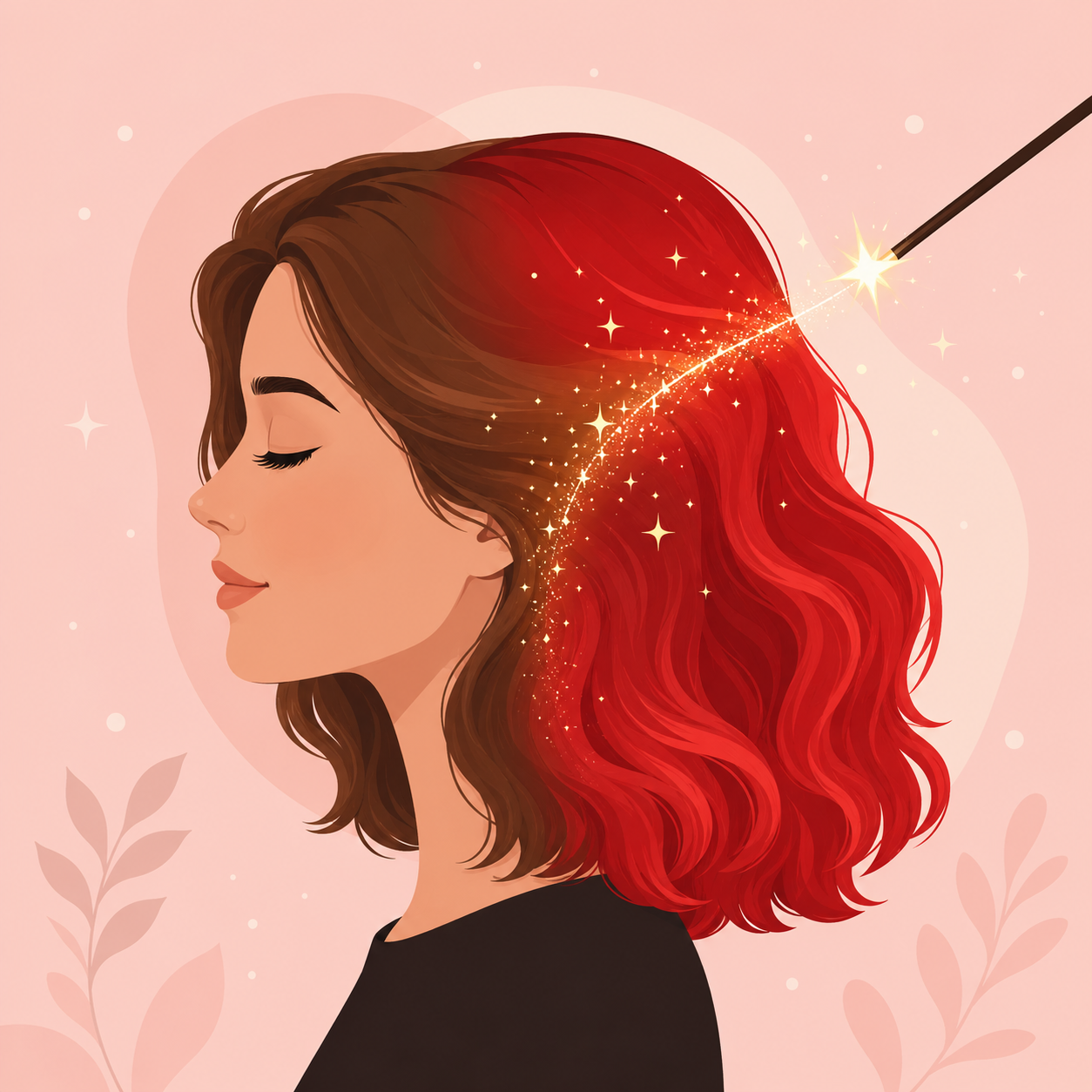
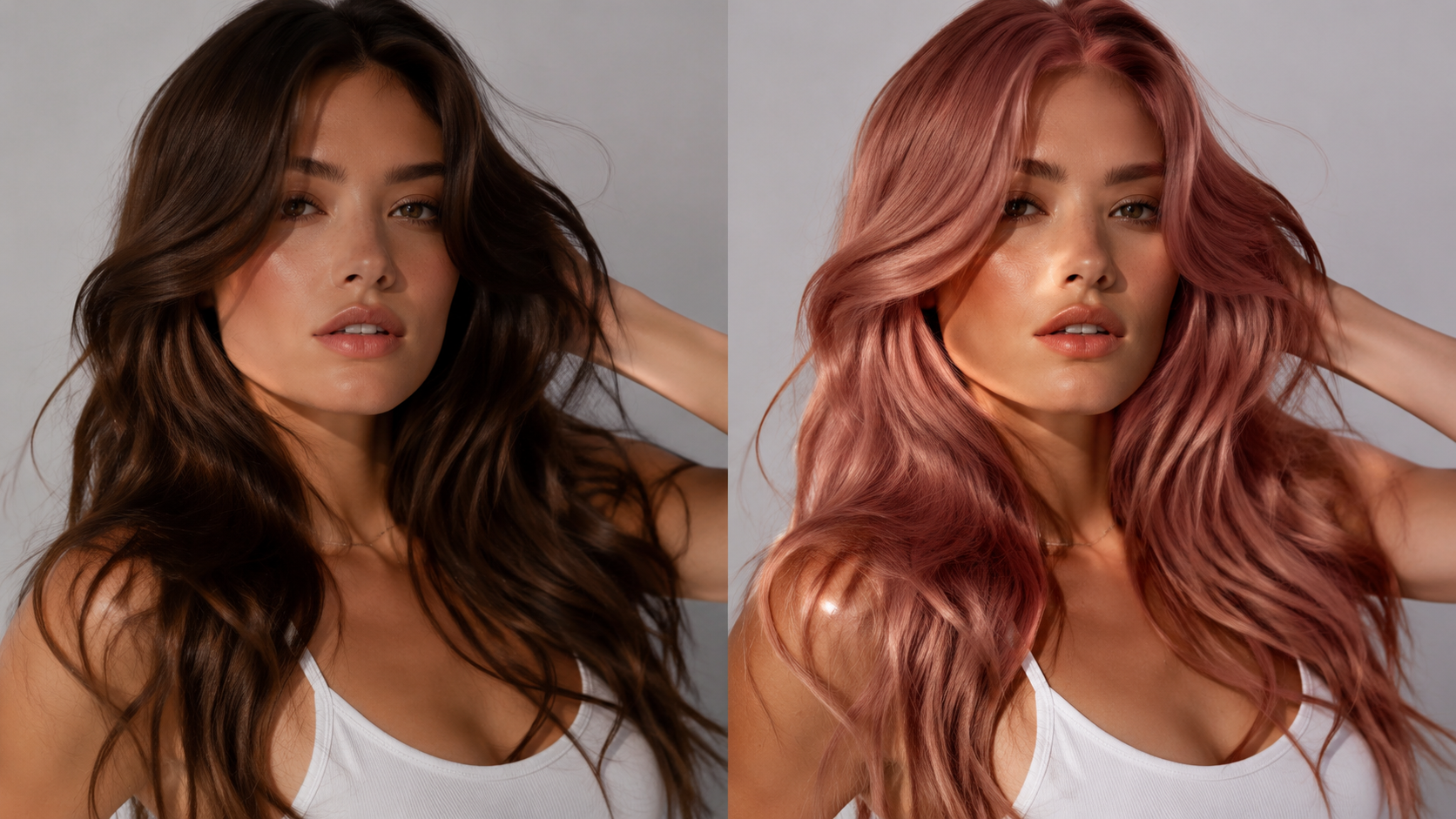
Upload any portrait and let ImagineGo's AI Hair Color Changer recolor your hair in seconds. Preview platinum blonde, copper red, pastel pink, jet black, and more — the tool keeps your face, hairstyle, and lighting intact while swapping only the color for a natural, salon-quality result.
AI Hair Color Changer
Image app
Upload Image
Hair Color
Aspect Ratio

Workflow
Select a clear, front-facing portrait where your hair is fully visible. The sharper and better-lit your image, the more realistic the AI Hair Color Changer result will be. PNG, JPG, and WebP formats are supported up to 10 MB, and your photo uploads in a couple of seconds.
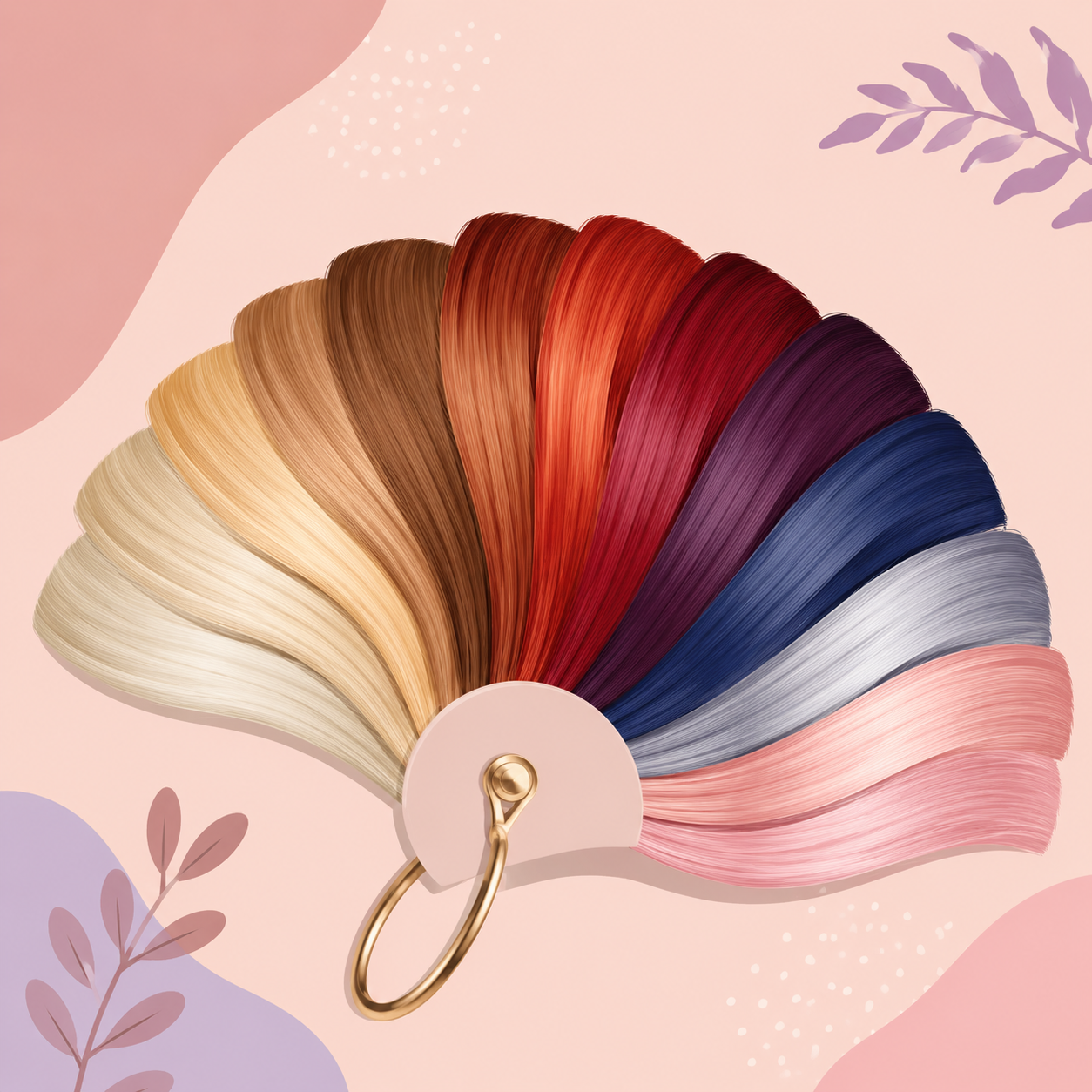
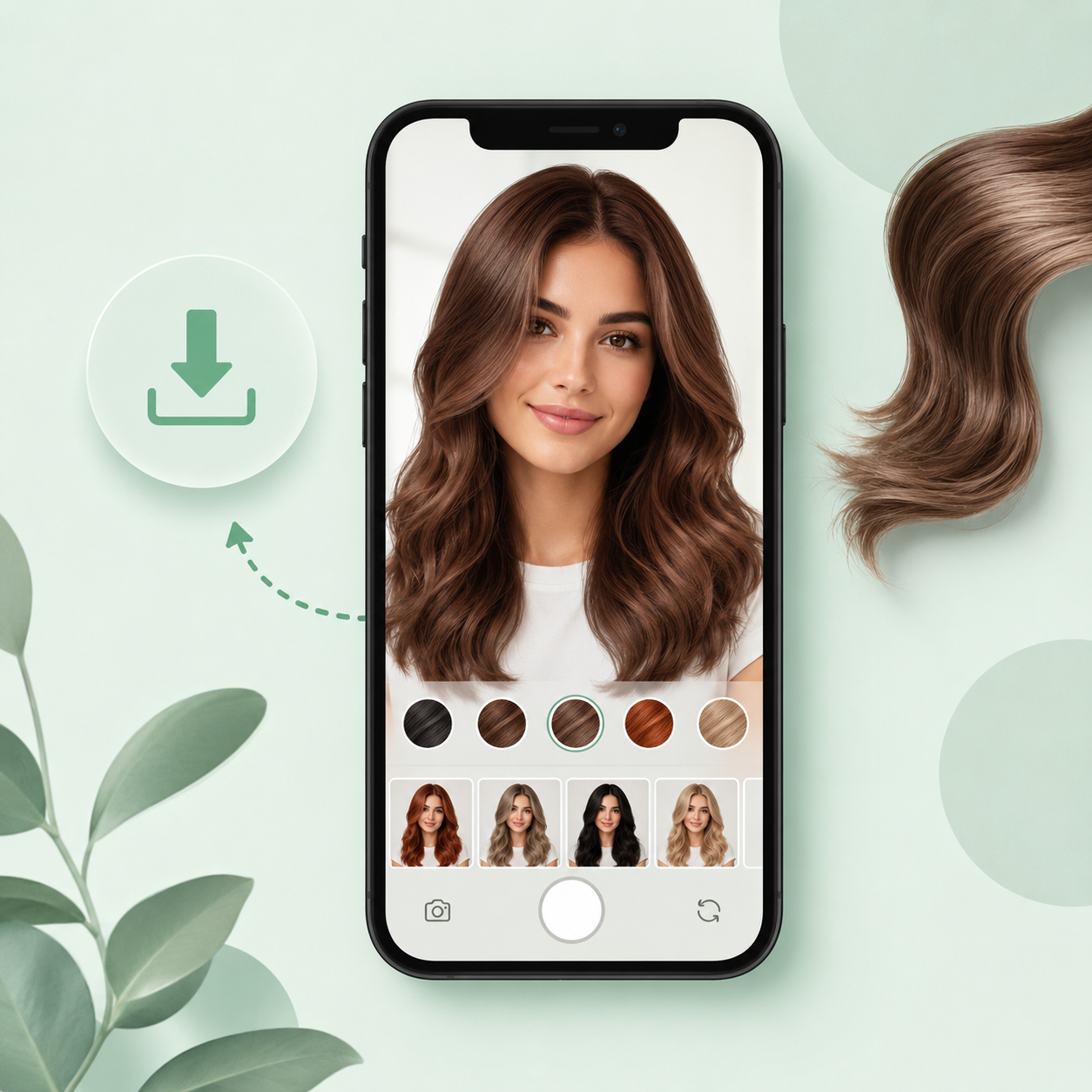
Choose from ten curated shades — platinum blonde, copper red, burgundy, jet black, pastel pink, ocean blue, and more — then hit Generate. The AI Hair Color Changer recolors only your hair while preserving your face, hairstyle, and lighting for a believable, natural finish.
Once your recolored portrait is ready, preview it in the result panel and download a high-resolution, watermark-free copy. Compare shades side by side, share the look with your stylist, or post it on social — try as many colors as you like before committing to the salon.
AI Hair Color Changer
Curious how you'd look as a blonde, redhead, or pastel-pink trendsetter? The AI Hair Color Changer lets you test ten realistic shades on your own photo in seconds. Experiment freely with bold, natural, or fantasy colors — no dye, no damage, and no expensive salon trip required to find your perfect look.
Upload Photo
AI Hair Color Changer
Identity consistency is at the core of every AI Hair Color Changer result. The model recolors only your hair while locking onto your face, skin tone, hairstyle, and the original lighting — so the new shade looks like a real salon dye job, not a flat filter pasted over your photo.
Upload Photo
AI Hair Color Changer
Every AI Hair Color Changer output is generated at high resolution and delivered watermark-free. Download each shade, line them up side by side to compare, and share your favorites with friends or your hairstylist so you can walk into the salon knowing exactly what you want.
Upload Photo
Stylists, beauty shoppers, and trendsetters use ImagineGo's AI Hair Color Changer to preview new shades on their own photos with realistic, natural results and instant downloads.
Anya Petrova
Verified user
2 days ago
I tried six colors before my salon appointment and showed my stylist the exact one I wanted. The copper red looked so real I almost forgot it was AI.
Ben Harris
Verified user
1 week ago
Was about to go platinum blonde but the AI Hair Color Changer showed me it wasn't for me. Tried ash silver instead and loved it. Huge time saver.
Isabelle Kim
Verified user
2 weeks ago
As a stylist I use this to preview shades with clients before we commit. It keeps the hairstyle intact and only changes the color, which is exactly what I need.
Maya Chen
Verified user
3 weeks ago
Most try-on tools look fake, but this kept my highlights and shine. The burgundy had real depth instead of a flat overlay. Impressed.
Lucas Meyer
Verified user
1 month ago
I generated blonde, brown, and pastel pink in a few minutes to compare. Each result kept my face and lighting consistent. Really fun to experiment.
Nora Williams
Verified user
1 month ago
I would never dare dye my hair pink for real, but seeing it on my own photo gave me the confidence. The result was polished, not cartoonish at all.
Ready for a new look? Upload your photo and let the AI Hair Color Changer show you any shade in seconds — natural, bold, or fantasy, all watermark-free.
Try AI Hair Color Changer Now