Skip to content
imagineGo.ai

AI Product Video Generator

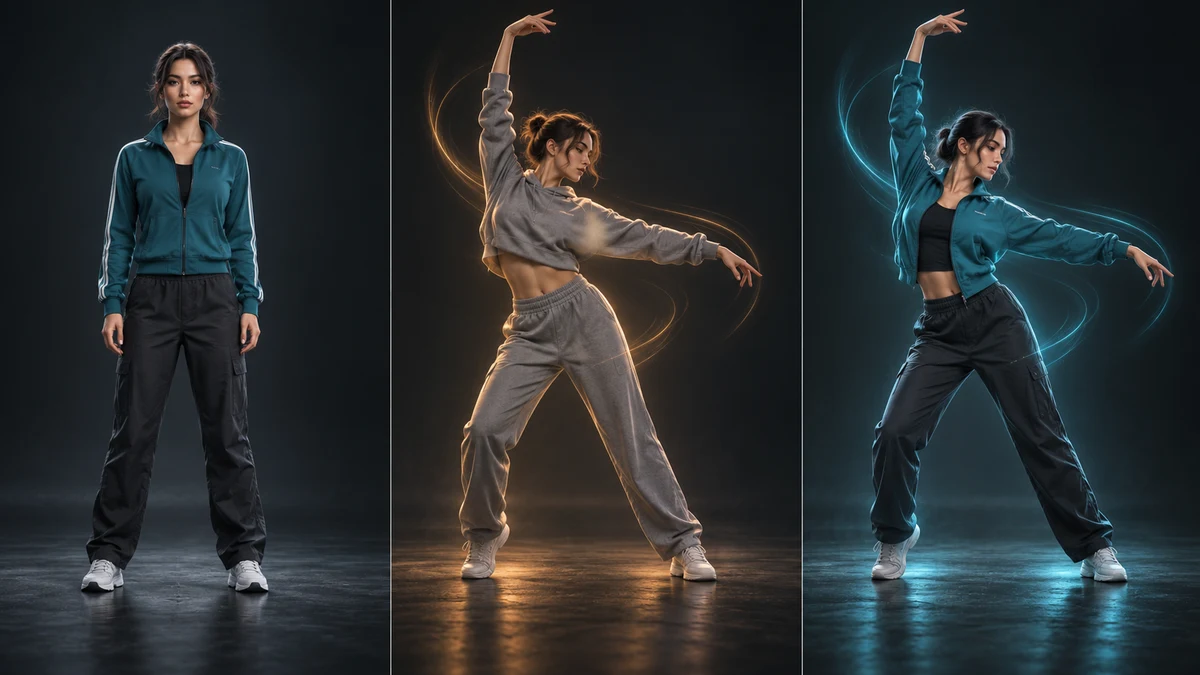
Upload a single product photo and let the AI Product Video Generator animate it into a clean, scroll-stopping marketing video. Powered by ByteDance Seedance 2.0 image-to-video, it adds lifelike motion, smooth camera movement, and cinematic lighting in seconds — no studio, no film crew, and no editing timeline required.

Creative controlsVideo
Model
Generation cost76 credits
PreviewSeedance 2
Examples · AI Product Video Generator

Your next creation starts here.

Choose a model and describe your idea. Your finished work will appear here.

AI Product Video Generator

Upload a single product photo and let the AI Product Video Generator animate it into a clean, scroll-stopping marketing video. Powered by ByteDance Seedance 2.0 image-to-video, it adds lifelike motion, smooth camera movement, and cinematic lighting in seconds — no studio, no film crew, and no editing timeline required.

  • Fast render
  • Vertical & horizontal
  • Commercial-ready
0
Generated product video

3 Steps to Your AI Product Video Generator Clip

Upload Your Product Photo

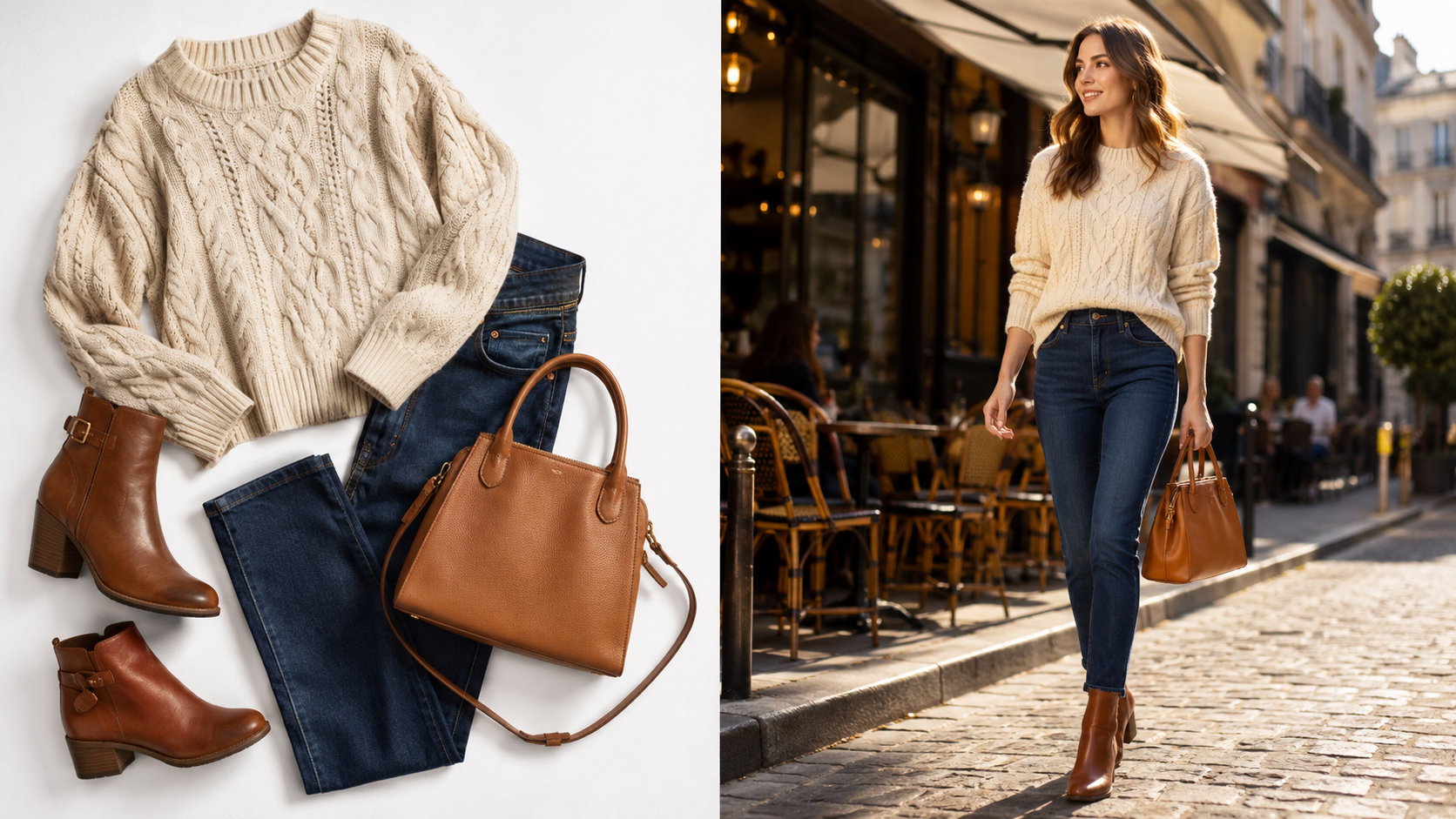
Drop in a single clear photo of your product on any background. The sharper and better-lit the image, the cleaner and more realistic your AI Product Video Generator result will be. PNG, JPG, and WebP are supported, and you can add extra reference frames to guide the motion and final look of the clip.
Pick a Scene and Generate

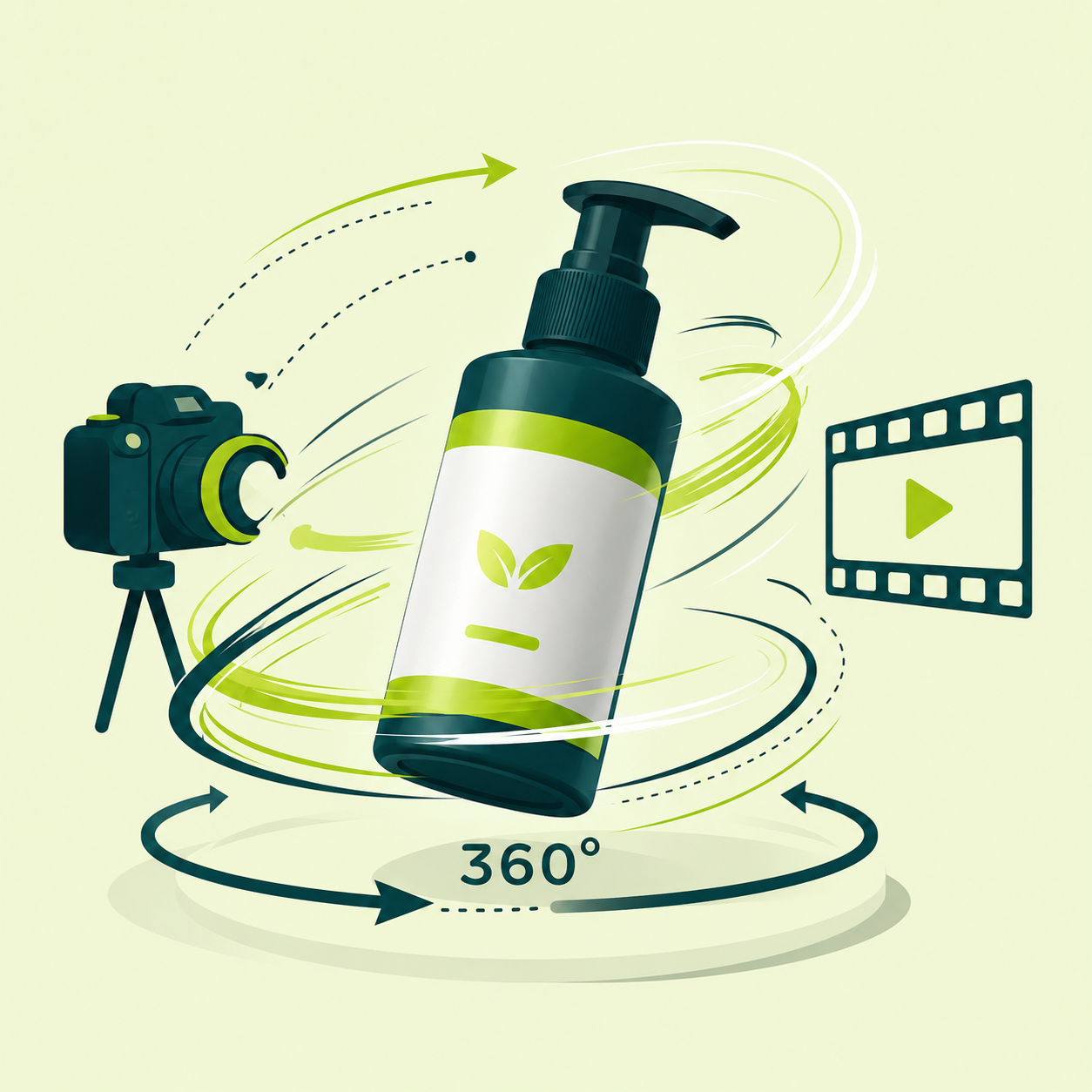
Choose a video scene — Studio Spin, Dynamic Hero, Lifestyle, or Floating Reveal — set the duration, aspect ratio, and resolution, then optionally add a line of direction. The AI Product Video Generator uses Seedance 2.0 image-to-video to animate your photo with natural motion while keeping the product faithful to the original.

Preview and Download

Your product video renders in the result panel where you can play it on loop, then download a ready-to-publish MP4. Use it for product pages, paid ads, Reels, TikTok, and marketplace listings — every AI Product Video Generator clip comes with commercial usage rights.

AI Product Video Generator

Turn One Still Photo into a Selling Product Video

Turn One Still Photo into a Selling Product Video

The AI Product Video Generator converts a flat product image into motion that actually sells — surfaces that catch the light, smooth rotation, and camera work that draws the eye. Instead of booking a videographer and a studio, you upload the photo you already have and get a polished clip in seconds, so every SKU can have its own video without blowing up your budget.

Works for Any Product Category

Works for Any Product Category

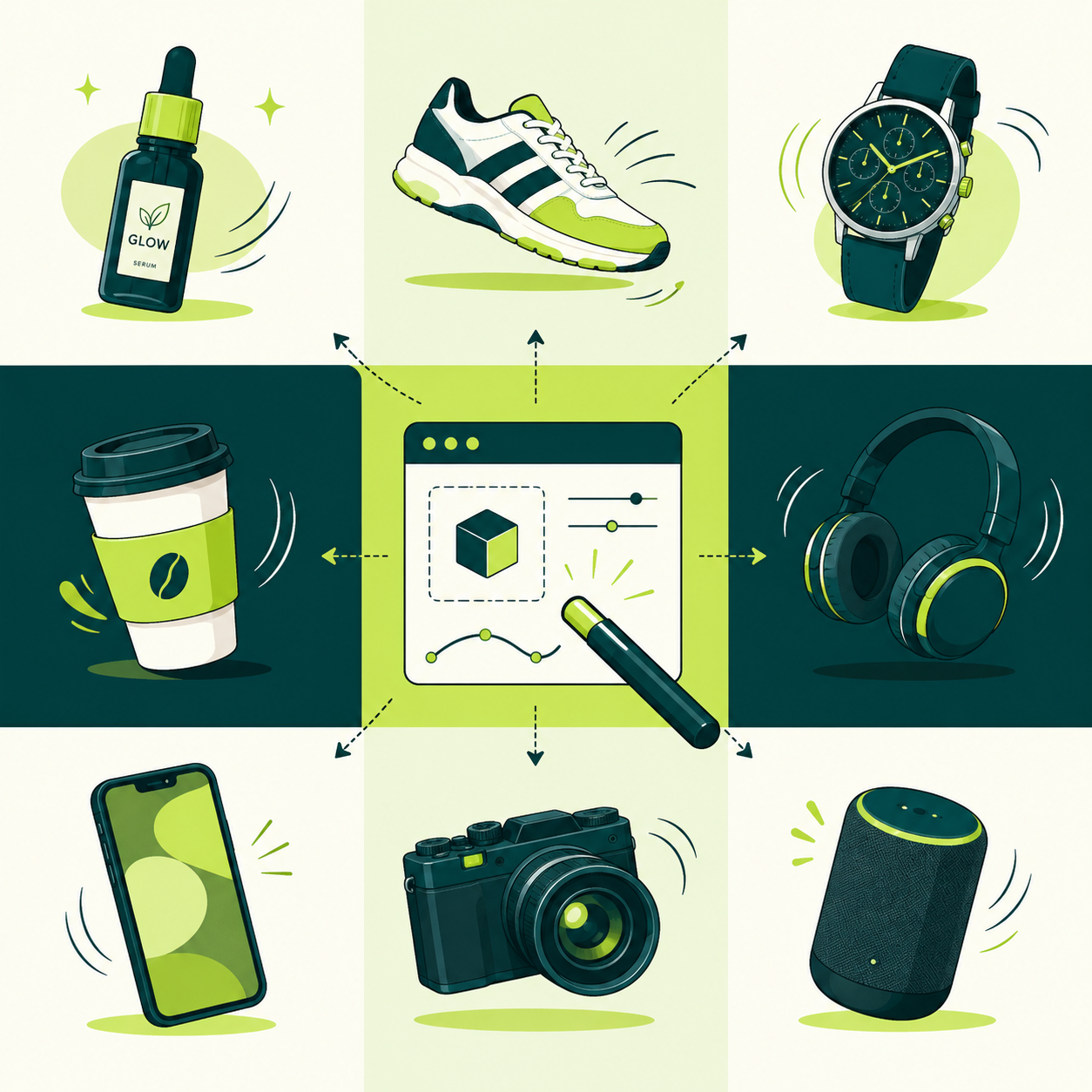
Whether you sell cosmetics, electronics, footwear, packaged goods, jewelry, or home decor, the AI Product Video Generator adapts to your source image. It respects the original shape, color, and material so the video stays true to what the customer will actually receive, building trust and reducing returns caused by mismatched expectations.

Export Vertical and Horizontal Product Videos

Export Vertical and Horizontal Product Videos

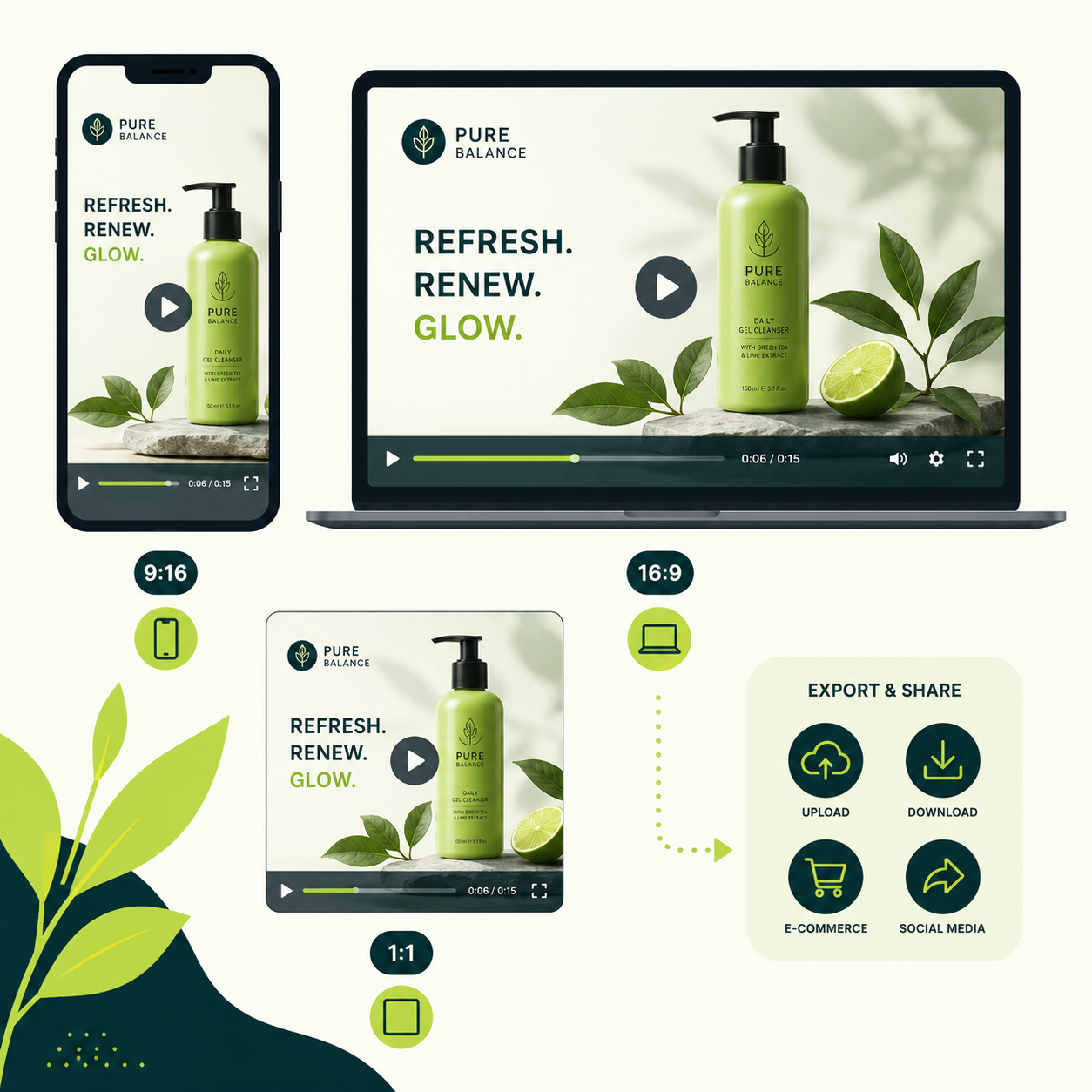
Distribution decides format, so the AI Product Video Generator supports 9:16 for Reels, Shorts, and TikTok, 16:9 for product pages, YouTube, and display ads, and 1:1 for feed posts. Pick your duration and resolution, generate the orientation your channel needs, and keep a consistent, on-brand look across every placement without re-editing a thing.

Trusted by Sellers, Brands, and Studios

Copy preserved from the original website

Every listing finally has a video

We have hundreds of SKUs and could never afford video for all of them. Now I upload the product photo and get a clean clip in under a minute. Conversion on those pages went up noticeably.

Looks like a real studio shoot

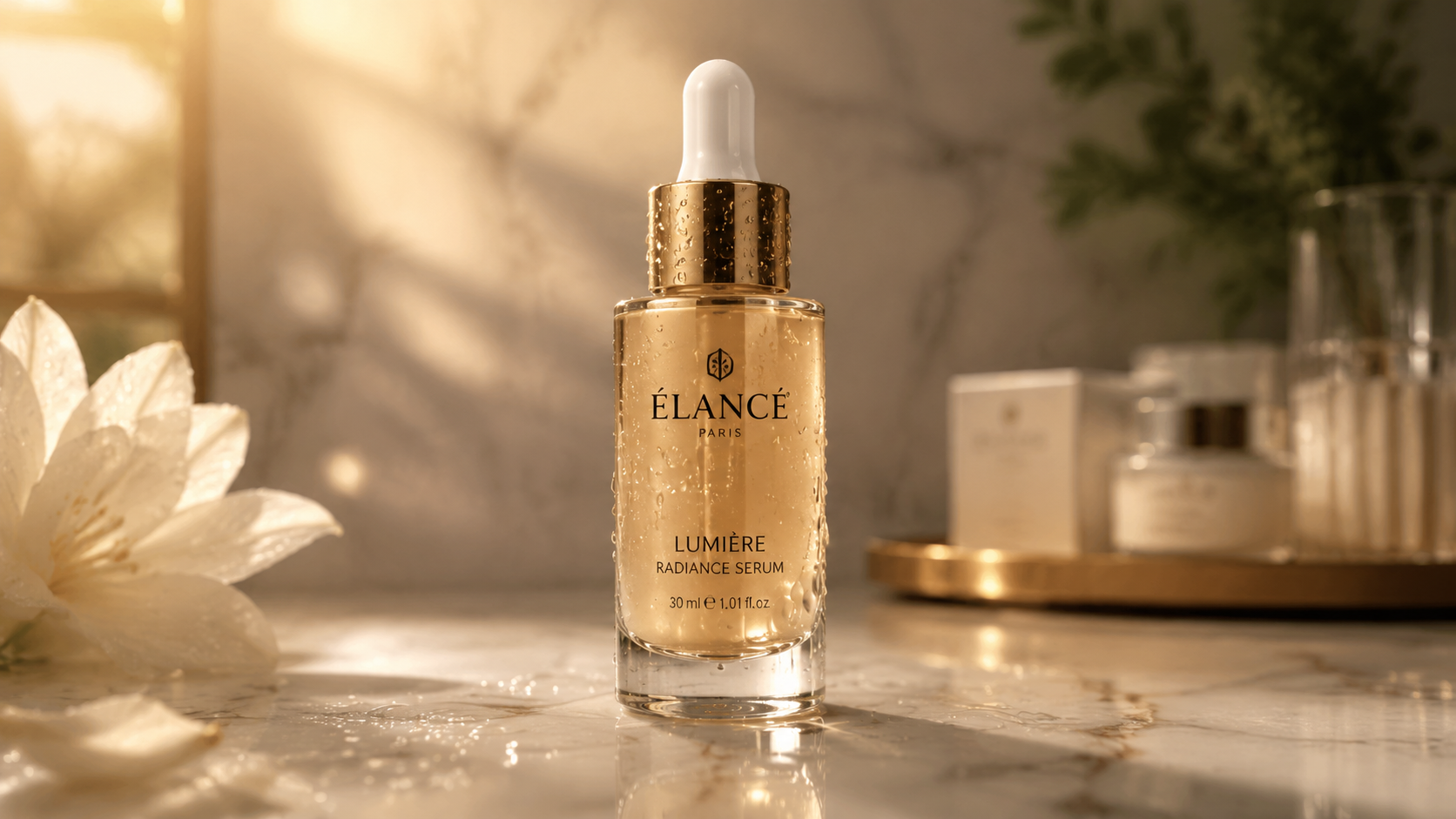
The dynamic hero scene gave my skincare bottles cinematic motion and the lighting looks expensive. Customers thought we hired a production team.

Perfect for paid social

I generate the vertical version for TikTok ads and the wide one for the product page from the same photo. Huge time saver for our small team.

Kept my product accurate

I was worried the colors and shape would drift, but the video stayed true to the original product. That accuracy matters a lot for our brand.

From photo to ad in minutes

Floating reveal is my favorite. It turns a boring catalog image into something people stop scrolling for. Quick to test different scenes too.

No editing skills needed

I don't know how to use video software at all. I just pick a scene, hit generate, and download. It removed the entire production barrier for my shop.

More Tools Like the AI Product Video Generator

AI Product Video Generator — Frequently Asked Questions

What kind of product photo works best?

A sharp, well-lit image where the product is clearly visible works best — a clean studio shot, a packshot, or a lifestyle photo with a simple background. Avoid heavy shadows, busy backgrounds, and blurry photos, since clearer input produces a more realistic AI Product Video Generator result.

Which AI model powers the AI Product Video Generator?

It runs on ByteDance Seedance 2.0 image-to-video, a high-quality model that adds natural motion, camera movement, and cinematic lighting to a still image while keeping your product faithful to the original photo.

Will the video keep my product's color and details?

Yes. The AI Product Video Generator is designed to respect the original color, shape, and material so the motion looks like your actual product. Very fine text or tiny logos can shift slightly, so a high-resolution source image gives the most accurate result.

How long are the generated videos?

You can choose a clip length of 4, 8, or 12 seconds. Shorter, looping clips tend to perform best for product ads, listings, and social feeds, while longer durations give you more room for storytelling.

Can I make vertical, square, and horizontal videos?

Yes. You can choose 9:16 for Reels, Shorts, and TikTok, 1:1 for feed posts, or 16:9 for product pages, YouTube, and display ads, so you can match the format of each channel from the same source photo.

How many credits does a product video use?

Credits depend on the duration and resolution you pick, shown in the cost panel before you click Generate. Higher resolution and longer clips cost more. Credits never expire on ImagineGo and work across every model in the platform.

Can I use the videos commercially?

Yes. Videos created with the AI Product Video Generator come with commercial usage rights, so you can use them on product pages, marketplaces, paid ads, and brand social accounts.

Are my uploaded photos kept private?

Uploaded images are processed only to generate your video and are not shared with third parties. See ImagineGo's privacy policy for full details on data handling and retention.