Anya Petrova
Verified user
2 days ago
Made a perfect anniversary gift
I turned our wedding photo into a graphite sketch, printed it, and framed it. My partner thought I commissioned an artist. The detail was incredible.
Photo to Pencil Sketch
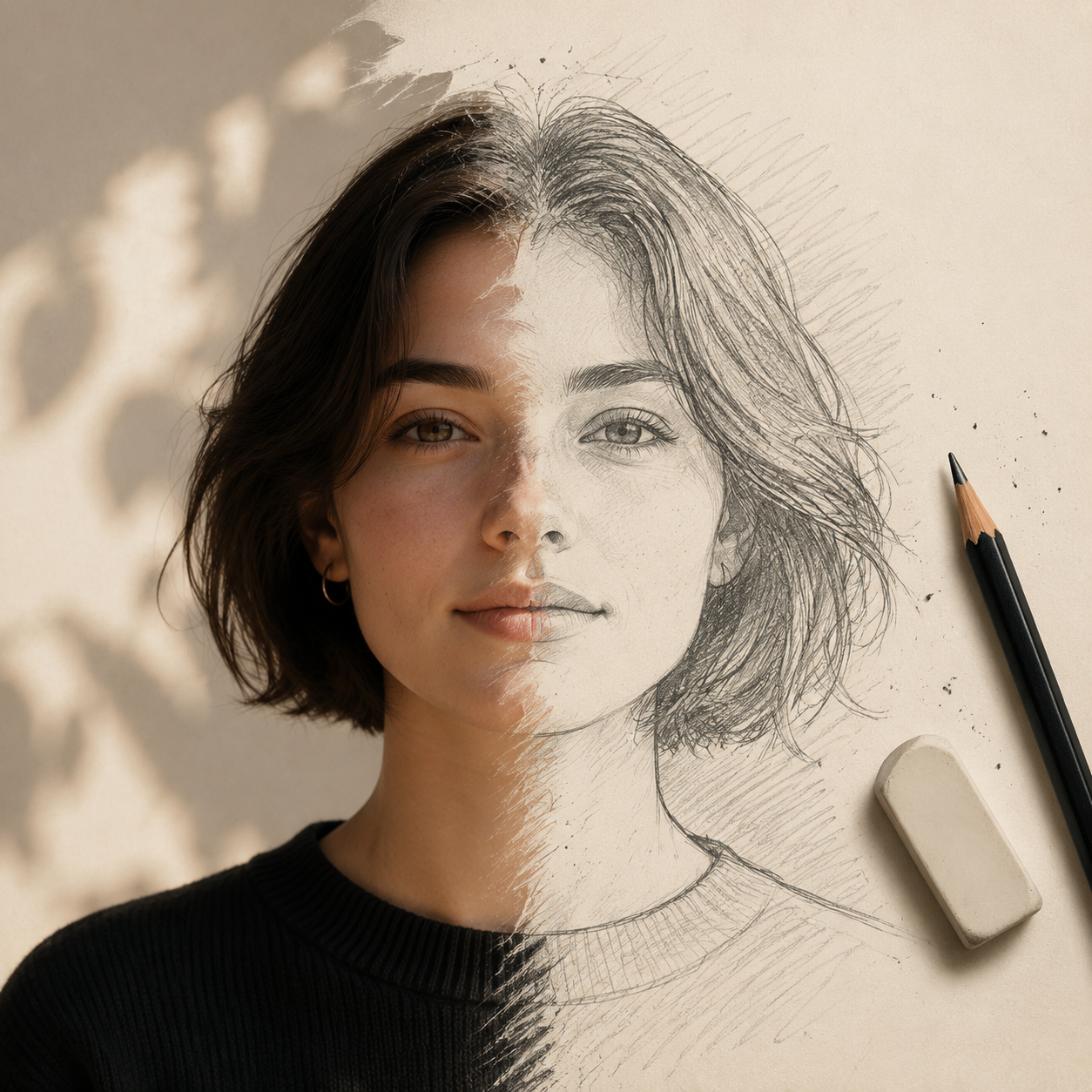
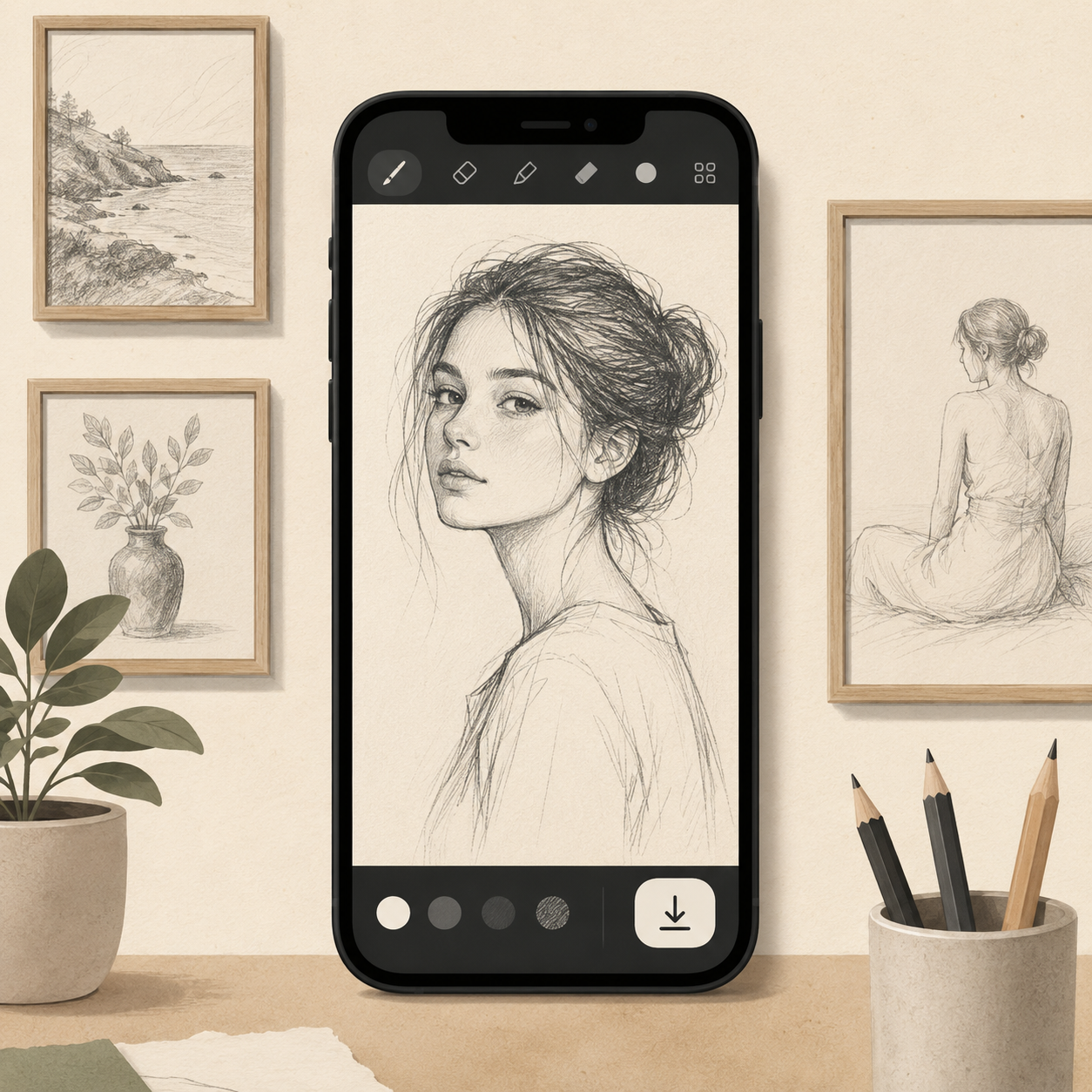
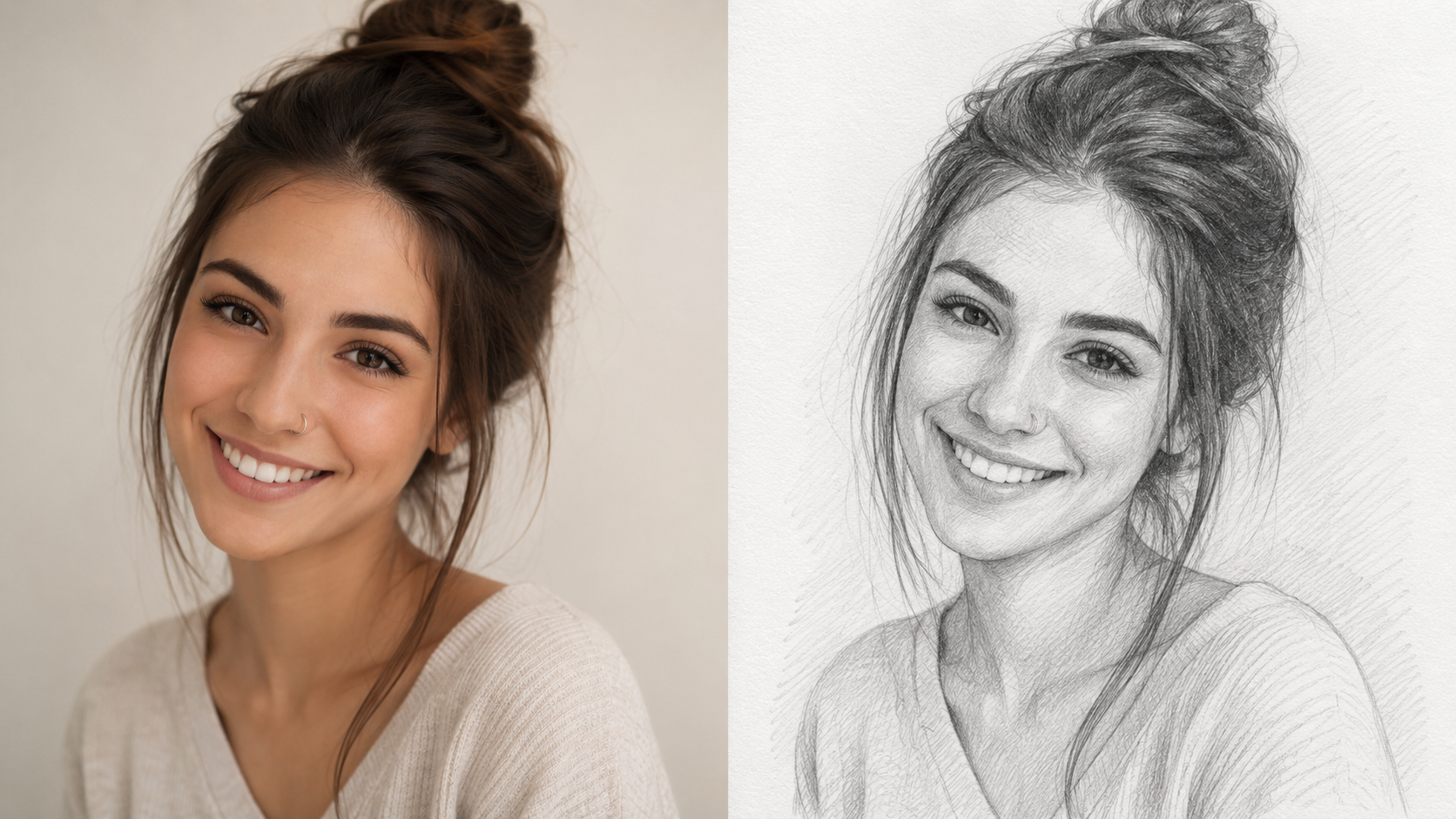
Upload any photo and let ImagineGo's Pencil Sketch Drawing Converter turn it into a realistic hand-drawn sketch in seconds. Choose graphite, charcoal, fine line art, cross-hatch, or colored pencil — the tool keeps your composition and details intact while rendering authentic pencil strokes and shading.
Pencil Sketch Drawing Converter
Image app
Upload Image
Sketch Style
Aspect Ratio

Workflow
Select a clear, well-lit photo — a portrait, pet, landscape, or building all work well. The sharper your image, the more detail the Pencil Sketch Drawing Converter has to work with. PNG, JPG, and WebP formats are supported up to 10 MB, and your photo uploads in seconds.
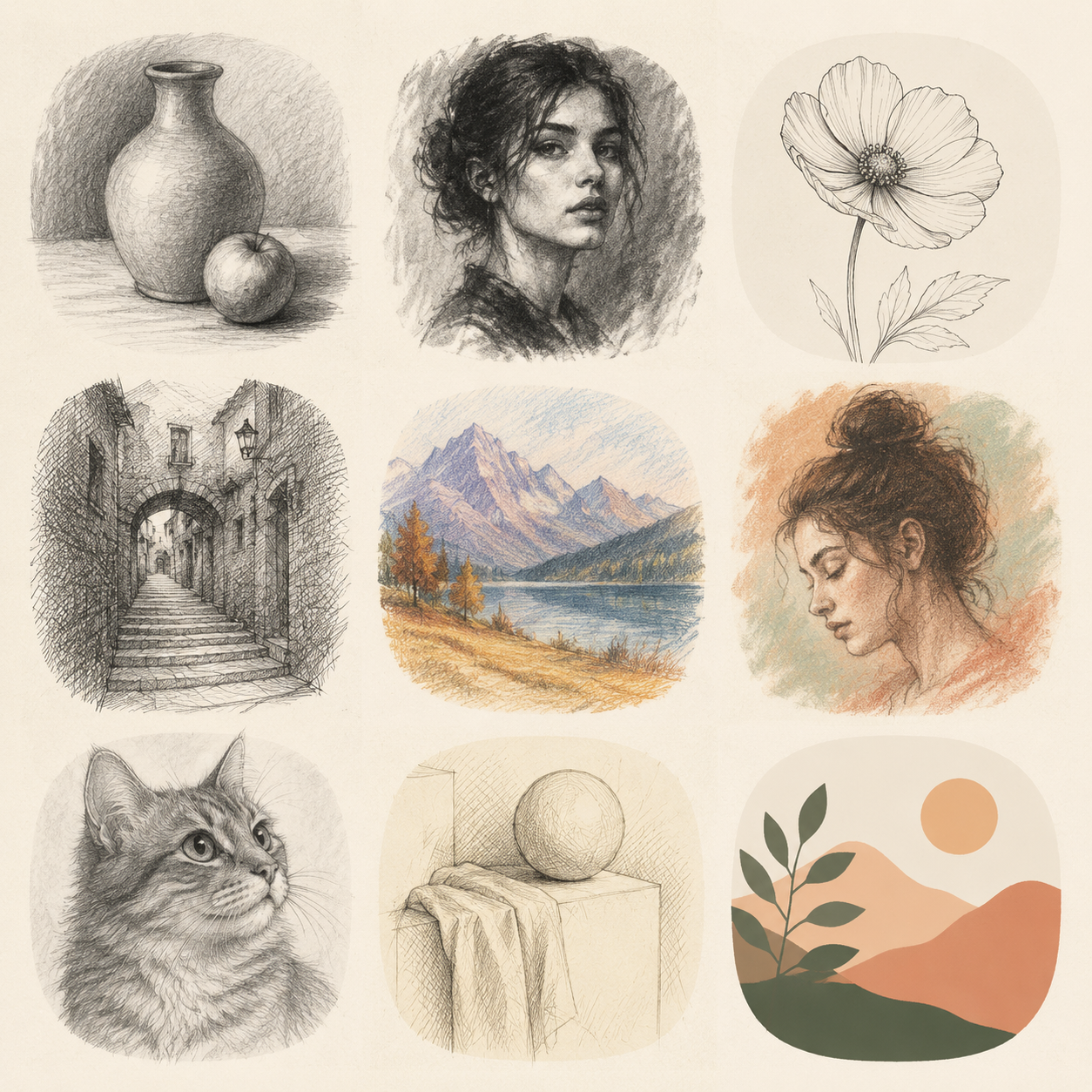
Pick from six hand-drawn styles — graphite pencil, charcoal, fine line art, cross-hatch, colored pencil, or rough sketch — then hit Generate. The Pencil Sketch Drawing Converter renders authentic strokes and shading while keeping your original composition and key details intact.
Once your drawing is ready, preview it in the result panel and download a high-resolution, watermark-free copy. Print it, frame it, gift it, or post it online — try several styles to find the look that suits your photo best before you save your favorite.
Pencil Sketch Drawing Converter
From portraits and pets to landscapes and buildings, the Pencil Sketch Drawing Converter transforms any photo into a realistic drawing in seconds. Choose from six distinct styles — graphite, charcoal, fine line art, cross-hatch, colored pencil, and rough sketch — so every image gets the artistic treatment that fits it best, no drawing skills required.
Upload Photo
Pencil Sketch Drawing Converter
Instead of a flat photo filter, the Pencil Sketch Drawing Converter renders genuine pencil strokes, natural shading, and line-weight variation while preserving your original composition, proportions, and key features. The result looks like a skilled artist sat down and drew your photo by hand — clean, detailed, and convincingly hand-crafted.
Upload Photo
Pencil Sketch Drawing Converter
Every Pencil Sketch Drawing Converter output is generated at high resolution and delivered watermark-free. Download your sketch ready to print and frame, turn a favorite photo into a heartfelt gift, or share the drawing online — all in seconds, with no scanner, paper, or art supplies needed.
Upload Photo
Artists, students, and gift-givers use ImagineGo's Pencil Sketch Drawing Converter to turn photos into realistic hand-drawn sketches with authentic strokes and instant downloads.
Anya Petrova
Verified user
2 days ago
I turned our wedding photo into a graphite sketch, printed it, and framed it. My partner thought I commissioned an artist. The detail was incredible.
Ben Harris
Verified user
1 week ago
As an illustrator I use the Pencil Sketch Drawing Converter to quickly study composition and shading from my photos. The cross-hatch style is genuinely useful.
Isabelle Kim
Verified user
2 weeks ago
Converted a photo of my dog into a charcoal drawing and it kept all his little details. It really does look like someone sketched him by hand.
Maya Chen
Verified user
3 weeks ago
Most photo-to-sketch apps just add a flat overlay, but this had real line variation and shading. The graphite style fooled my art teacher.
Lucas Meyer
Verified user
1 month ago
I ran the same landscape through graphite, line art, and colored pencil to compare. Each result kept the composition and looked distinct. Really fun.
Nora Williams
Verified user
1 month ago
I converted a few travel photos into fine line art drawings for a gallery wall. They look polished and professional, not like a cheap filter at all.
Ready to turn your photos into art? Upload an image and let the Pencil Sketch Drawing Converter render a realistic hand-drawn sketch in seconds — multiple styles, watermark-free.
Try Pencil Sketch Drawing Converter Now