
Model provider xAI
Grok Imagine overview
Expressive image generation with balanced composition and flexible styles for fast creative output.
Creative examples
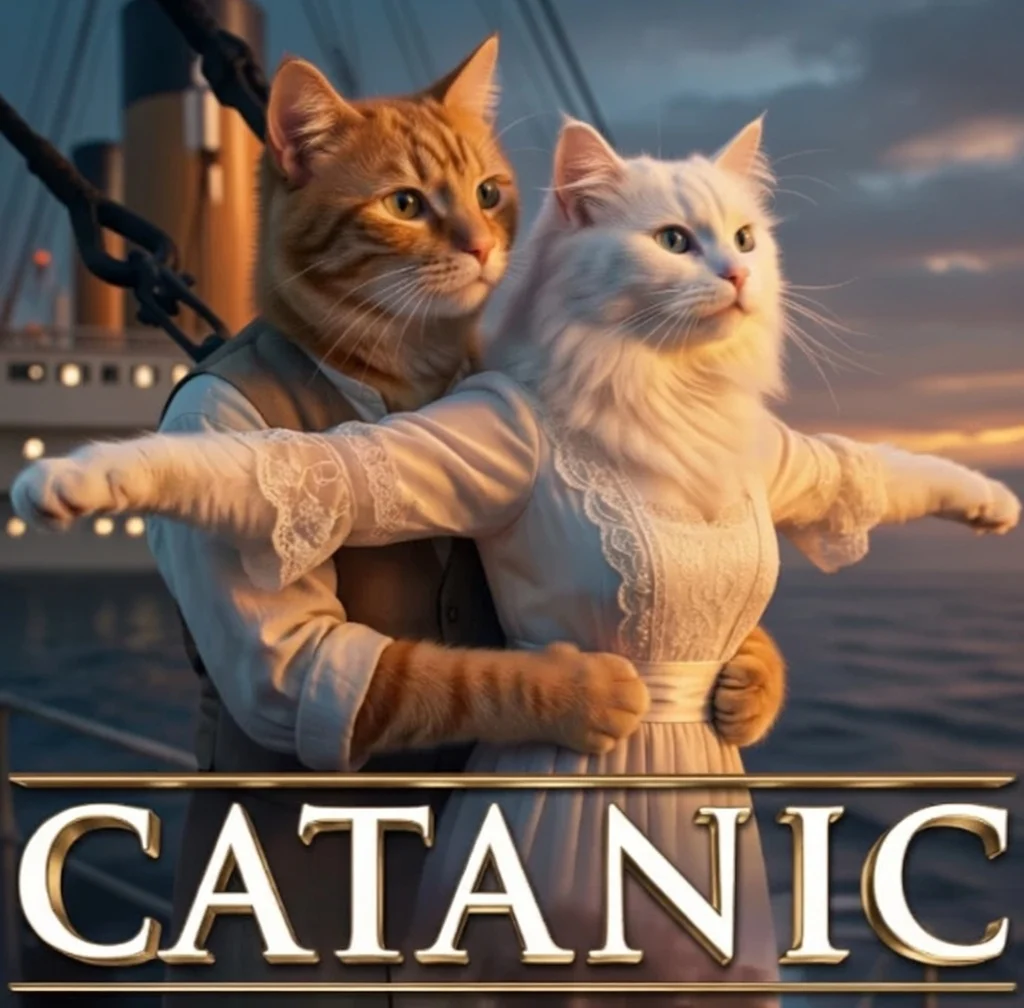
Editorial imagery
Generate clean, story-driven visuals for articles, newsletters, and reports.

Product storytelling
Create brand-friendly scenes that highlight product context and mood.
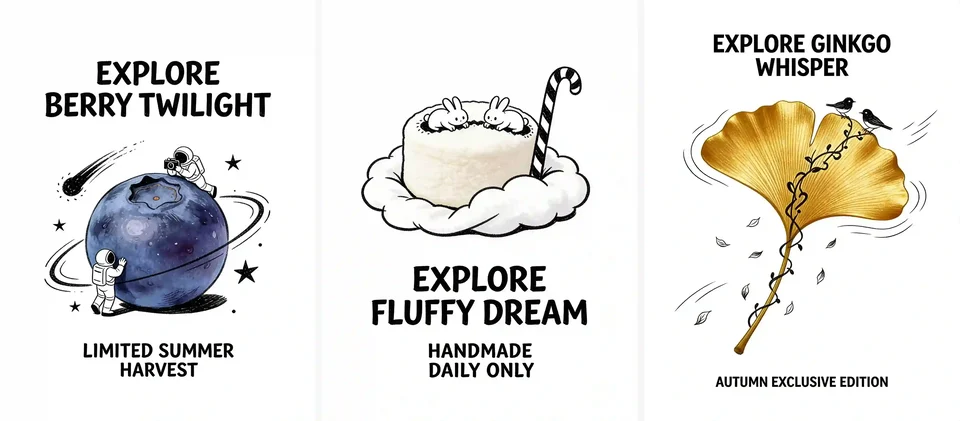
Minimalist visuals
Build simple compositions with strong hierarchy and controlled palettes.
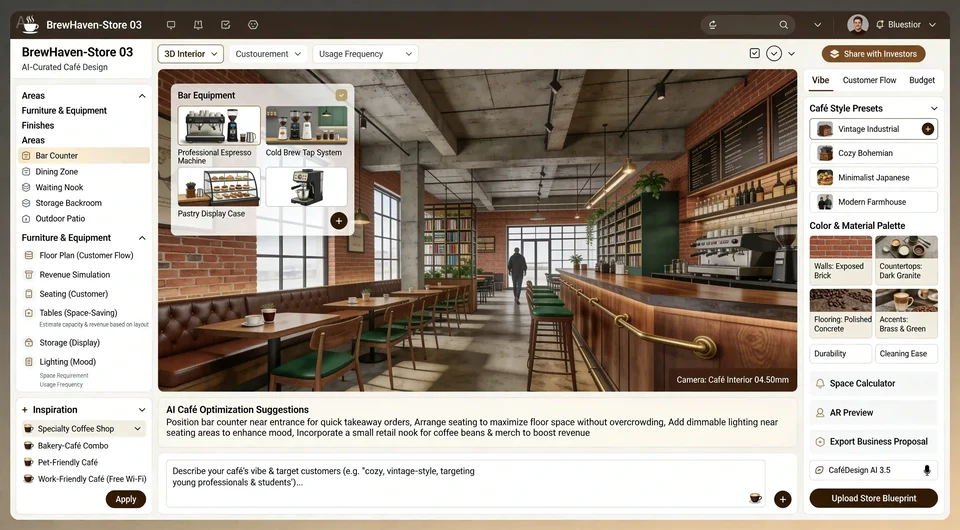
Brand assets
Produce consistent graphics for campaigns, social posts, and presentation decks.
Demo placeholder: editorial portrait
Demo placeholder: minimalist layout
Why creators choose Grok Imagine (Image)
Prompt‑faithful visuals
Generates images that follow scene descriptions closely while preserving overall composition.
Fast iteration flow
Quick turnarounds for testing ideas, exploring styles, and refining concepts.
Clean aesthetics
Balanced lighting and color control for consistent, modern-looking imagery.
Flexible styling
Handles realistic, graphic, and stylized looks without heavy prompt tuning.
Credits per generation
Credit costs depend on the selected settings. Confirm the amount on the generation button before submitting.
| Generation configuration | credits |
|---|---|
| Base configuration | 4 |
Flexible Credit Packages
See credit costs for Grok Imagine and every other model on the pricing page. Credits never expire.
Purchased packs do not expire. Historical balances keep their original expiry. Subscription plans: Monthly credits expire at the end of each benefit month.
FAQ
What inputs does this image model support?
Enter a prompt, choose an aspect ratio, and optionally provide reference images if supported.
How does quality affect results?
Higher quality improves detail and realism but can take longer and cost more credits.
What file types can I upload?
Use PNG, JPG, or WebP images up to the model's maximum image limit.
What styles work best with Grok Imagine (Image)?
It performs well with clean editorial, minimal, and stylized concepts with clear structure.
Can I control composition and mood?
Yes. Describe framing, lighting, and tone to guide composition and color direction.
How do I keep outputs consistent?
Reuse key descriptors and visual constraints in your prompt for series consistency.