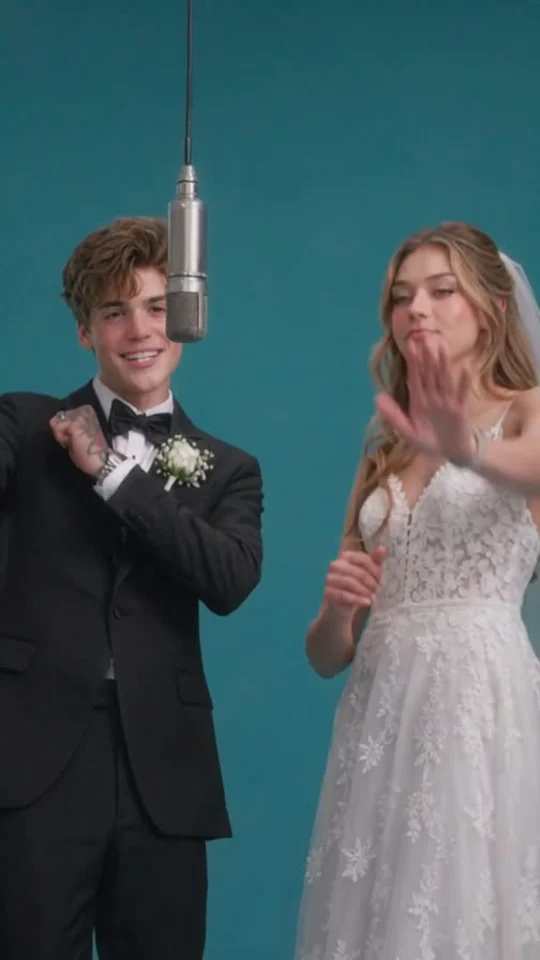
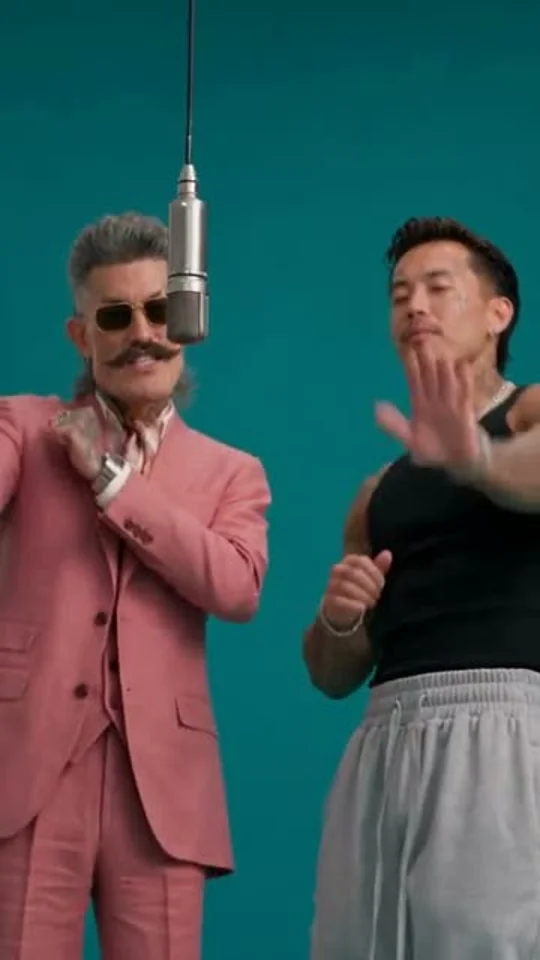
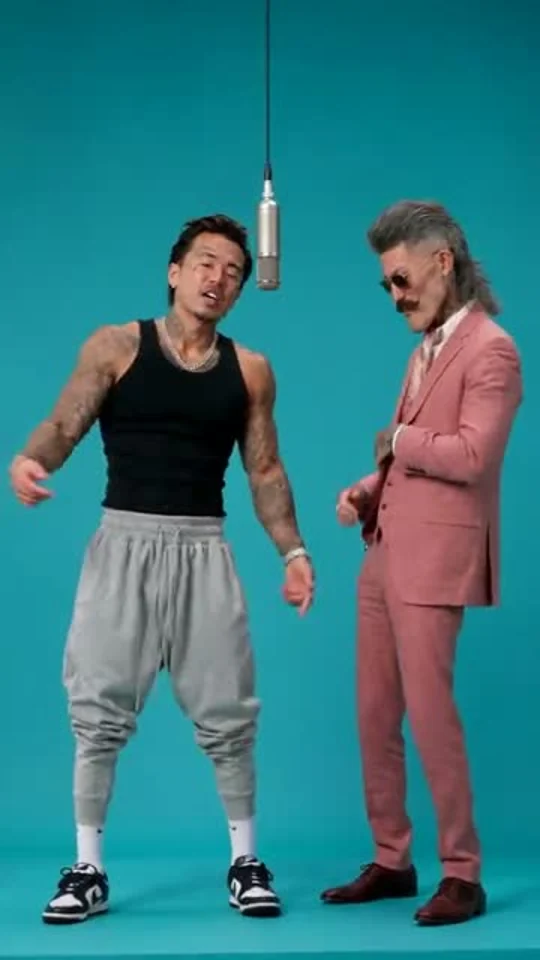
One clear, well-lit adult per photo. Your first photo takes the left spot.
15 seconds · 720p · 9:16 MP4 · AI audio950 points per video
Includes the fixed motion reference. Failed generations release reserved points.
Use photos of adults who agreed to appear.
Third-party reference, shown without sound. Your video is newly generated with your photos and AI audio.
58th Floor AI Video References
See the visual recipe before you upload: two distinct performers, a teal stage, one hanging microphone and a relaxed exchange of gestures. These are third-party reference clips, not results generated by this tool. We have removed their sound. Your finished video uses your two photos to create a new performance; camera timing, resemblance and gestures can vary.
Choose two separate, clear photos of adults who want to join the duet. Put the first performer in the left upload and the second in the right. The photos can come from different places and occasions. Front-facing portraits with an unobstructed face give the model a clearer identity reference than a distant group shot.
02
Create your teal-studio duet
Press Generate my duet after signing in and checking the displayed points. The scene, motion reference, portrait format and Seedance 2.5 settings are already prepared. There is no prompt box or model menu to configure. Both reference-video input and generated output are included in the price shown before submission.
03
Review, download and share
Watch the complete clip when it finishes. Check both faces, the left and right positions, hands and microphone before downloading your MP4. The task stays in your account history, so you can return later. For a social post, add captions or a soundtrack you are allowed to use in your preferred editor and disclose AI-generated content where required.
Make a 58th Floor AI Video Your Own
Two identities, one shared performance
The appeal of the 58th Floor AI trend is the pairing. Cast yourself with a friend, partner, sibling or bandmate and let the contrast between the two people carry the moment. Separate identity photos help describe who belongs on each side. The instructions ask the model to preserve each person’s recognizable features and outfit while creating a continuous duet. Identity consistency is a goal, rather than a guarantee, especially during quick turns or overlapping hands.
A recognizable teal-stage look
A seamless teal backdrop and a single suspended silver microphone make this format easy to recognize. The preset uses a short visual reference to guide framing, rhythmic nods and alternating gestures. One performer takes the lead while the other reacts, then they exchange roles. This creates more direction than asking an open-ended video model for a generic music clip, while still producing an original scene from your photos.
One simple upload workflow
This page is built for a single creative task. Upload the two photos and generate; you do not need to find footage, describe a studio, choose a model or calculate the reference-video charge yourself. The fixed result is a 15-second, 720p vertical MP4 with AI-generated audio. If you need different durations, resolutions or custom scenes, use the wider image-to-video workspace instead of adding complexity to this quick duet tool.
Better Photos for Your 58th Floor AI Video
Start with a sharp portrait where the person’s face is large enough to read. Avoid sunglasses, heavy beauty filters, strong backlighting and a hand covering the mouth. A head-and-shoulders or waist-up picture usually gives useful detail; a full-body image also helps describe clothing. Keep each upload to one person and use similarly clear photos for both performers. A strong first photo cannot compensate for a second face that is tiny or blurred. Once the clip is ready, inspect the entire performance instead of judging only its opening frame. Small hands, quick gestures and microphone occlusion can expose errors that a still preview hides. If a take is weak, use clearer source photos before trying another generation.
58th Floor AI Video Questions
What is the 58th Floor AI video trend?
It is a personalized rap-duet format inspired by the teal studio staging of Anderson .Paak and Cordae’s 58th Floor COLORS performance. Two people share the frame beneath a hanging microphone and take turns performing. This tool generates a new scene using your photos and a fixed visual reference. It is an independent creative tool, with no artist or studio affiliation.
Do I need two photos or a prompt?
You need exactly two photos, one per adult performer. The first photo guides the left person and the second guides the right person. No prompt, reference-video upload or settings selection is required. Sign in to submit your generation, and check the visible points charge before starting.
Does the video include the original 58th Floor song?
No. The preset requests a fresh AI hip-hop instrumental with nonverbal performance sounds. It does not promise the original recording, lyrics, artist voices or exact lip sync to the song. If you want a particular soundtrack, add music you are permitted to use through your editor or the publishing platform’s available sound library.
How much does a 58th Floor AI video cost?
The fixed 720p workflow uses 950 points for a 15-second output plus its 10-second motion reference. Seedance 2.5 reference-video billing counts both input and output duration. The total is displayed beside the generate button. Watching the examples is free; creating a personal video requires enough points in your account.
Will both faces and gestures match perfectly?
No result is guaranteed to match a reference frame for frame. The model aims to keep both people recognizable and follow the duet’s visual rhythm, but faces, fingers, outfits and timing can drift. Clear separate portraits and limited overlap help. The examples show the intended style; they do not guarantee an identical result from your photos.
What happens if generation fails or I leave the page?
A confirmed failed generation releases its reserved points through the normal task system. A queued or processing job should be checked in History before you submit another one. You can leave the page while it runs and return to the same account to review and download the finished video. A successful result you simply dislike is different from a technical failure.