logoimagineGo.ai
Home
Text to VideoImage to Video
Text to ImageImage to Image
ModuleToolsPrompts

Photo to GTA Art

GTA Art Image Generator

Upload any portrait and let ImagineGo's GTA Art Image Generator transform it into bold, cel-shaded loading-screen comic art in seconds. Pick classic, neon, desert, cover-art, urban, or tropical vibes — the tool keeps your likeness while rendering thick outlines, saturated color, and that unmistakable video-game cover energy.

GTA Art Image Generator

Image app

Upload Image

GTA Art Style

Aspect Ratio

Cost3 credits
GTA Art Image Generator demo result
Fast upload
Loading-screen look
Download ready

Results

See What GTA Art Image Generator Can Do

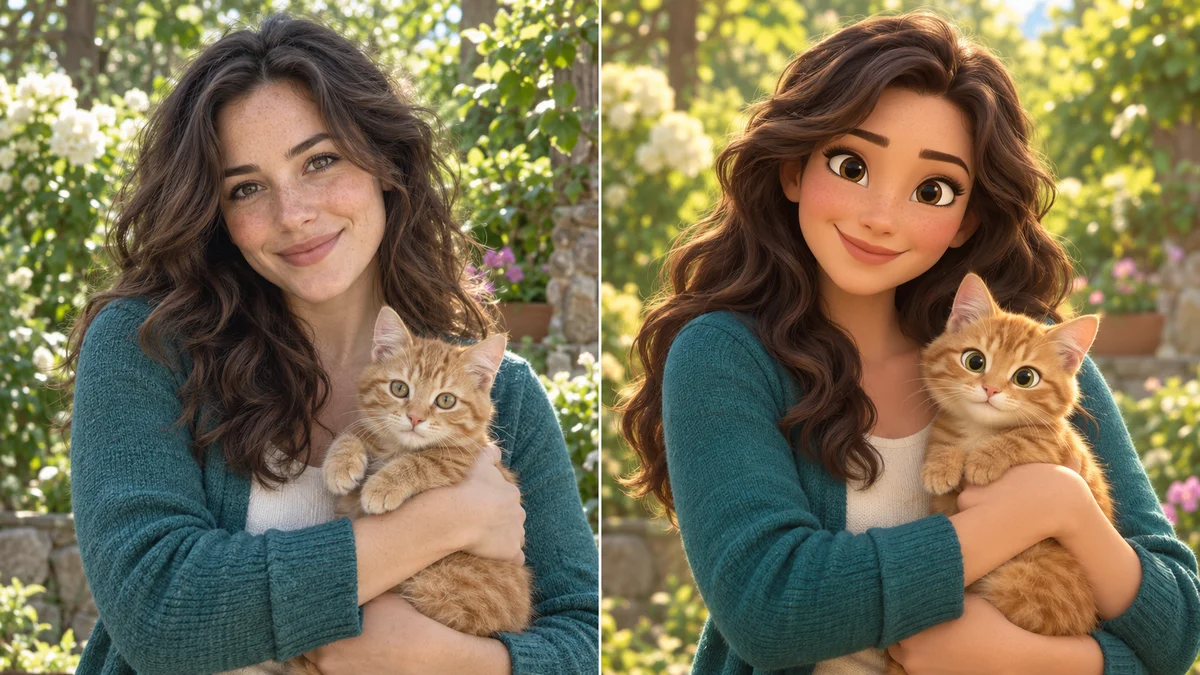
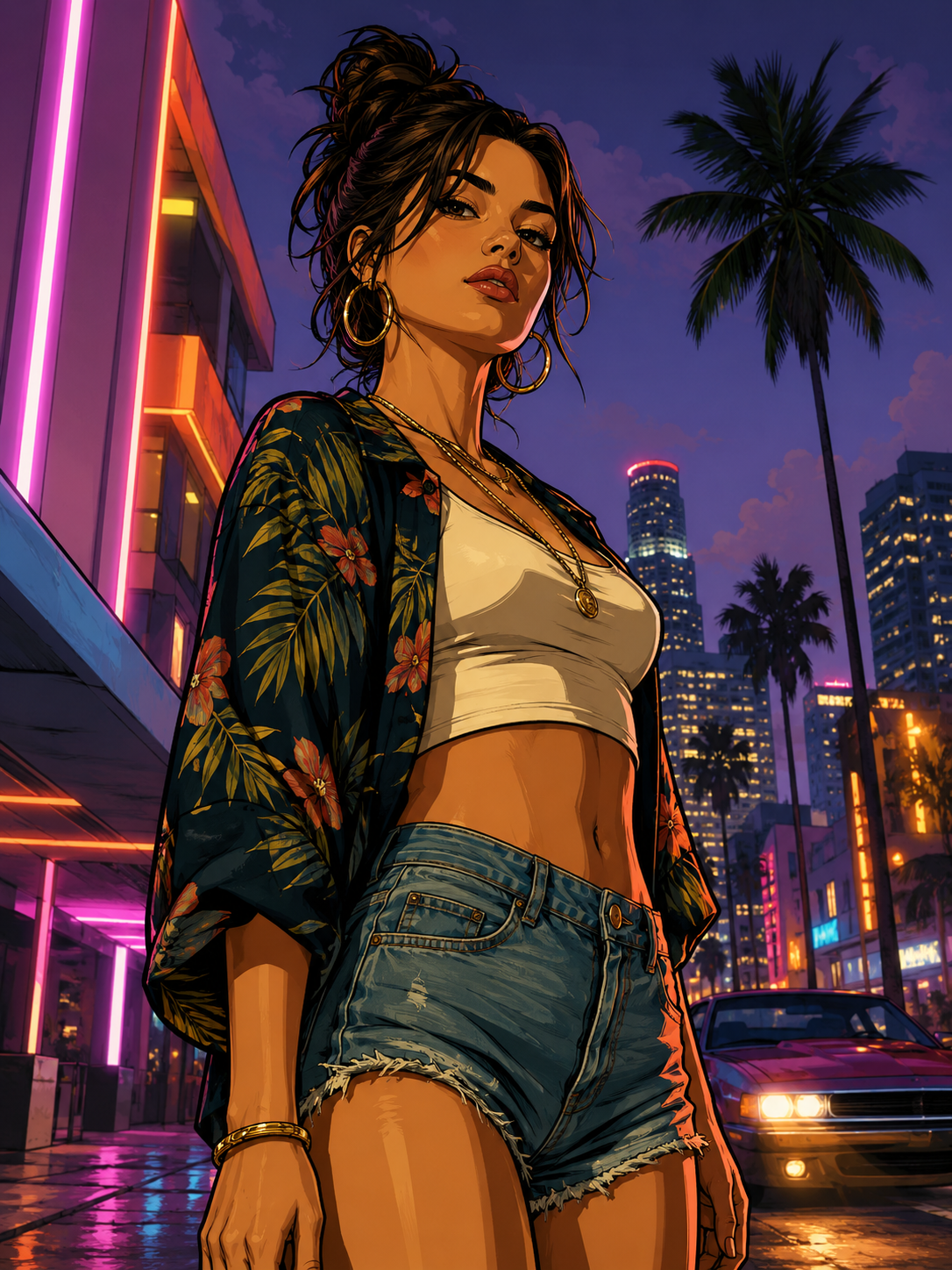
These GTA Art Image Generator examples show how everyday portraits become bold, comic-style loading-screen art — thick outlines, saturated color, and cinematic game-cover energy without losing the subject's likeness.

GTA Art Image Generator neon night demo
Neon night street portrait
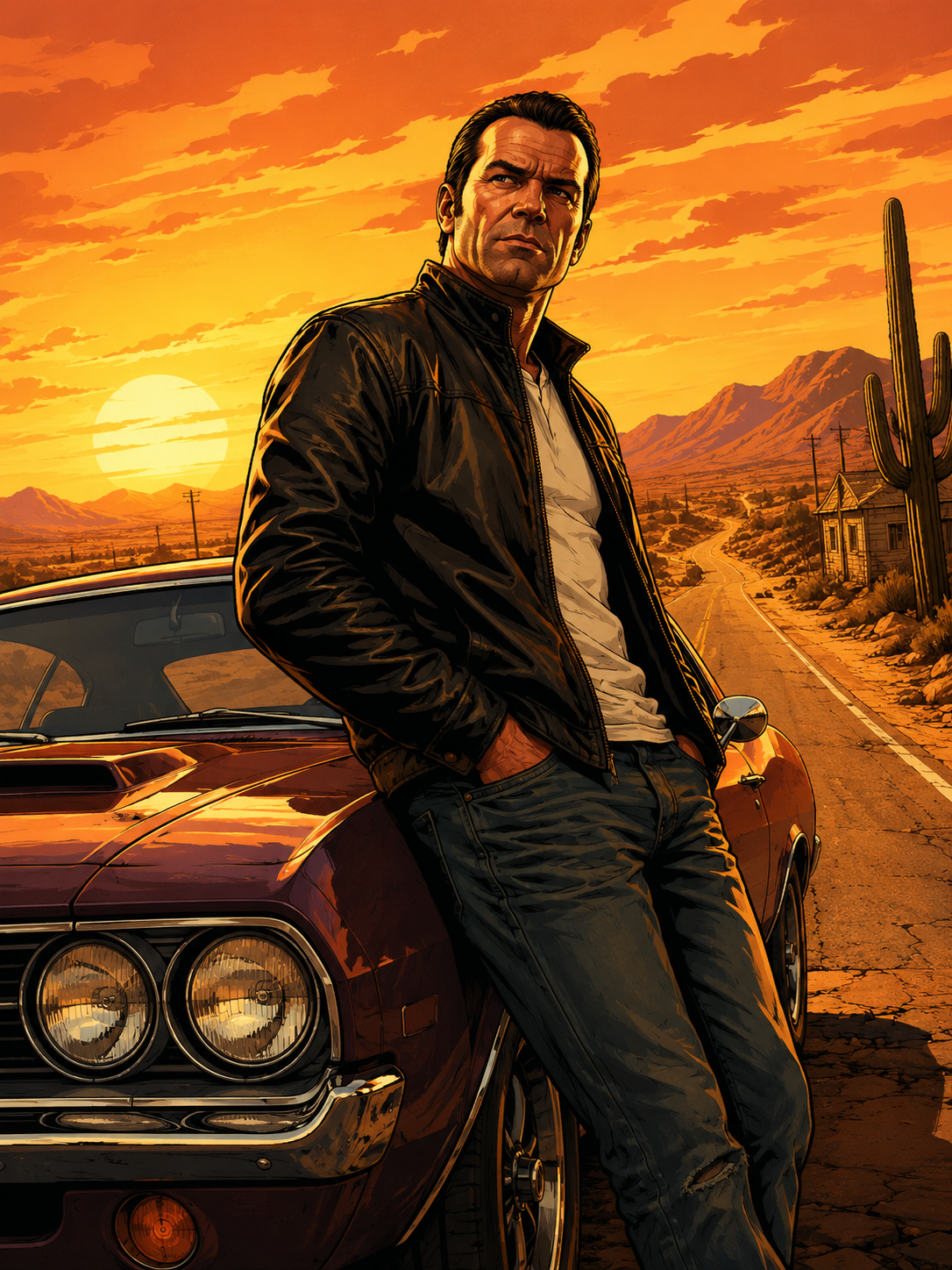
GTA Art Image Generator desert highway demo
Desert highway cover art
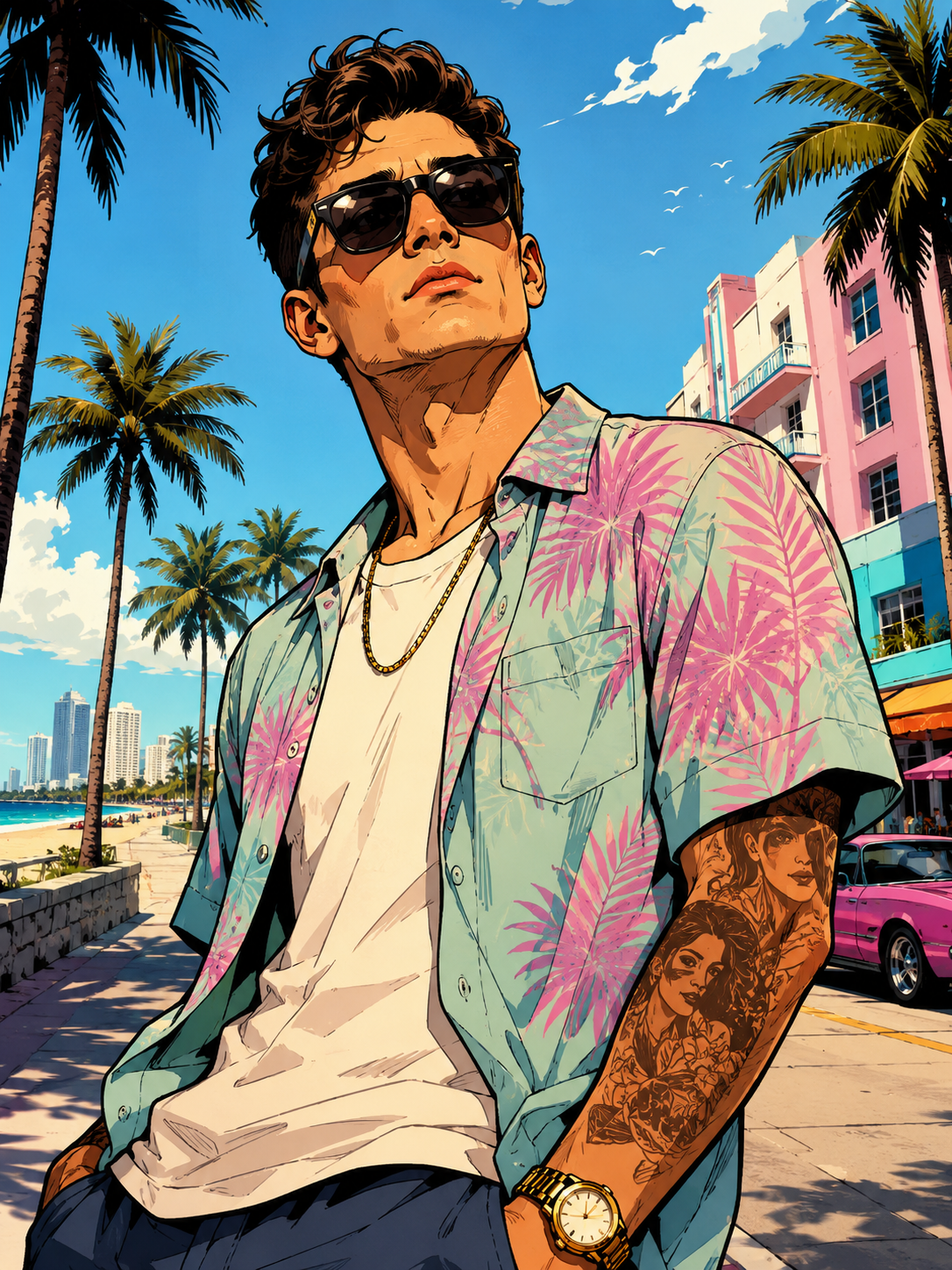
GTA Art Image Generator beach boulevard demo
Sunny beach boulevard style

Workflow

How to Use GTA Art Image Generator

Upload Photo
1

Upload Your Photo

Choose a clear portrait or full-body photo with good lighting. The sharper the face and outfit details, the more the GTA Art Image Generator can translate them into thick outlines and comic shading. PNG, JPG, and WebP up to 10 MB upload in seconds.
2

Pick a GTA Art Style

Select classic loading screen, neon night, desert sunset, cover art, urban street, or tropical boulevard, then hit Generate. The GTA Art Image Generator keeps your likeness and pose while rebuilding the scene with cel-shading, bold color, and cinematic game-cover lighting.

3

Download Your GTA Art

Preview the finished comic portrait in the result panel, then download a high-resolution, watermark-free image. Use it for profile pictures, posters, thumbnails, or social posts — try a few styles until you land on the look you want.

GTA Art Image Generator

GTA Art Image Generator Turns Photos Into Comic Art

The GTA Art Image Generator transforms everyday portraits into bold loading-screen illustrations in seconds. Whether you want neon nightlife energy, desert highway grit, or sunny boulevard vibes, upload one photo and get a game-cover look that still feels like you — no drawing skills or Photoshop layers required.

Upload Photo
GTA Art Image Generator Turns Photos Into Comic Art

GTA Art Image Generator

GTA Art Image Generator Delivers Bold Cel-Shaded Looks

Instead of a flat cartoon filter, the GTA Art Image Generator rebuilds your image with cel-shaded forms, thick black outlines, dramatic lighting, and saturated color blocks inspired by classic video-game cover art. Faces stay recognizable while the whole frame gains that punchy, illustrative Rockstar-style presence.

Upload Photo
GTA Art Image Generator Delivers Bold Cel-Shaded Looks

GTA Art Image Generator

Download Share-Ready GTA Art Image Generator Results

Every GTA Art Image Generator result downloads at high resolution with no watermark. Drop it into a stream overlay, print a poster, refresh your gaming profile, or post the comic portrait online — ready the moment generation finishes.

Upload Photo
Download Share-Ready GTA Art Image Generator Results

Why Creators Love GTA Art Image Generator

Gamers, streamers, and creators use ImagineGo's GTA Art Image Generator to turn photos into bold cel-shaded loading-screen portraits with instant downloads.

A

Anya Petrova

Verified user

2 days ago

My profile pic looks like a cover

I ran a casual selfie through the GTA Art Image Generator and it came back looking like a real loading-screen portrait. Friends thought I commissioned an illustrator.

B

Ben Harris

Verified user

1 week ago

Perfect for my stream branding

Needed a bold avatar for my channel. The neon style kept my face and outfit but made everything feel cinematic. Super fast and clean.

I

Isabelle Kim

Verified user

2 weeks ago

Desert style is addictive

Tried the desert sunset look on a travel photo and the thick outlines plus warm color made it feel like classic cover art. Downloaded three versions.

M

Maya Chen

Verified user

3 weeks ago

Way better than a cartoon filter

Most apps just smear a filter over the photo. This rebuilt the lighting and outlines while keeping my likeness. The GTA Art Image Generator actually looks hand-illustrated.

L

Lucas Meyer

Verified user

1 month ago

Great for party invites

Made GTA-style portraits for a themed birthday invite. Everyone wanted their own version. Generation was quick enough to batch a whole group.

N

Nora Williams

Verified user

1 month ago

Tropical vibe nailed it

Uploaded a beach vacation photo and the tropical boulevard style kept the palms and sunlight while turning me into comic-cover art. Instantly shareable.

More Tools Like GTA Art Image Generator

AI Anime Group Photo

AI Anime Group Photo

Try it
Photo to Minimalist Line Art

Photo to Minimalist Line Art

Try it

GTA Art Image Generator — Frequently Asked Questions

Try GTA Art Image Generator Now

Ready for loading-screen vibes? Upload a photo and let the GTA Art Image Generator turn it into bold comic cover art in seconds — watermark-free and share-ready.

Try GTA Art Image Generator Now

Video AI

  • Text To Video
  • Image To Video

Image AI

  • Text To Image
  • Image To Image

AI Tools

  • Free Text To Image
  • AI Group Photo Maker
  • Sora Anime Maker
  • Character Design Breakdown
  • AI Anime Group Photo
  • grok video generator
  • Viral YouTube Shorts Thumbnail AI Generator
  • Anime Character Line Sketches
  • Ultra-realistic Candid Smartphone Photograph
  • Ai Physics Solver
  • Ai Voxel Chibi Fantasy Characters
  • free pokemon fusion generator
  • Ai Food Photography Generator
  • Photo to Minimalist Line Art
  • Free AI Emoji Generator Online
  • AI Product Photography Maker
  • Watercolor Brush Logos
  • View All →

Supported Models

Video

  • Grok Imagine Video logoGrok Imagine Video
  • Grok Imagine Video 1.5 logoGrok Imagine Video 1.5
  • Seedance 1.5 Pro logoSeedance 1.5 Pro
  • Veo 3.1 Lite logoVeo 3.1 Lite
  • Veo 3.1 Fast logoVeo 3.1 Fast
  • Veo 3.1 Quality logoVeo 3.1 Quality
  • Wan 2.5 logoWan 2.5
  • Wan 2.7 logoWan 2.7
  • Hailuo 2.3 Pro logoHailuo 2.3 Pro
  • Kling 2.6 logoKling 2.6
  • Kling 2.6 Motion Control logoKling 2.6 Motion Control
  • Seedance 2 Fast logoSeedance 2 Fast
  • Seedance 2 logoSeedance 2
  • Seedance 2 Mini logoSeedance 2 Mini
  • Kling 3.0 logoKling 3.0

Image

  • z-image logoz-image
  • Nano Banana logoNano Banana
  • Nano Banana Pro logoNano Banana Pro
  • Nano Banana 2 logoNano Banana 2
  • Nano Banana 2 Lite logoNano Banana 2 Lite
  • Seedream 4.5 logoSeedream 4.5
  • Seedream 5 Lite logoSeedream 5 Lite
  • Seedream 5.0 Pro logoSeedream 5.0 Pro
  • Grok Imagine logoGrok Imagine
  • Flux 2 Pro logoFlux 2 Pro
  • GPT Image 1.5 logoGPT Image 1.5
  • GPT Image 2 logoGPT Image 2
  • Wan 2.7 Image logoWan 2.7 Image
  • Wan 2.7 Image Pro logoWan 2.7 Image Pro

Company

  • Contact Us
  • Pricing
  • FAQ
  • Privacy policy
  • Terms of Service
  • Acceptable Use Policy

Blog

  • Blog
  • Grok Imagine 1.5 Preview Review: Is xAI's Image-to-Video Model Worth Trying?
  • GPT Image 2 Prompt Guide: 10 Practical Prompts You Can Use on ImagineGo
  • Google Flow Explained: What It Is, How It Works, and When to Use an Alternative
  • How to Generate Multiple Images at Once in ChatGPT Image 2.0
  • GPT Image 2 Poster Design: How to Build Better Concept Posters With a Smarter Prompt Framework
logoImagineGo.ai

© 2026 ImagineGo.ai. All rights reserved.

[email protected]

Language

🇺🇸English🇨🇳中文🇩🇪Deutsch🇪🇸Español🇫🇷Français🇯🇵日本語🇰🇷한국어🇸🇦العربية