Skip to content
imagineGo.ai

LIFE AT TWENTY

GTA CJ Meme Generator

Turn your everyday moments into GTA CJ memes. Describe a scene, add your own caption and create a Life at twenty image in retro San Andreas style.

Describe the place, action and feeling you want in your image.

Leave blank for an image without text.

6 credits per image

Generation history ↗
Example image
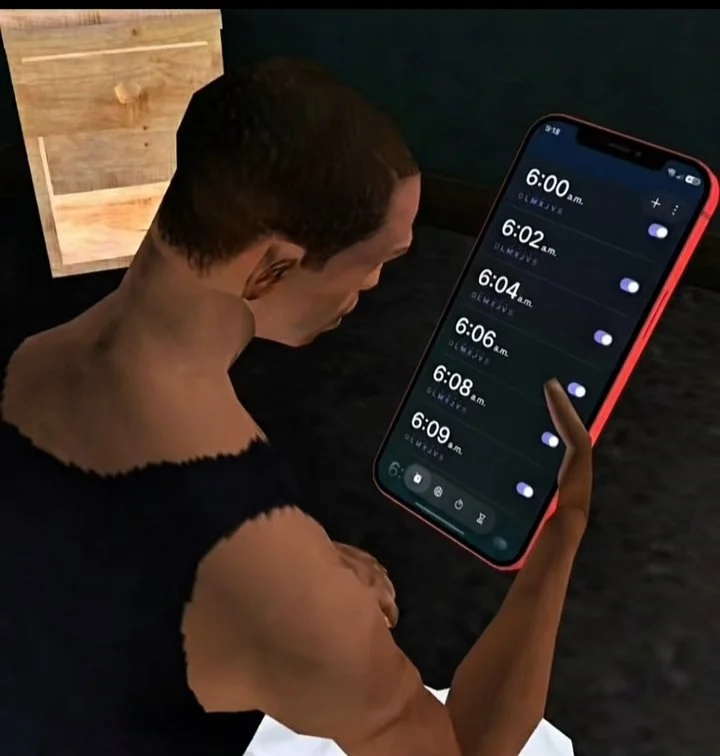
GTA CJ checking a phone with repeated morning alarms
Six alarms, still sleepy

GTA CJ Meme Generator for everyday moments

Turn your everyday moments into GTA CJ memes. Describe a scene, add your own caption and create a Life at twenty image in retro San Andreas style.

How to use the GTA CJ Meme Generator

1. Describe one relatable moment

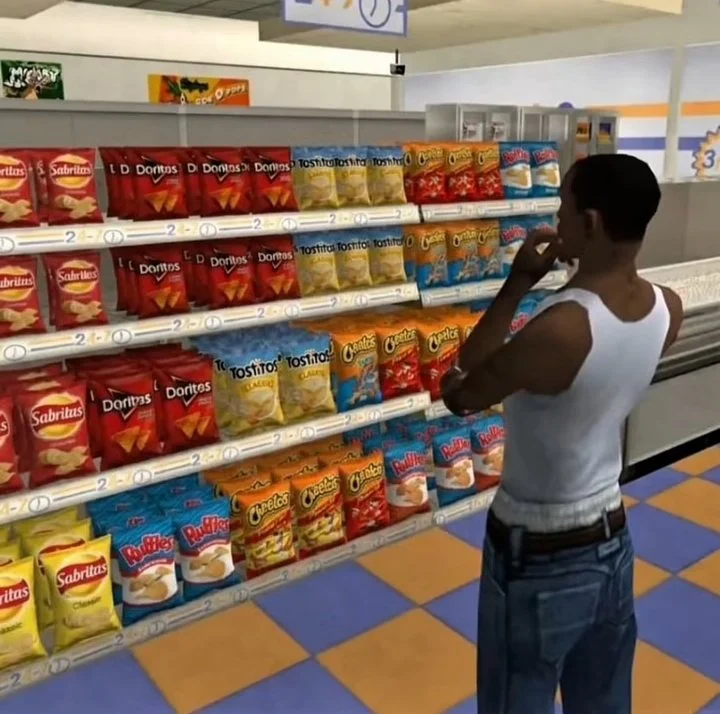
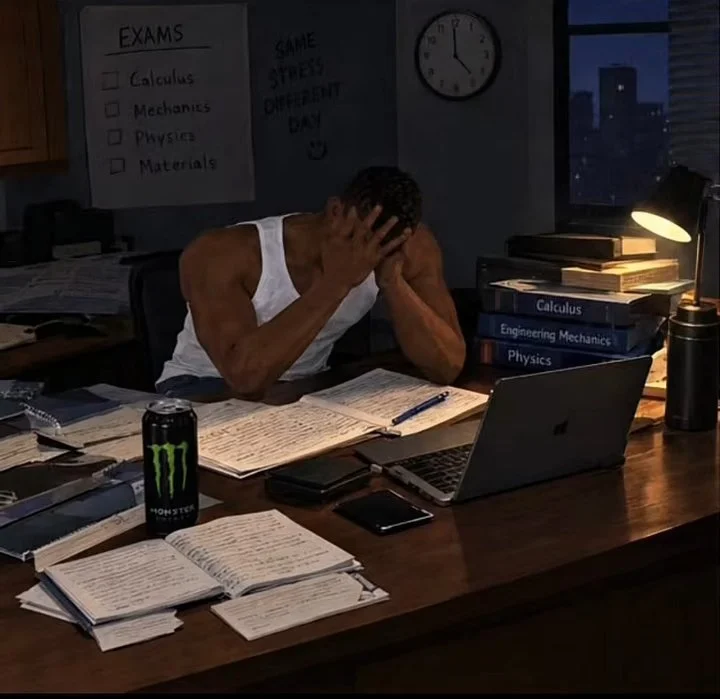
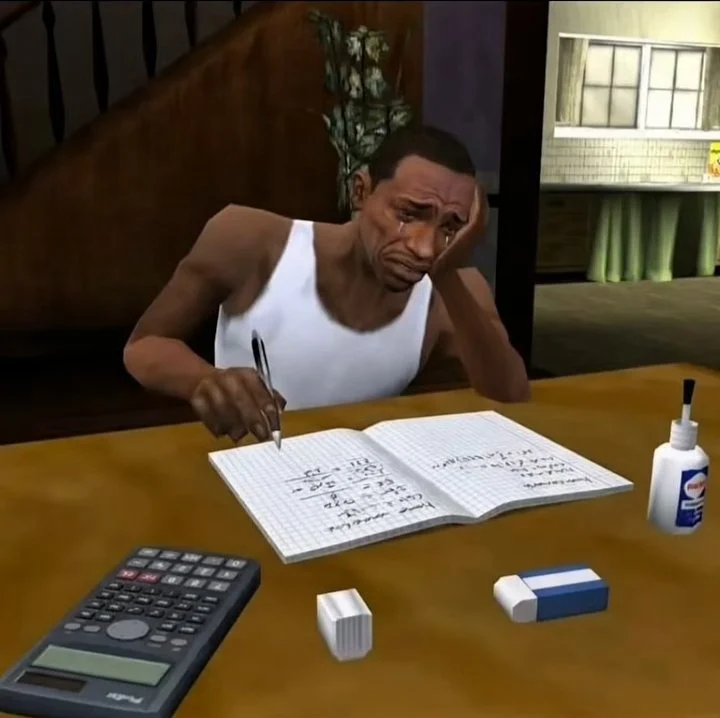
Start with something ordinary: catching the early bus, choosing a snack, opening your first paycheck or studying the night before an exam. Tell the GTA CJ Meme Generator where CJ is, what he is doing and how he feels. The six example images show different everyday moments, while the words you type decide what happens in your own image.
2. Choose a caption and image shape

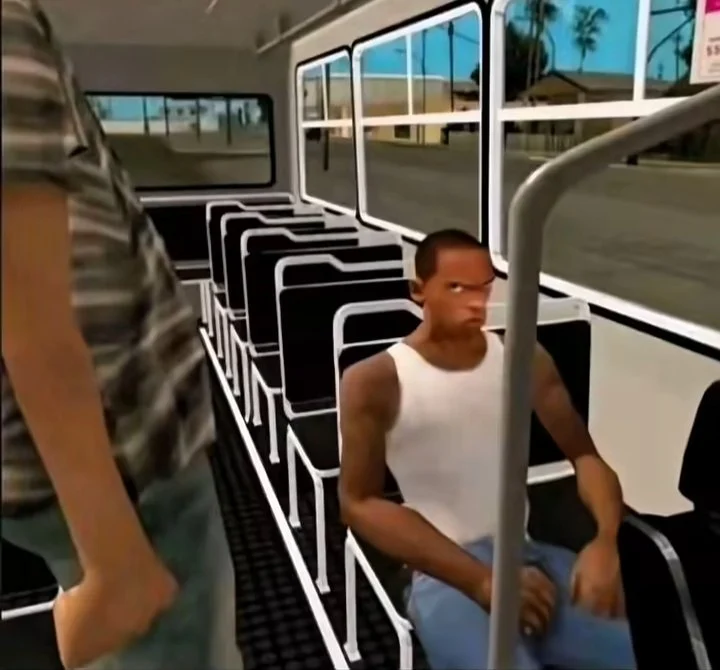
Keep “Life at twenty” as your caption, write a short original line or leave the caption empty. Square images suit feed posts, portrait images give vertical layouts more room, and landscape images help show a bus interior or a wider setting. Decide which part of the story matters most, then choose the shape that gives it enough space.

3. Generate, review and save

Sign in and check the credit amount beside the generation button. Create one image from your scene description, then review the face, hands, objects and any caption before opening the result to save it. Generation history lets you return to the task and check its status. If you want a different mood, describe the change clearly in your next scene.

Why use the GTA CJ Meme Generator?

The same character language in every scene

CJ’s recognizable face, cropped hair, white tank top and blue jeans give the memes a familiar central character. Angular proportions, simple textures and a candid game camera help a set of images feel related when the location changes from a bus to a bedroom or a convenience store. Keep your description focused on the new action and emotion; AI outputs can still vary.

A specific retro game look

This GTA CJ meme style uses the visual language of an older 3D game: low-poly shapes, modest shadow detail, baked lighting and slightly rough edges. A scene that looks like a casual moment inside San Andreas gives the joke a recognizable setting. Think about the camera position, the most important object and the expression you want viewers to notice first.

Your own story and words

The built-in examples are starting points for a new scene. Change the object, time of day or emotional reaction to make the image personal. A tiny detail can carry the whole joke: a giant purchase on public transport, a notebook that never seems to end, or a phone covered in alarms. Caption text is optional, and a strong expression can work on its own.

GTA CJ Meme Generator: Life at twenty scenarios

Life at twenty: study and work

Use CJ to express familiar moments from student life or a first job. A late-night revision session, an unfinished assignment and the silent ride home each give the character a clear action. For a small sequence, keep the same outfit and lighting description while changing one situation at a time. Add “Life at twenty” as a shared caption if it fits your story.

Small wins and everyday decisions

A GTA CJ meme does not need a dramatic event. Buying a television after saving money, finding a seat on a busy bus or spending too long in the snack aisle can be enough. Describe the emotion as carefully as the object. Pride, hesitation, relief and tired amusement give the scene more meaning than a long list of background details.

Reaction images for your own posts

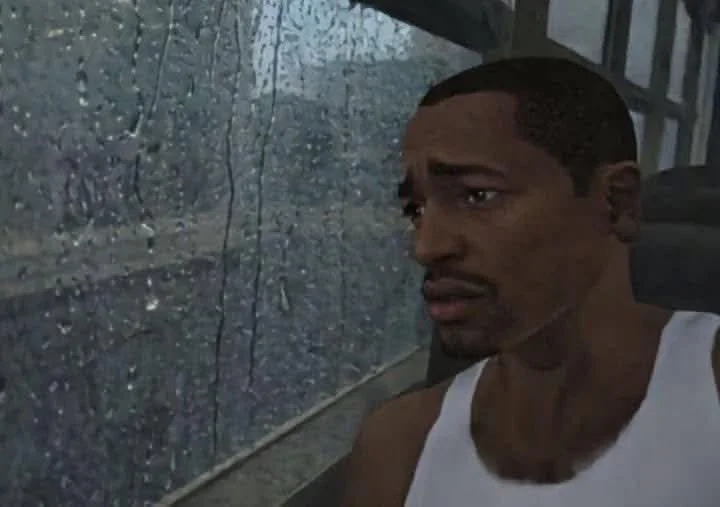
Create a quiet rainy-window reaction, an exaggerated homework face or a cheerful payday moment to accompany your own social posts. Keep the central action easy to read at phone size. If you plan to add your own layout later, generate without a caption and leave some simple background space around the character. The tool creates a still image, not an animated clip.

GTA CJ Meme Generator prompt tips

Use place + action + feeling

A useful GTA CJ prompt might be: “CJ sitting on the last bus home, holding a lunch box, looking tired but relieved as rain runs down the window.” That sentence gives the model a setting, a prop and an emotion. Avoid combining several locations or asking CJ to perform multiple unrelated actions in one image.

Keep the visual direction consistent

For a series of related images, keep CJ’s outfit and your preferred camera viewpoint similar between scenes. Ask for a low-poly game setting and keep new objects simple. A quiet commute might use soft blue-gray light, while a small payday victory might work better in warm afternoon sun. Change the scene detail that matters instead of rewriting every part of the image at once.

Check captions and generated details

Short captions are easier to read and leave more room for the scene. Spell out the exact wording you want in the caption field. Inspect the finished text, facial expression, fingers and object shapes before posting; reference guidance cannot guarantee a perfect match. You can leave the text field blank and add typography in your own editor after saving.

Explore tools alongside the GTA CJ Meme Generator

GTA CJ Meme Generator FAQ

What does the GTA CJ Meme Generator create?

It creates AI-generated still images of CJ, the Carl Johnson character associated with GTA: San Andreas, in everyday meme situations. The visual direction comes from the supplied references: retro 3D game graphics and relatable expressions. This is an independent fan-inspired tool and is not affiliated with or endorsed by Rockstar Games.

Can I make a Life at twenty meme?

Yes. “Life at twenty” is the default optional caption, and the example scenes cover commuting, studying, waking up and small purchases. Replace the scene with something from your own day, keep that caption or enter your own. The phrase guides the everyday-life theme; it does not limit the kinds of ordinary situations you can describe.

Does the image follow my own scene description?

Yes. The situation comes from the description you write. The gallery images illustrate the general look and do not select or fill a scene for you. Describe the place, action, props and emotion you want. A short, specific description is usually easier to interpret than a list of unrelated ideas or several different stories in one request.

Do I need to upload a photo?

No. Enter the scene you want to create, choose the image shape and decide whether to add text. There is no personal photo upload in this tool. Your scene description and caption are sent to the generation service to create the image, so avoid including private information you do not want processed. You can write a fictional everyday situation instead.

Are the gallery images generated results from this tool?

No. The six gallery images are supplied reference examples showing the requested GTA CJ meme aesthetic. They are labeled as inspiration, and any original visible creator marks remain in the images. A generated result appears separately in your result panel after a successful task. It will be a new interpretation, not an exact recreation of a gallery image.

How much does a GTA CJ image cost?

The generation button area shows the current credit cost for one image. You need to sign in and have enough credits before starting. Review your scene and caption before submitting, since each new generation is a separate task. If a task fails or a connection is interrupted, check generation history for its status before submitting a new task.

Make your next moment with the GTA CJ Meme Generator

Turn one ordinary moment into a GTA CJ meme. Describe your scene, keep Life at twenty or add your own caption, and create a new image with a retro game look.

Create a GTA CJ meme ↑