GPT Image 2 Prompt Guide:10 个实用提示词与结果图
ImagineGo Team
5/22/2026
GPT Image 2 Prompt Guide:10 个实用提示词与结果图
如果你在搜索 GPT Image 2 Prompt Guide,你大概率不需要另一篇只说“写得更具体一点”的文章。你真正需要的是可以直接用于真实创作任务的提示词:人像、产品图、社交广告、信息图、海报、UI mockup、故事板、角色一致性和编辑插画。
下面 10 个 prompt 可以直接复制,也可以替换主体、风格和场景后,在 GPT Image 2 workflow 中继续测试。
一个好的 GPT Image 2 prompt 不只是描述“画什么”。它还要说明构图、光线、氛围、文字位置、视觉层级和限制条件。这样模型才会更像在执行设计 brief,而不是随机发挥。
如何使用这篇 GPT Image 2 Prompt Guide
稳定的 GPT Image 2 prompt 通常会明确 6 件事:
1. 场景 2. 主体 3. 关键视觉细节 4. 构图和镜头 5. 光线、情绪和配色 6. 限制条件
你不需要每次从零开始写。更高效的做法是先选择一个可复用结构,替换与你任务相关的部分,然后测试两三个变体。
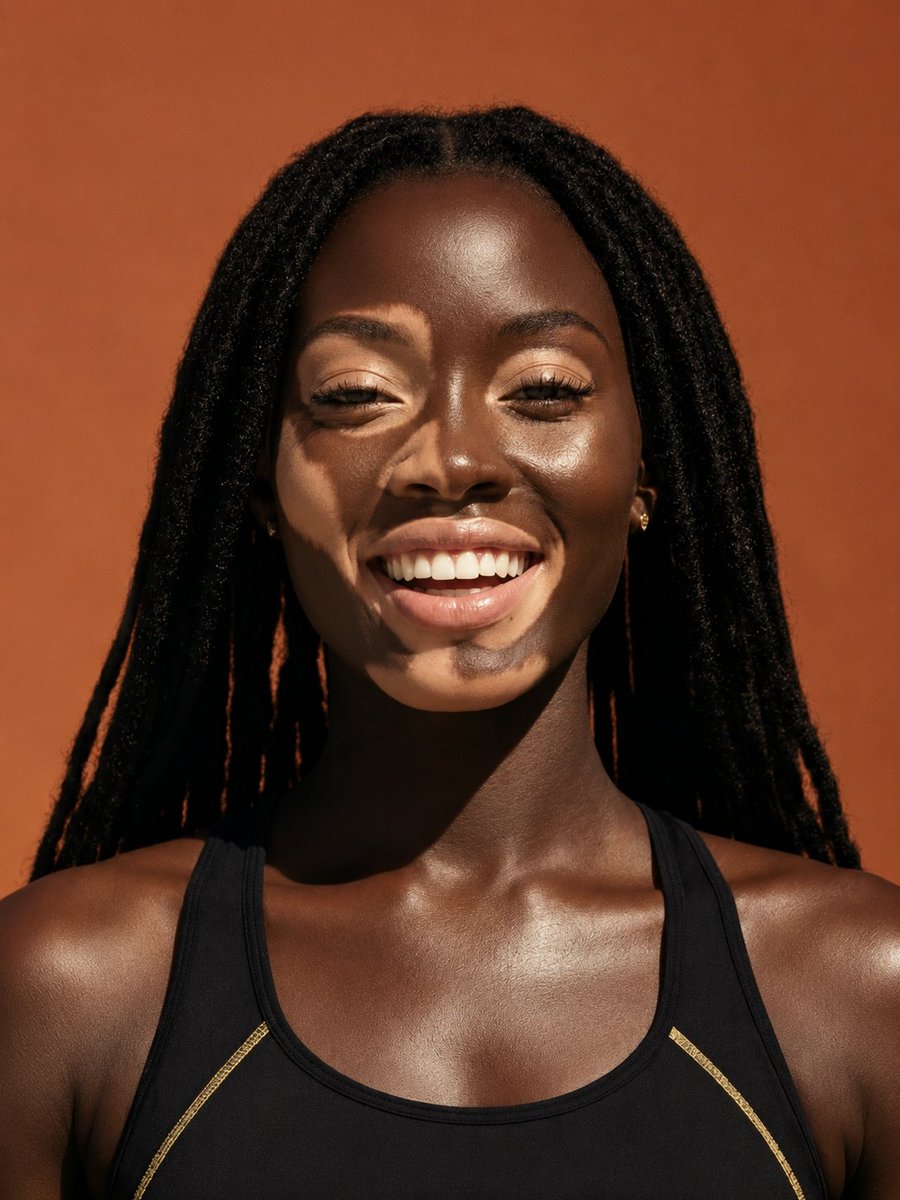
1. 写实人像 Prompt
当你需要自然、可信、构图干净的人像时,可以使用这个 prompt。
``text A woman in her early 30s standing beside a large window in a quiet modern café, wearing a cream blazer and soft gold earrings, looking slightly away from camera with a calm thoughtful expression. Medium close-up portrait, shallow depth of field, soft morning light from the left, realistic skin texture, subtle background blur, photorealistic, clean color grading, no text, no extra people. ``
为什么有效:
- 主体和场景都很具体
- 镜头距离明确
- 光线承担了情绪表达
- 限制条件减少了无关元素
2. 产品摄影 Prompt
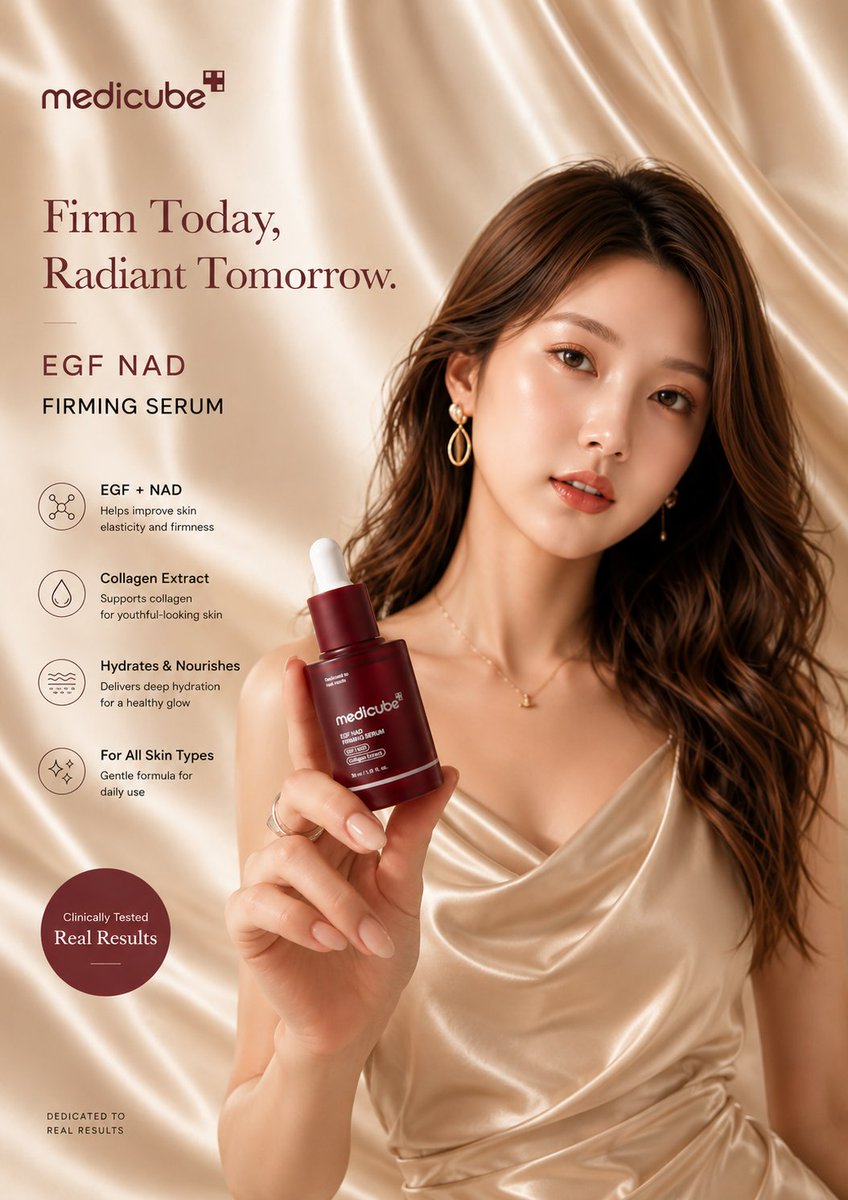
这个 prompt 适合电商图、品牌主视觉和干净的产品展示图。
``text A premium skincare serum bottle centered on a polished beige stone surface with a few soft shadows and minimal reflections. Editorial product photography, eye-level framing, diffused studio light from upper left, sharp label readability, realistic glass texture, luxury cosmetics aesthetic, warm neutral palette, no props except a subtle contact shadow, no watermark, no extra text. ``
它没有堆太多道具,而是清楚定义了产品位置、表面材质、光线方向和商业质感。
3. 社交广告 Prompt
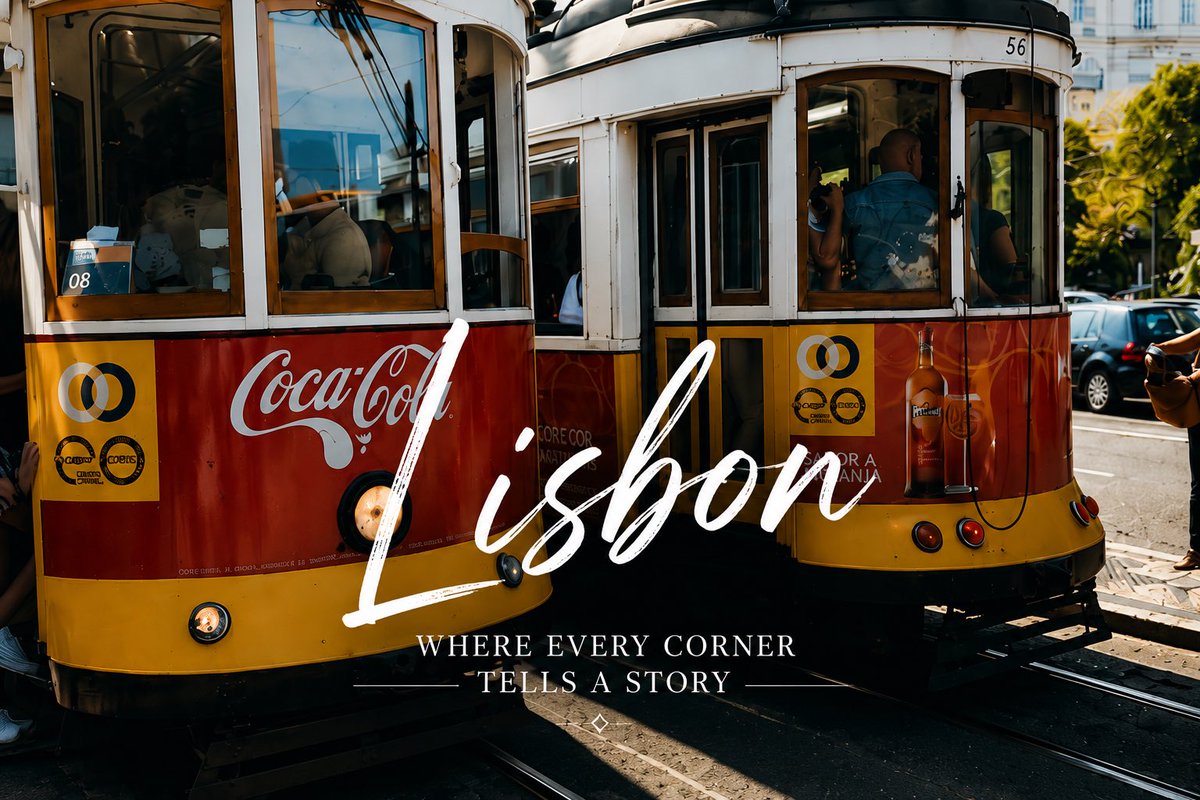
当你想要一个像真实 campaign 的广告图,而不是随便生成的风景图时,可以用这个 prompt。
``text A lifestyle ad creative for a travel app: a young couple standing on a cliffside overlook at sunset, dramatic clouds, cinematic wide shot, golden rim light, aspirational mood, photorealistic. Add the text "PLAN YOUR NEXT ESCAPE" in bold white sans-serif, centered in the lower third, clean typography, no extra copy, no logos, high contrast. ``
关键点是文字说明。它不仅告诉模型写什么字,还告诉模型文字应该放在哪里、用什么视觉层级呈现。
4. 信息图 Prompt
当图片需要解释概念,而不是只做装饰时,信息图 prompt 很有用。
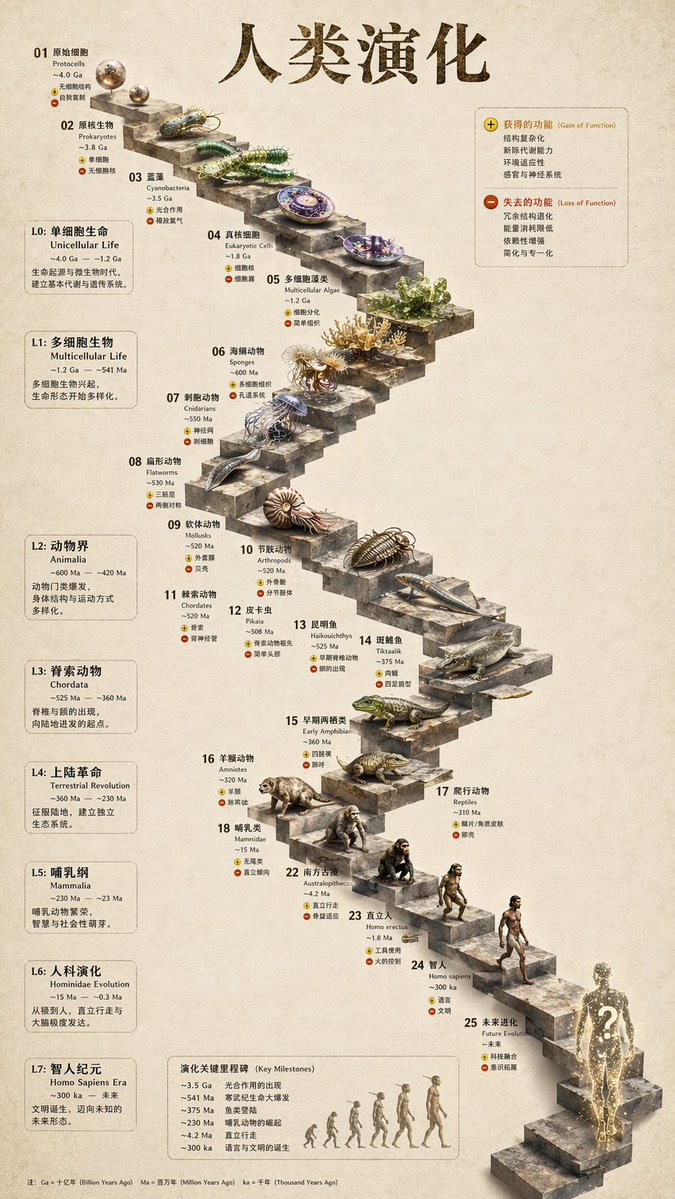
``text Create a clean infographic titled "How AI Image Generation Works" with five horizontal steps: Prompt Input, Model Interpretation, Visual Composition, Image Rendering, Final Refinement. White background, consistent icon style, dark navy headings, short readable labels, generous spacing, flat modern design, clean arrows between steps, professional educational visual, no gradients, no extra elements. ``
信息图的重点是可读性。标题、步骤、箭头、图标风格和留白都要提前写清楚。
5. 带文字海报 Prompt
这个 prompt 适合活动海报、编辑封面和以字体层级为核心的社交图。
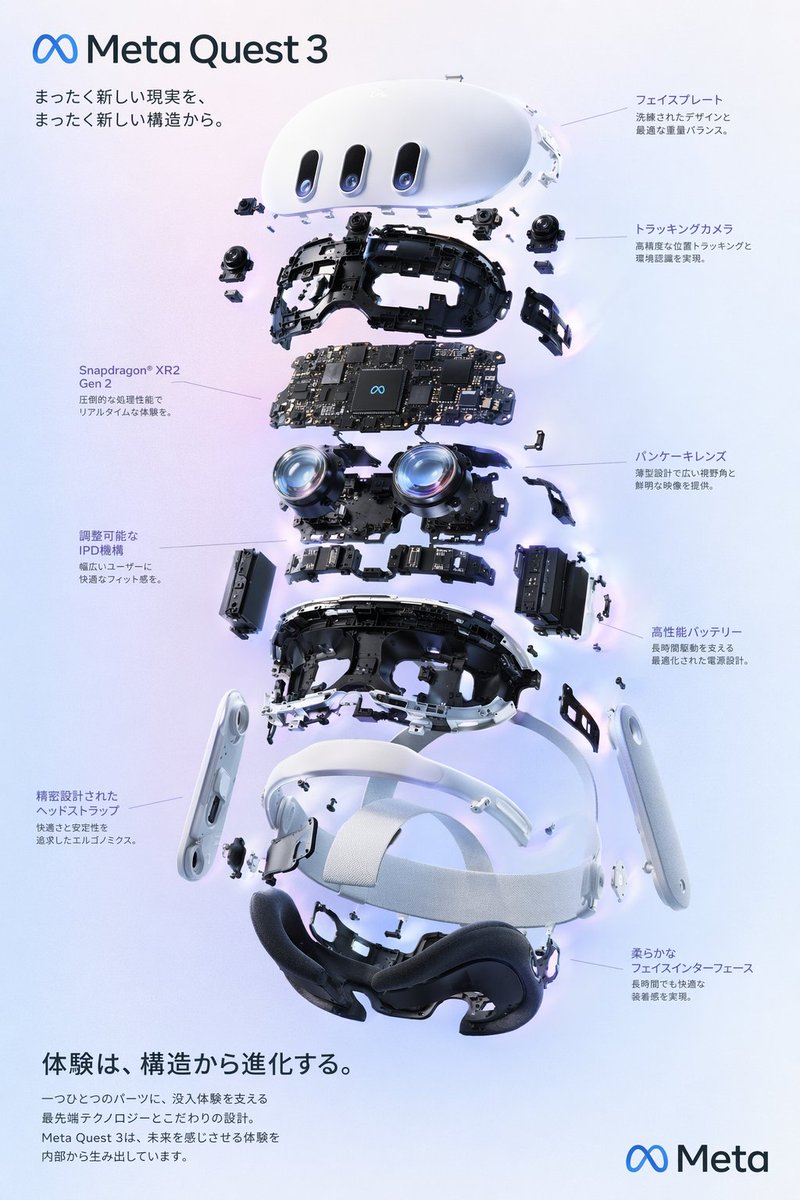
``text Create a cinematic event poster for a design conference called "VISUAL SYSTEMS 2026". Dark graphite background with subtle geometric texture, one glowing abstract glass form in the center, title "VISUAL SYSTEMS 2026" in large bold white sans-serif near the upper middle, secondary line "AUG 12–14 • BERLIN" in smaller white text below, clean hierarchy, strong poster composition, premium editorial feel, no extra text, no logos. ``
它明确了主标题、副标题、背景和中心视觉元素的角色,因此更容易生成有层级的海报。
6. UI Mockup Prompt
这个 prompt 适合快速生成移动 App、dashboard 或 landing page 的视觉概念。
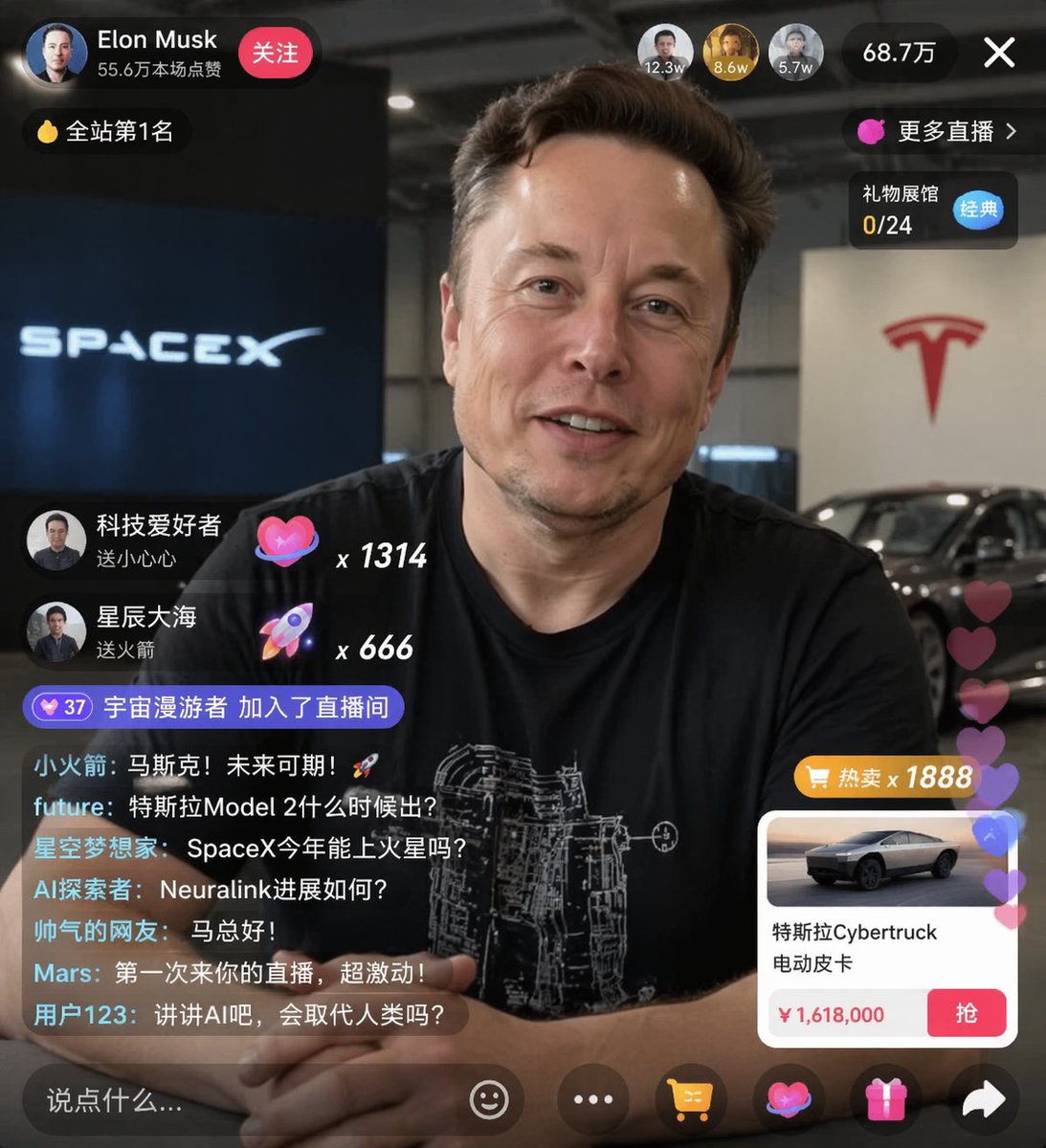
``text A mobile app dashboard for a budgeting app called "Luma". iPhone-style device frame, straight-on angle, clean white interface with soft blue accents, top balance card, spending categories grid, transaction list, neat spacing, polished modern SaaS visual design, realistic screen rendering, looks like a shipped product not a wireframe, no hands holding the device, no background clutter. ``
它不是只说“做一个漂亮的 App UI”,而是指定了余额卡片、分类网格和交易列表这些具体 UI 模块。
7. 漫画和故事板 Prompt
这个 prompt 适合测试叙事画面、分镜和概念故事。
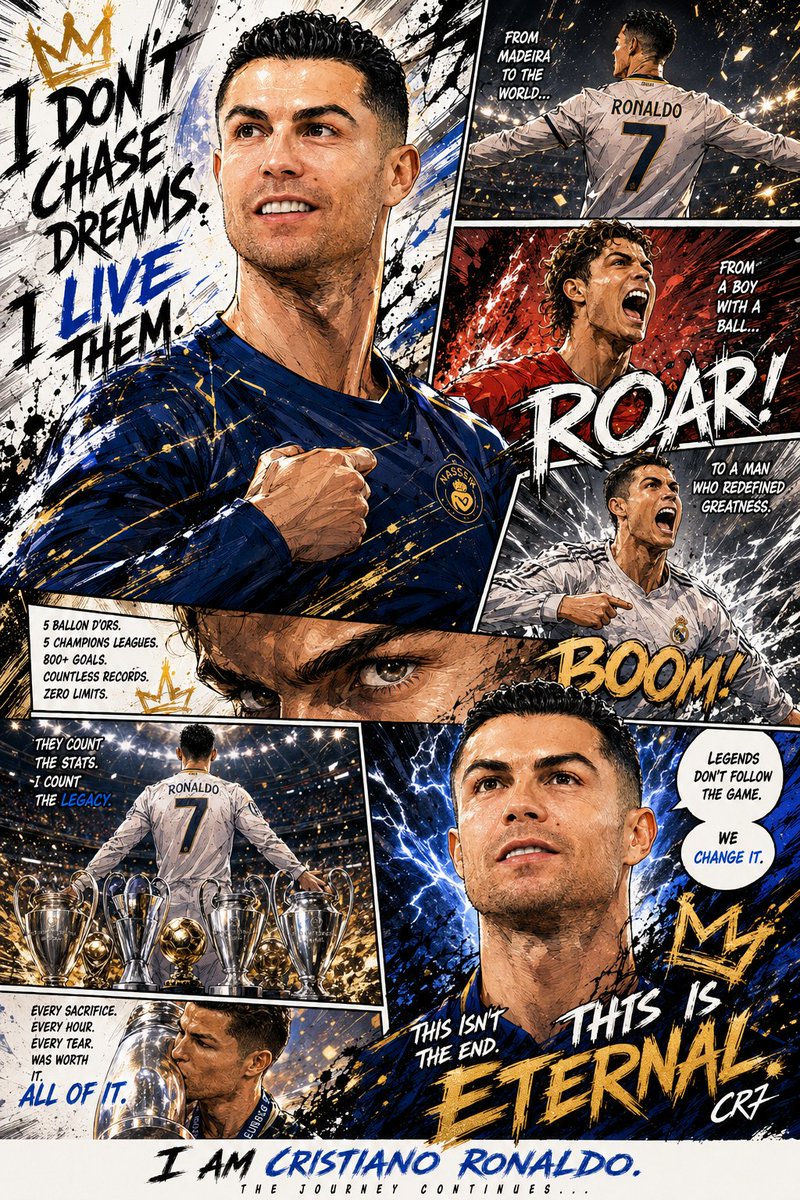
``text A three-panel storyboard. Panel 1: a young woman enters a glowing underground archive holding a lantern. Panel 2: she sees floating pages circling a stone pedestal. Panel 3: close-up as she reaches toward a bright manuscript with a shocked expression. Cinematic fantasy storyboard, consistent character design across all panels, readable visual progression, ink-and-color illustration style, no speech bubbles, no extra text. ``
它的重点是“视觉进展”。三个 panel 分别承担进入、发现和反应,让图像更像故事板。
8. 角色一致性 Prompt
当你需要同一个角色出现在多个场景中时,可以使用这个 prompt。
``text Character anchor: a young man named Elias with shoulder-length black hair, pale olive skin, sharp jawline, dark green coat, and silver pendant. Semi-realistic fantasy illustration style, soft dramatic light, muted blue-green palette. Keep this exact character design consistent. Show Elias in three separate scene cards: standing in a rainy alley, reading a glowing book in a library, and walking through a snowy forest. Same face, same hair, same outfit, only the scene changes. ``
“Character anchor” 用来锁定不应该改变的部分。之后只改变场景,而不是重新生成一个新角色。
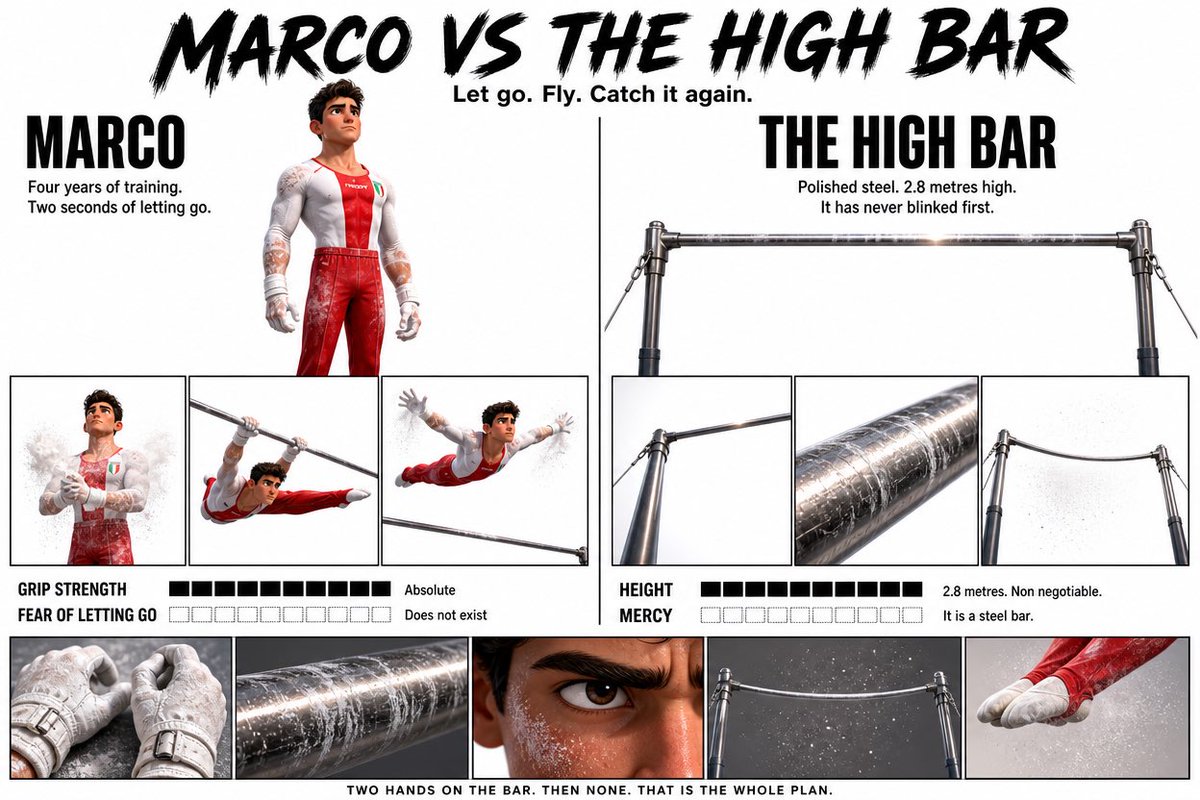
9. 编辑插画 Prompt
这个 prompt 适合博客头图、杂志插画和概念型视觉。
``text An editorial illustration for an article about creative burnout in the AI era. A designer sits alone at a desk late at night, surrounded by floating half-finished layouts, prompt cards, and glowing notification windows. Moody blue lighting, strong focal contrast, slightly surreal atmosphere, magazine illustration quality, polished composition, no text, no watermark. ``
它不是简单罗列物体,而是用场景、光线和符号表达“AI 时代的创意疲劳”。
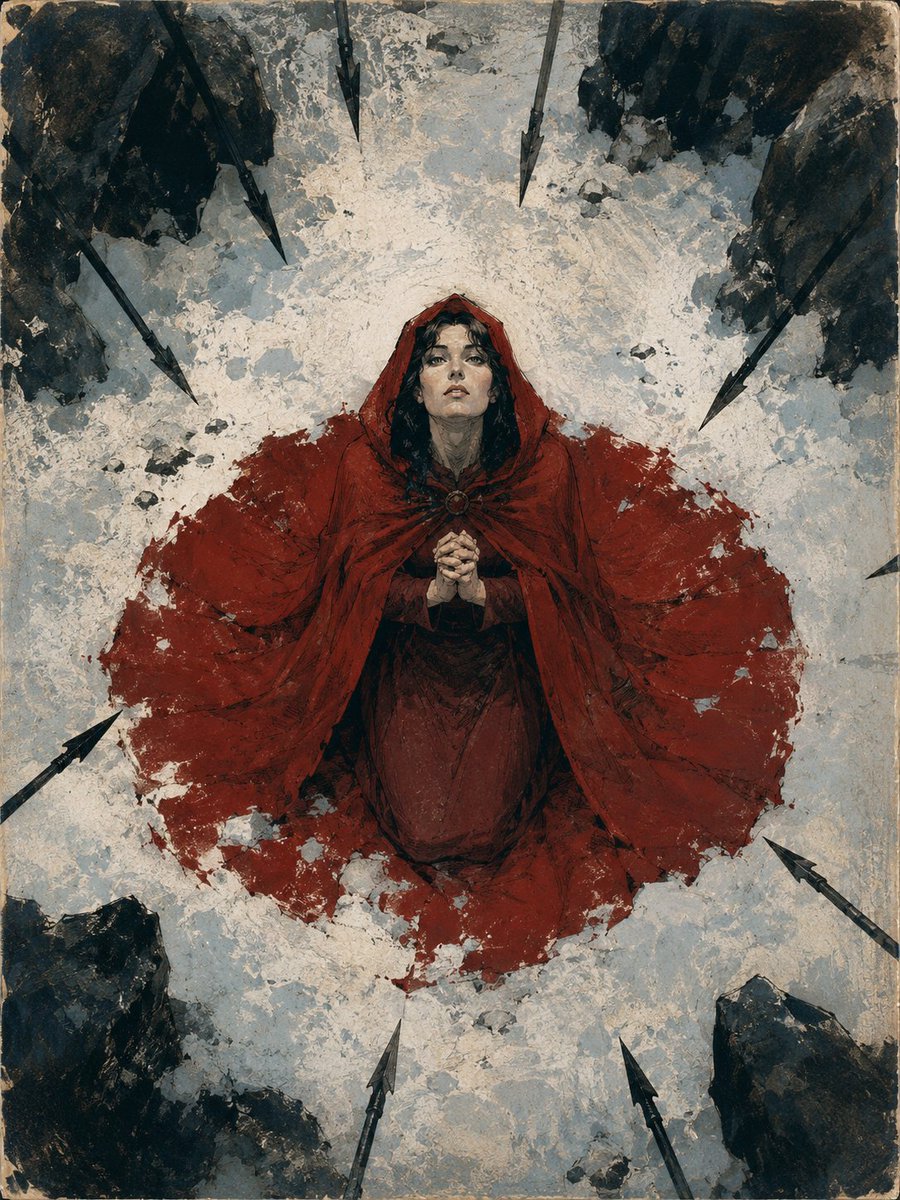
10. YouTube 缩略图 Prompt
这个 prompt 适合需要高对比度、快速吸引注意力的缩略图。
``text Create a YouTube thumbnail about AI poster design. A designer points at a dramatic futuristic poster on a screen, surprised expression, dark background with neon blue and magenta highlights. Add the text "GPT IMAGE 2 POSTERS" in large bold white and yellow type on the right side, high contrast, clean spacing, strong thumbnail readability, no extra text, no logos. ``
缩略图不要塞太多内容。一个主体、一个情绪、一个短标题和强对比,通常更稳定。
如何改进 GPT Image 2 Prompt
如果结果已经接近目标,不要急着整段重写。更好的做法是补上缺失的视觉指令。
1. 增加视觉责任
不要只写:
``text Make it more professional ``
可以改成:
``text Use a centered composition, cleaner spacing, soft studio light, and a premium editorial color palette ``
2. 锁定不变元素
``text Keep the same subject, same composition, same typography placement — only change the lighting from warm sunset to cool studio light ``
3. 把复杂任务拆开
如果一个 prompt 同时要求构图、文字、风格和细节,结果很容易不稳定。可以先解决主体和构图,再迭代文字和氛围。
为什么在 ImagineGo 上使用这些 Prompt
你可以从本文已有的 prompt 结构开始,而不是从零写起。选择合适的示例后,替换主体、场景和风格,再进入 GPT Image 2 workflow 测试结果。
这比收藏大量零散 prompt 更有价值,因为你得到的是可复用的生产流程。
总结
GPT Image 2 Prompt Guide 的价值不在于例子数量,而在于这些 prompt 是否能解决真实图片任务。上面 10 个 prompt 覆盖了人像、产品图、广告、信息图、海报、UI、故事板、角色一致性、编辑插画和缩略图。你可以直接复制使用,也可以把它们变成自己的长期 prompt 模板。