
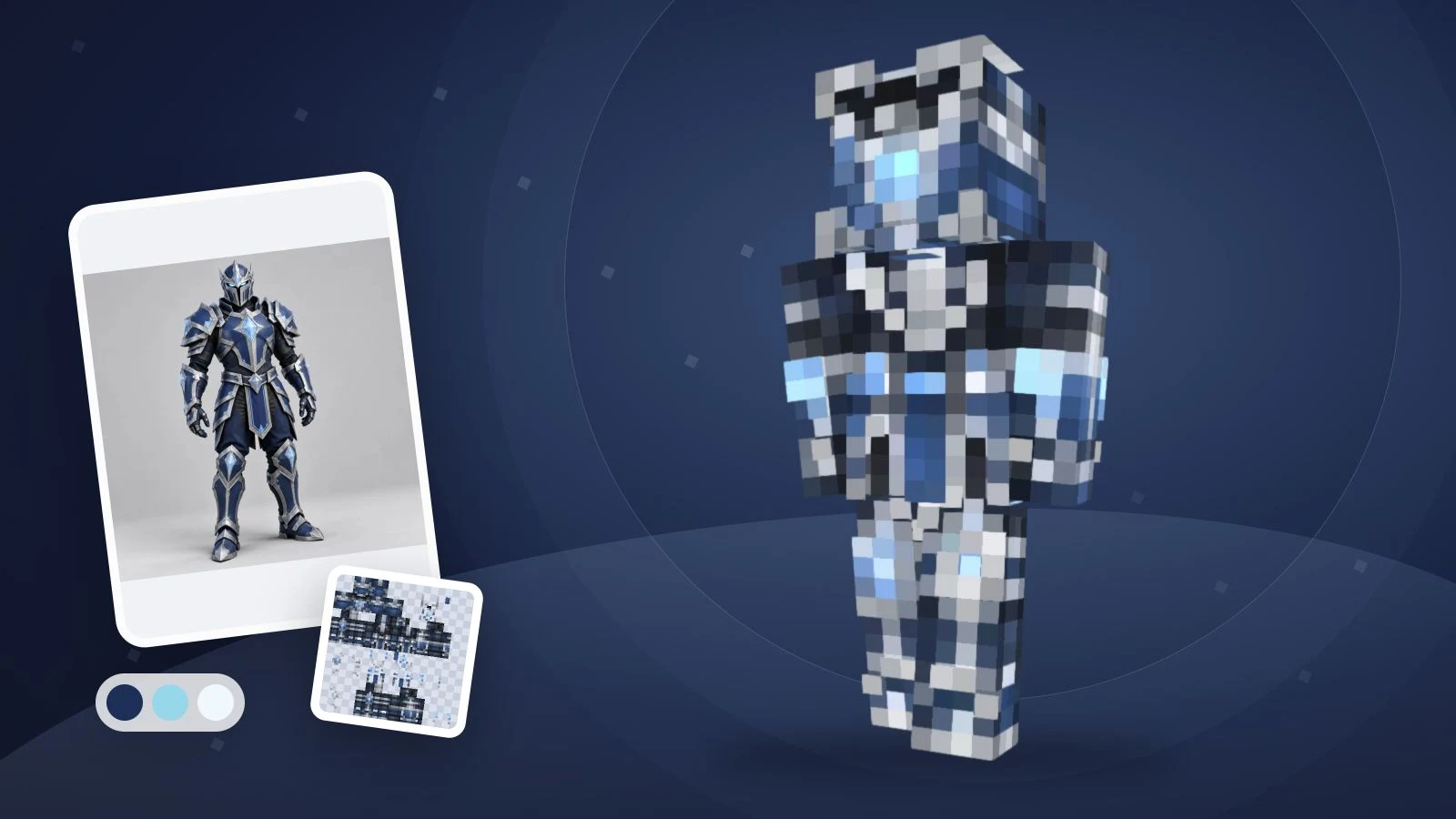
AIでMinecraftスキンを作るには、一人の外見を説明し、生成後に3Dで確認してPNGを保存します。 役割、少ない配色、頭から靴までの服装、背面の特徴を決めましょう。ImagineGoのテキスト生成はこの流れに対応しています。
「skin minecraft prompt with ai」を探している方に向け、コピーできる英語のオリジナル例を紹介します。これは編集可能な出発点で、各プロンプトの生成結果を保証するものではありません。写真は不要です。イラストとゲーム用スキンは別物で、Minecraftへの読み込みにはモデルに合う展開テクスチャが必要です。現在の出力は 64×64 Classic/Steve PNG です。
繰り返し使えるプロンプトの型
映画風のイラストではなく、キャラクターの外見を説明します。そのまま使えるようテンプレートは英語で掲載します。
A [role or original character] with [hair and visible face details],
wearing a [main color] [top], [color] [trousers] and [color] [shoes].
Add [one simple accent]. Keep the back [specific color or pattern].
Use clear Minecraft pixel details and keep the face visible.
特別なコマンドではありません。レイアウトはツールが処理し、文章では外見を指定します。左右の手足は鏡像になるため、異なる袖や脚の模様はエディターで追加してください。500文字以内に収めます。
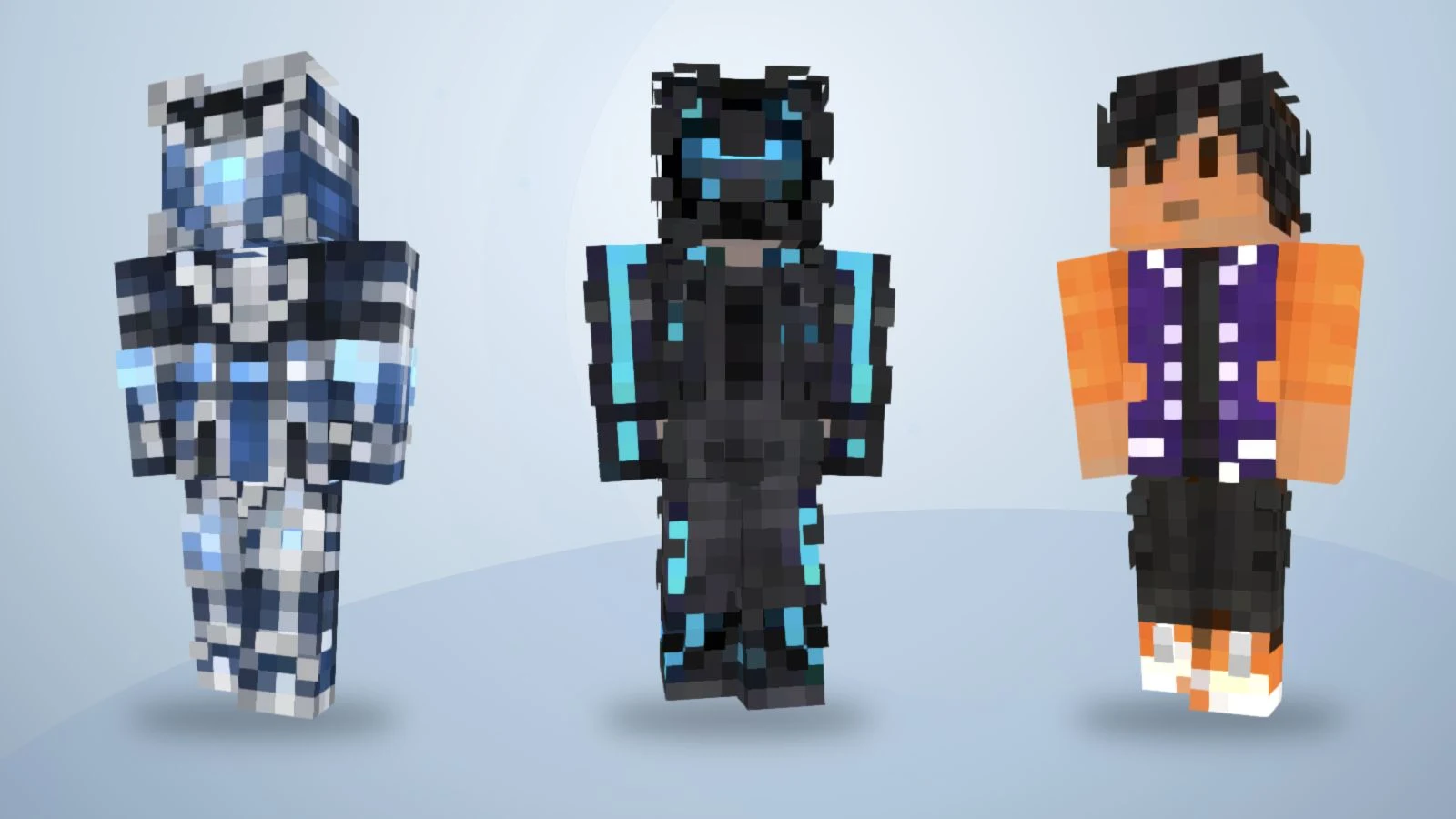
既存のサンプルテクスチャを3Dで再描画したものです。以下の12プロンプトで生成した結果ではありません。
「かっこいい探検家」だけでは服装や色が曖昧です。緑の上着、クリーム色のシャツ、茶色のズボン、暗いブーツと指定すると確認しやすくなります。
- 主な色を指定: 上着、ズボン、靴を分けて書きます。
- 目印を一つ選択: マフラー、袖口、胸の模様などに絞ります。
- 背面も説明: 色を続けるか、無地にするか決めます。
AIは細部を簡略化したり省いたりするため、実際の出力を確認してください。
変更して使える12のスキンプロンプト
以下は英語のオリジナルキャラクター案です。髪色、服、アクセントを入れ替えられます。バッジ、マフラー、ヘルメットはテクスチャの外見指定であり、ゲーム内の装備、光、能力を追加するものではありません。
1. 森の地図製作者
A forest cartographer with short chestnut hair and a visible face,
wearing a moss-green jacket, cream shirt, brown trousers and dark
boots. Add one tan chest patch. Keep the jacket back plain green.
Use clear Minecraft pixel details without lettering.
上着と胸の模様から変更すると、大きな色面を確認しやすくなります。
2. 氷原遠征の騎士
An original frost expedition knight with dark hair and a visible
face, wearing slate-blue armor over a navy outfit, pale-blue cuffs
and charcoal boots. Add a simple white diamond emblem on the chest.
Continue the blue armor across the back. No weapons or lettering.
紋章は小さな幾何学模様として扱い、縮小時の見やすさを確認しましょう。
3. ネオン都市の配達員
A city courier with short black hair, wearing a charcoal jacket
with cyan sleeve stripes, dark-purple trousers and white shoes.
Keep the face visible and the jacket back charcoal with one cyan
stripe. Use simple pixel shapes, no words and no extra equipment.
明るい袖口はコントラストの指定で、実際の発光ではありません。
4. 砂漠遺跡の探検家
An original character with a short lavender bob, a pale-blue hoodie,
cream trousers and lavender shoes. Add a simple white cloud patch
on the chest. Keep the back pale blue and the face unobstructed.
Use a small, consistent pastel palette with distinct clothing edges.
マフラーとベルトを簡潔にし、顔を見せましょう。
5. 桜色のカジュアルキャラクター
A desert mechanic with short brown hair, wearing a sand-colored
jacket over an orange shirt, dark-brown trousers and black boots.
Add dark cuffs and a small square chest pocket. Keep the back of
the jacket plain sand. No tools in the hands and no small text.
淡い服と靴の境界が分かるか確認してください。
6. レッドストーン工房の技術者
An orchard gardener with curly dark hair, wearing a mustard shirt,
green overalls and brown boots. Add one red square patch on the
front pocket. Continue the overall straps and green fabric on the
back. Keep the face visible and the outfit readable as pixel art.
ゴーグルや道具は描かれた模様で、独立したモデルではありません。
7. 宇宙の研究者
A lunar station technician with silver hair and a visible face,
wearing a white utility suit with navy panels, orange cuffs and
navy boots. Add one orange chest badge. Keep the back white with
a navy center panel. No helmet, floating objects or lettering.
胸の印は単純な形にし、小さな文字を避けます。
8. 苔むす遺跡の守護者
A midnight scout with dark-purple hair, a black jacket, charcoal
trousers and black boots. Add a burgundy scarf pattern around the
neck and burgundy cuffs. Keep the face visible and continue the
plain jacket across the back. Separate black and charcoal clearly.
緑と石色の大きな領域を先に確認し、細部は後で編集できます。
9. 銅色の機械旅行者
An original clockwork traveler with a copper-colored face and
two teal eyes, wearing a dark-brown coat, cream shirt, charcoal
trousers and copper boots. Add simple copper shoulder panels.
Keep the back of the coat brown. No exposed gears or tiny symbols.
歯車を作る代わりに、色とパネルで機械らしさを表します。
10. 秋の学院の魔法使い
An autumn academy mage with short auburn hair, wearing a burnt-orange
coat over a cream shirt, dark-brown trousers and tan boots. Add
maroon cuffs and a simple square chest emblem. Keep the coat back
orange and the face visible. No hat, staff, lettering or particles.
魔法のテーマでも杖や粒子効果は追加されません。
11. 海洋研究のダイバー
An ocean researcher with short black hair, wearing a teal diving
outfit with navy side panels, yellow cuffs and navy boots. Leave
the face visible. Add a simple yellow square on the chest and keep
the back teal with navy panels. No fins or separate breathing gear.
装備は服の模様として表現し、追加の立体形状を期待しないでください。
12. 紫のスタジャンのキャラクター
An original varsity character with short black hair, wearing a
violet jacket with orange sleeves, white trim, black trousers and
orange-and-white shoes. Keep the jacket back plain violet. Keep
the face visible and use clean pixel details without letters.
これは提案用の説明で、既存公開サンプルの実際の生成プロンプトではありません。
ImagineGoで説明をスキンに変える手順
Minecraftスキン生成ツールでテキストモードを選びます。手順は2026年11月13日に確認した仕様に基づきます。
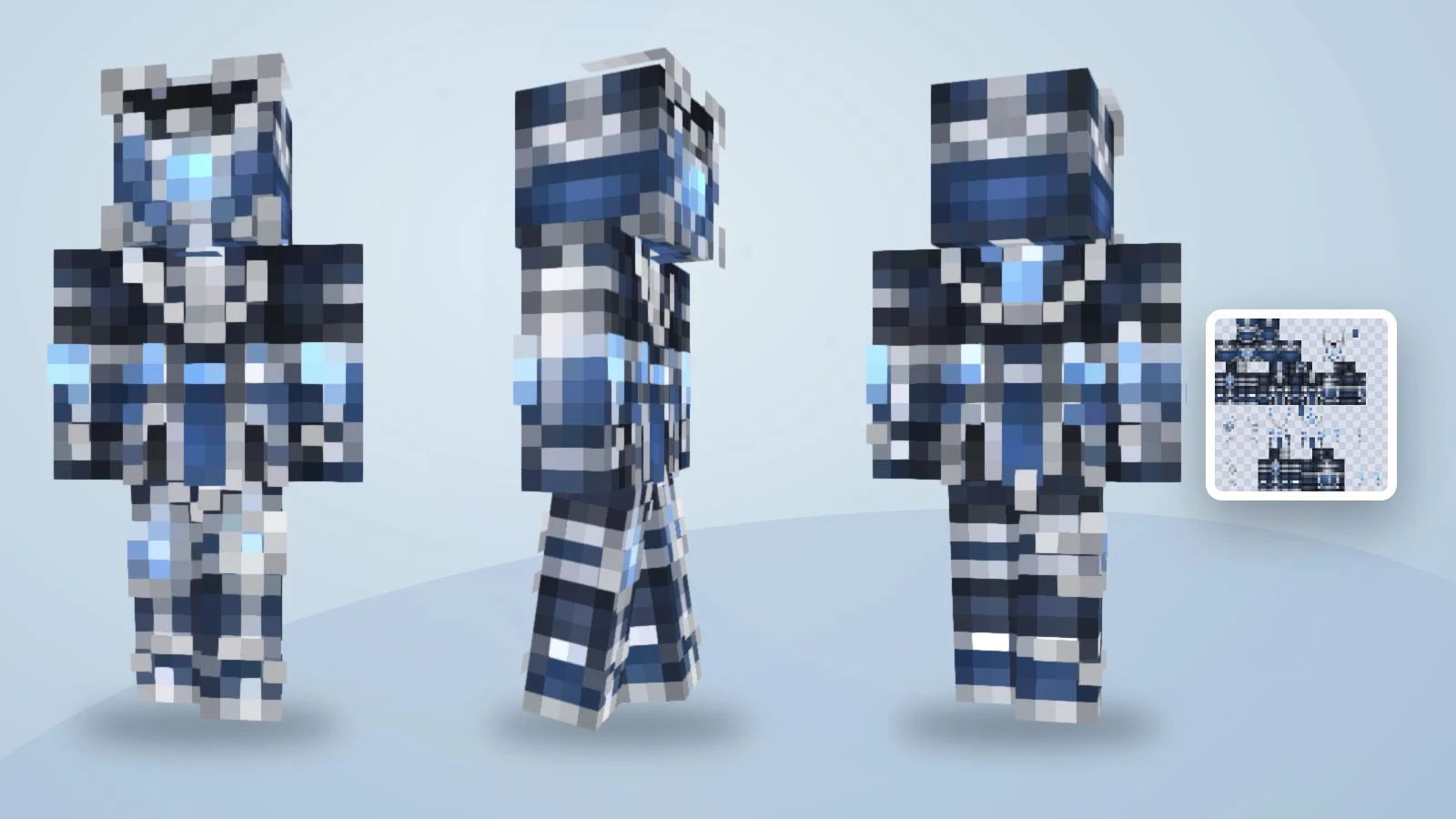
既存テクスチャを3方向から表示した例で、森の地図製作者の生成結果ではありません。
1. テキストモードで説明を入力
英語プロンプトをキャラクター説明欄に貼り付け、ログインします。画像のアップロードは不要です。自分の写真から始める場合は写真モードを選び、使用権限のある画像を使ってください。
2. 直接生成して3Dで確認
テキスト生成は 1回5クレジット で、プレビューや変換の別購入はありません。顔、背面、袖、靴を確認します。出力は旧64×32形式を適応した 64×64 Classic/Steve PNG です。左右の手足は鏡像なので、異なる袖を文章で指定しても独立した左右テクスチャにはなりません。
3. 細部を編集してPNGを保存
小さな色やピクセルの誤りは無料エディターで修正できます。手作業の編集と書き出しは再生成不要ですが、全体を作り直すAI生成は別途クレジットを使います。3DのスクリーンショットではなくPNGを保存し、元の出力にはClassic/Wideを選んでください。Slimに変更したら腕を確認し、ゲーム側も対応するモデルを選びます。統合版では端末の読み込み対応も確認が必要です。
作る前にサンプルを回して確認
既存の青い騎士をドラッグし、テクスチャが体をどう包むか確認できます。正面、背面、歩行を切り替えてください。これは既存サンプルで、提案したプロンプトの新しい出力ではありません。

サンプルスキンを読み込み中…
説明を変えるか、ピクセルを直すか
全体のキャラクターが違うならプロンプトを変更し、意図が合っていて小さな違いだけなら編集します。
| 問題 | 次の行動 | 例 |
|---|---|---|
| 服装が曖昧 | 衣服と色を指定 | 緑の上着、クリームのシャツ、茶色のズボン |
| 背面が違う | 背面を明記 | 模様なしの紺一色 |
| 細部が多すぎる | 目印を一つに絞る | マフラーを残し文字を省く |
| 袖や靴のピクセルが違う | 該当部分を編集 | 再生成せず袖口を塗る |
| スキンではなくイラスト | 手順とファイルを確認 | テキストは最終PNG、写真は別途変換 |
よくある質問
使いやすいプロンプトの条件は?
一人のキャラクター、主な服の色、靴までの服装、背面の特徴です。小さなテクスチャを意識し、実際の結果を確認します。
写真なしでも作れますか?
はい。テキストモードは文章から始めます。写真モードは使用できる参考画像がある場合の別の選択肢です。
4Kスキンを頼むべきですか?
この手順の最終出力は64×64です。大きなイラストやPNGの拡大は正しいマッピングの代わりになりません。
展開図の配置を説明する必要は?
ありません。外見を指定すればツールが配置を処理します。使用前に書き出したファイルと3D表示を確認してください。
どのツールを選べばよいですか?
入力、プレビュー、編集、書き出しを比較しましょう。デザインが決まっているならテキストから生成し、PNGを確認できます。
自分だけのMinecraftスキンを作ろう
Describe your character, review the preview, then create a skin you can inspect and edit.