GPT Image 2 Prompt Guide:実用的な10個のプロンプト例
ImagineGo Team
5/22/2026
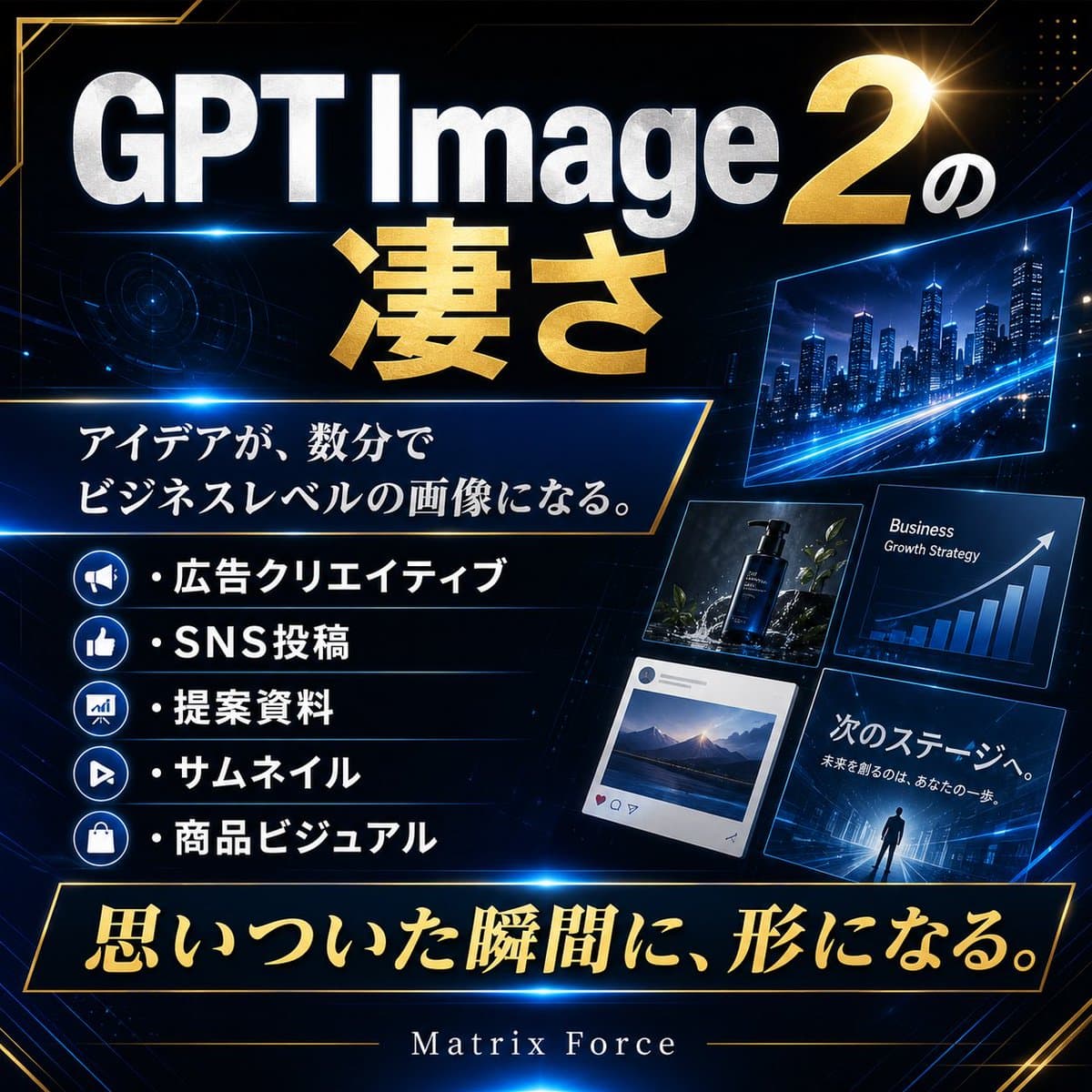
GPT Image 2 Prompt Guide:実用的な10個のプロンプト例
GPT Image 2 Prompt Guide を探しているなら、必要なのは「もっと具体的に書きましょう」という一般論ではないはずです。必要なのは、実際の制作タスクに使えるプロンプトです。ポートレート、商品写真、広告クリエイティブ、インフォグラフィック、ポスター、UIモックアップ、ストーリーボード、キャラクター一貫性、編集イラストなどです。
この記事では、結果画像を使いながら10個の実用プロンプトを紹介します。プロンプトはそのままコピーしても、主題だけ差し替えて GPT Image 2 workflow で試してもかまいません。
良いプロンプトは、何を描くかだけではなく、構図、光、ムード、文字の扱い、制約まで指定します。
このGPT Image 2 Prompt Guideの使い方
強いプロンプトは、だいたい次の6つを明確にします。
1. シーン 2. 主題 3. 重要な視覚ディテール 4. 構図とカメラ 5. 光、ムード、色 6. 制約
毎回ゼロから書く必要はありません。まず使える型を選び、必要な部分だけ変え、2〜3パターン試すのが現実的です。
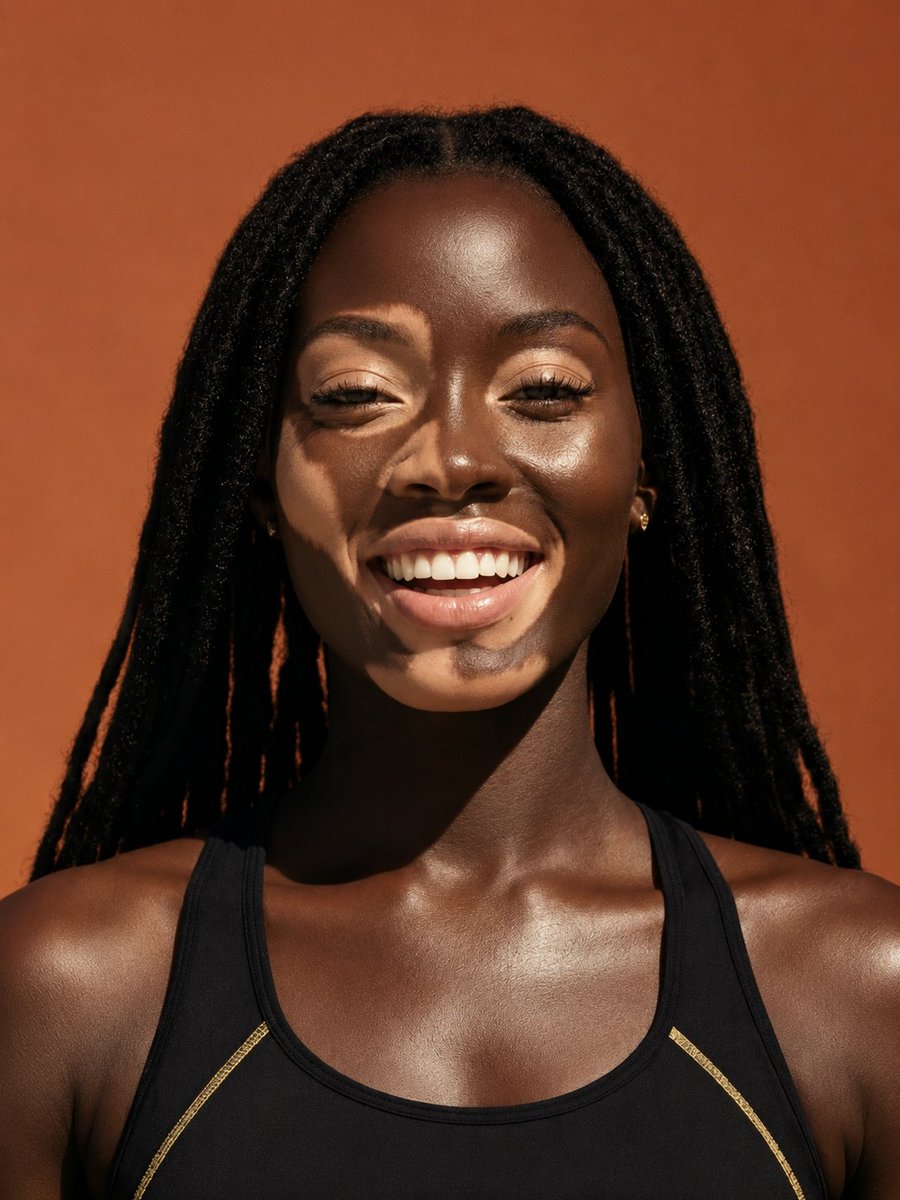
1. フォトリアルなポートレート用プロンプト
自然な光ときれいな構図で、リアルな人物ポートレートを作りたいときに使います。
``text A woman in her early 30s standing beside a large window in a quiet modern café, wearing a cream blazer and soft gold earrings, looking slightly away from camera with a calm thoughtful expression. Medium close-up portrait, shallow depth of field, soft morning light from the left, realistic skin texture, subtle background blur, photorealistic, clean color grading, no text, no extra people. ``
うまく機能する理由:
- 人物と場所が具体的
- フレーミングが明確
- 光が雰囲気を作っている
- 余計な人物や文字を制限している
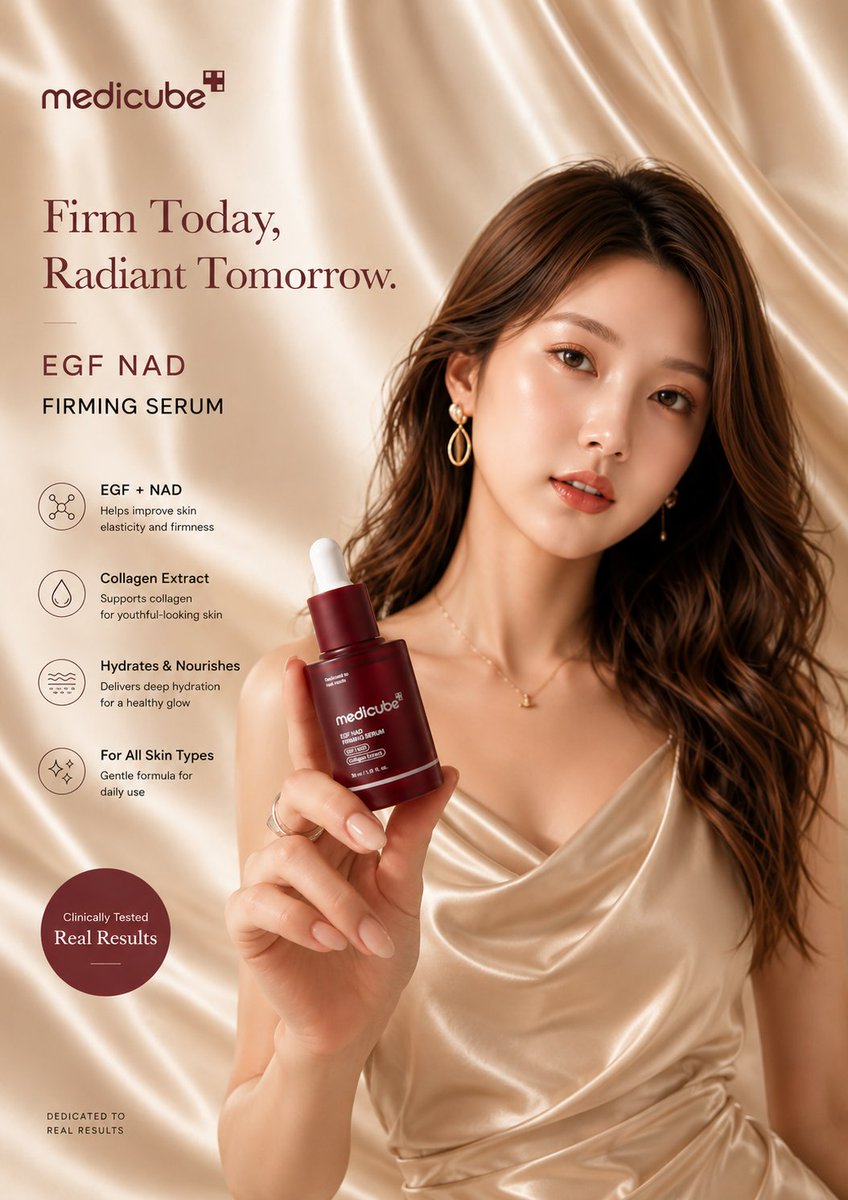
2. 商品写真用プロンプト
EC画像、商品ヒーロー、ブランド用ビジュアルに向いています。
``text A premium skincare serum bottle centered on a polished beige stone surface with a few soft shadows and minimal reflections. Editorial product photography, eye-level framing, diffused studio light from upper left, sharp label readability, realistic glass texture, luxury cosmetics aesthetic, warm neutral palette, no props except a subtle contact shadow, no watermark, no extra text. ``
このプロンプトは、商品、質感、光、余白をはっきり指定しています。背景を増やしすぎないので、商用画像として使いやすい結果になりやすいです。
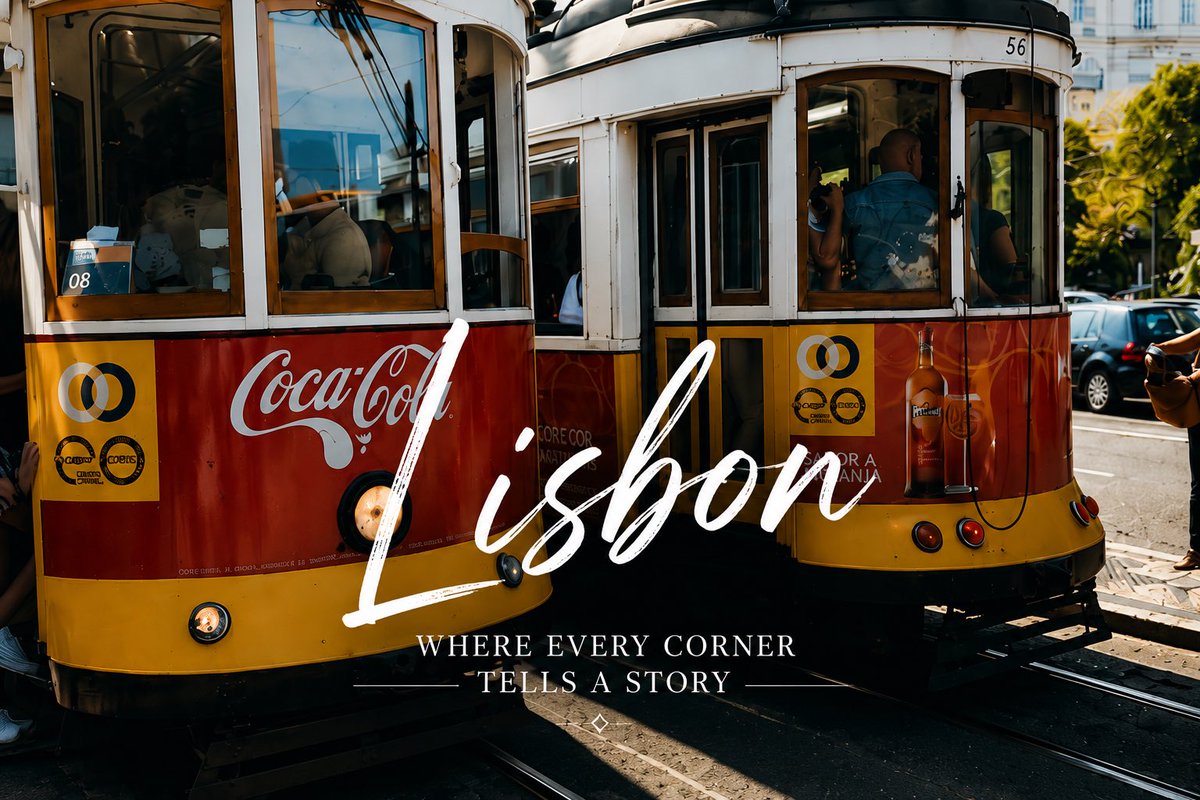
3. ソーシャル広告用プロンプト
ランダムな画像ではなく、キャンペーンらしい広告ビジュアルを作りたいときに使います。
``text A lifestyle ad creative for a travel app: a young couple standing on a cliffside overlook at sunset, dramatic clouds, cinematic wide shot, golden rim light, aspirational mood, photorealistic. Add the text "PLAN YOUR NEXT ESCAPE" in bold white sans-serif, centered in the lower third, clean typography, no extra copy, no logos, high contrast. ``
ここでは文字の内容だけでなく、配置とスタイルも指定しています。GPT Image 2にとって、文字は後付けではなく構図の一部になります。
4. インフォグラフィック用プロンプト
情報をわかりやすく整理したいときに使います。
``text Create a clean infographic titled "How AI Image Generation Works" with five horizontal steps: Prompt Input, Model Interpretation, Visual Composition, Image Rendering, Final Refinement. White background, consistent icon style, dark navy headings, short readable labels, generous spacing, flat modern design, clean arrows between steps, professional educational visual, no gradients, no extra elements. ``
インフォグラフィックでは、短いラベル、明確な順序、余白が重要です。文章を詰め込みすぎると読みづらくなります。
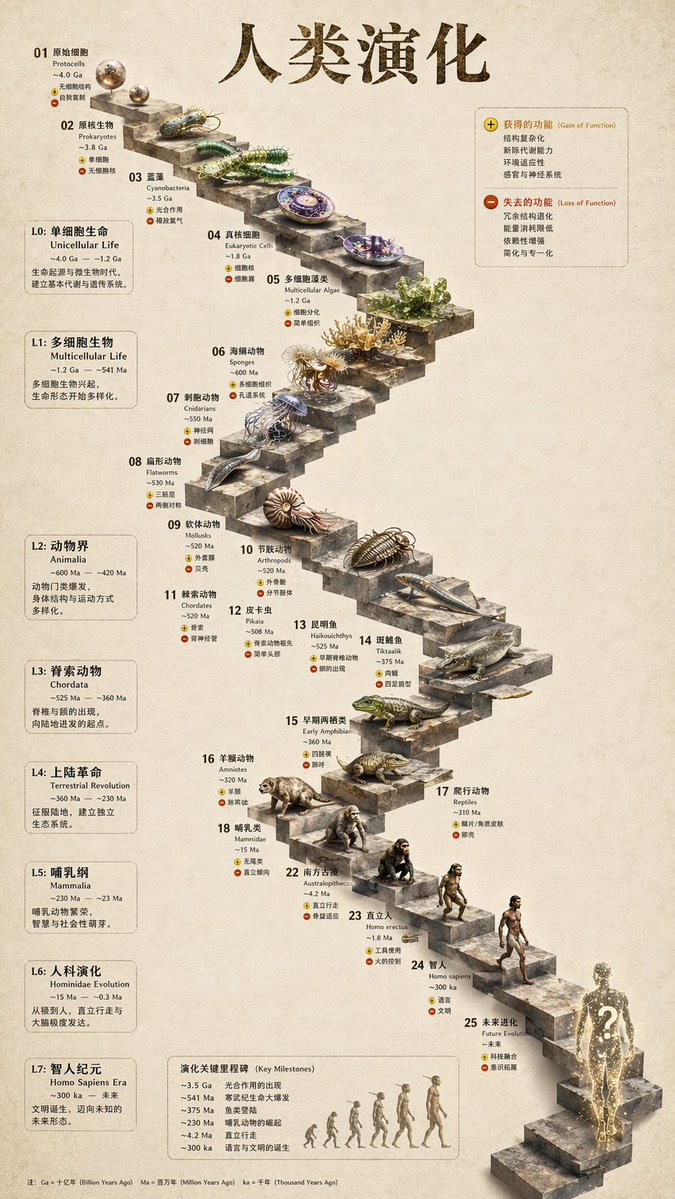
5. 画像内テキスト付きポスター用プロンプト
イベントポスター、編集系カバー、SNS用グラフィックに使えます。
``text Create a cinematic event poster for a design conference called "VISUAL SYSTEMS 2026". Dark graphite background with subtle geometric texture, one glowing abstract glass form in the center, title "VISUAL SYSTEMS 2026" in large bold white sans-serif near the upper middle, secondary line "AUG 12–14 • BERLIN" in smaller white text below, clean hierarchy, strong poster composition, premium editorial feel, no extra text, no logos. ``
タイトル、サブテキスト、背景、中央モチーフの役割が明確なので、ポスターらしい階層が出やすくなります。
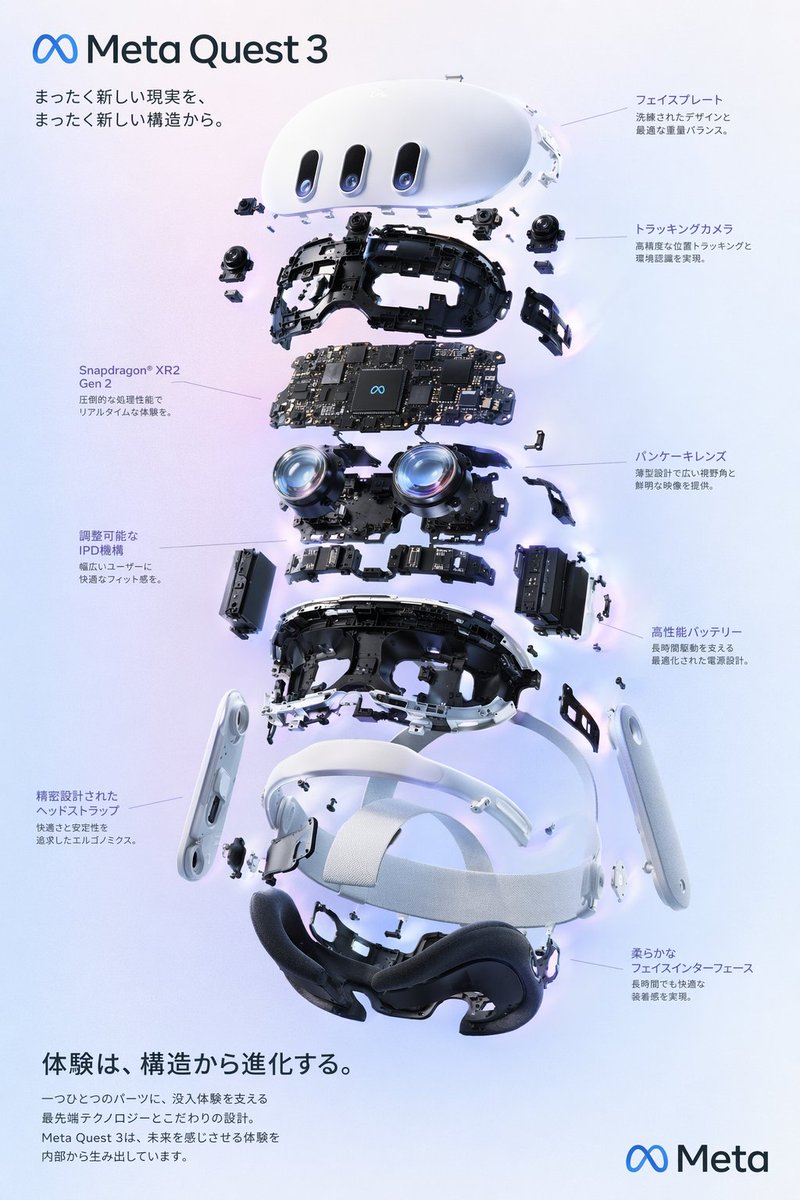
6. UIモックアップ用プロンプト
アプリ画面、ランディングページ案、ダッシュボード案を素早く作るときに便利です。
``text A mobile app dashboard for a budgeting app called "Luma". iPhone-style device frame, straight-on angle, clean white interface with soft blue accents, top balance card, spending categories grid, transaction list, neat spacing, polished modern SaaS visual design, realistic screen rendering, looks like a shipped product not a wireframe, no hands holding the device, no background clutter. ``
単に「美しいアプリ」と書くのではなく、カード、カテゴリ、取引リストといったUIブロックを指定している点が重要です。
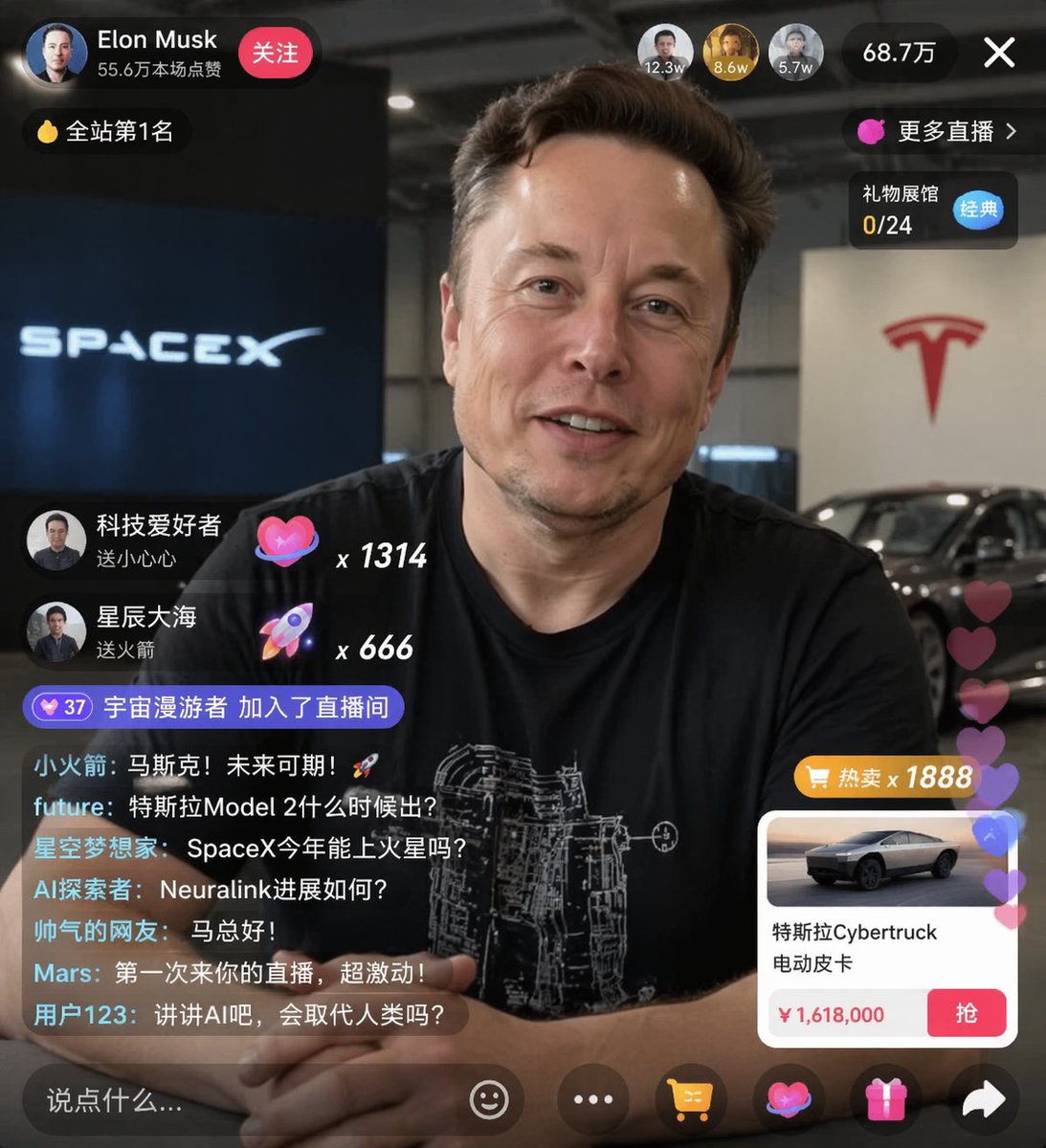
7. コミックとストーリーボード用プロンプト
物語の流れを1枚の画像で確認したいときに使えます。
``text A three-panel storyboard. Panel 1: a young woman enters a glowing underground archive holding a lantern. Panel 2: she sees floating pages circling a stone pedestal. Panel 3: close-up as she reaches toward a bright manuscript with a shocked expression. Cinematic fantasy storyboard, consistent character design across all panels, readable visual progression, ink-and-color illustration style, no speech bubbles, no extra text. ``
3つのパネルが順番に何を見せるかを指定しているので、単なるコラージュではなくストーリーになります。
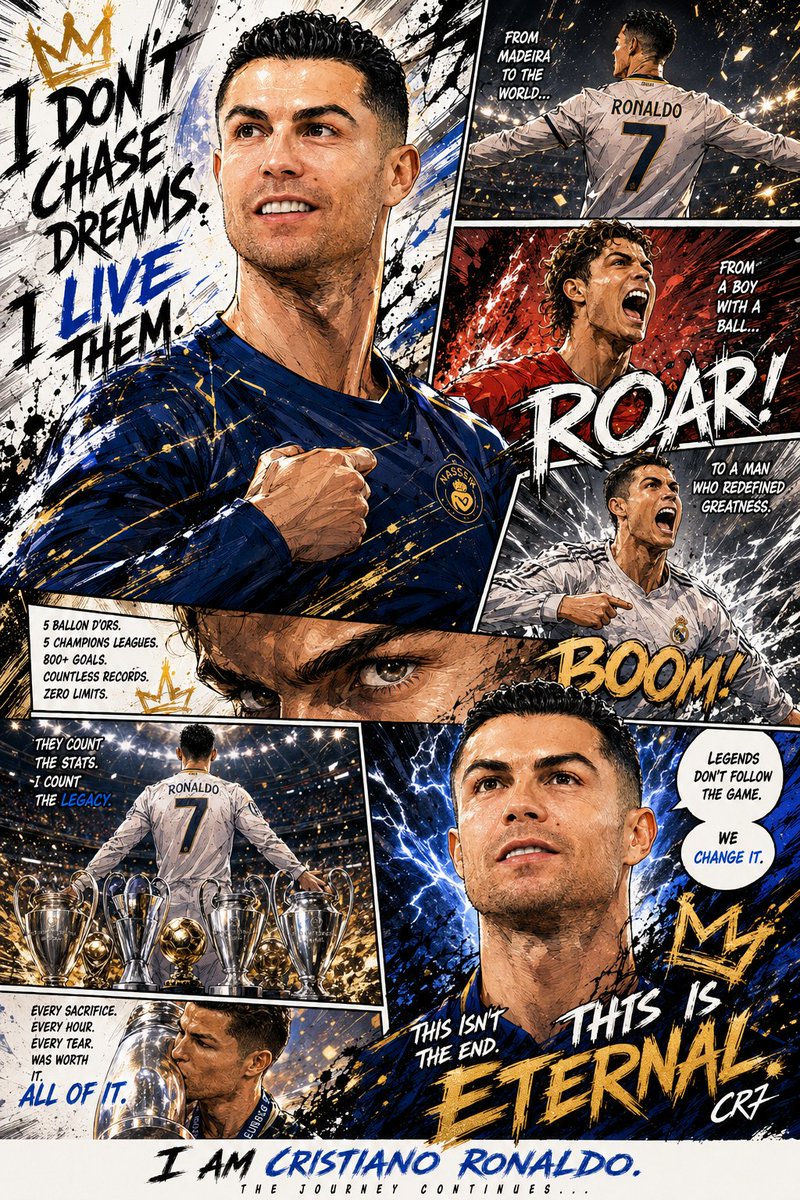
8. キャラクター一貫性用プロンプト
同じキャラクターを複数シーンで維持したいときに使います。
``text Character anchor: a young man named Elias with shoulder-length black hair, pale olive skin, sharp jawline, dark green coat, and silver pendant. Semi-realistic fantasy illustration style, soft dramatic light, muted blue-green palette. Keep this exact character design consistent. Show Elias in three separate scene cards: standing in a rainy alley, reading a glowing book in a library, and walking through a snowy forest. Same face, same hair, same outfit, only the scene changes. ``
「Character anchor」で変えてはいけない特徴を固定し、背景だけを変えるように指定しています。
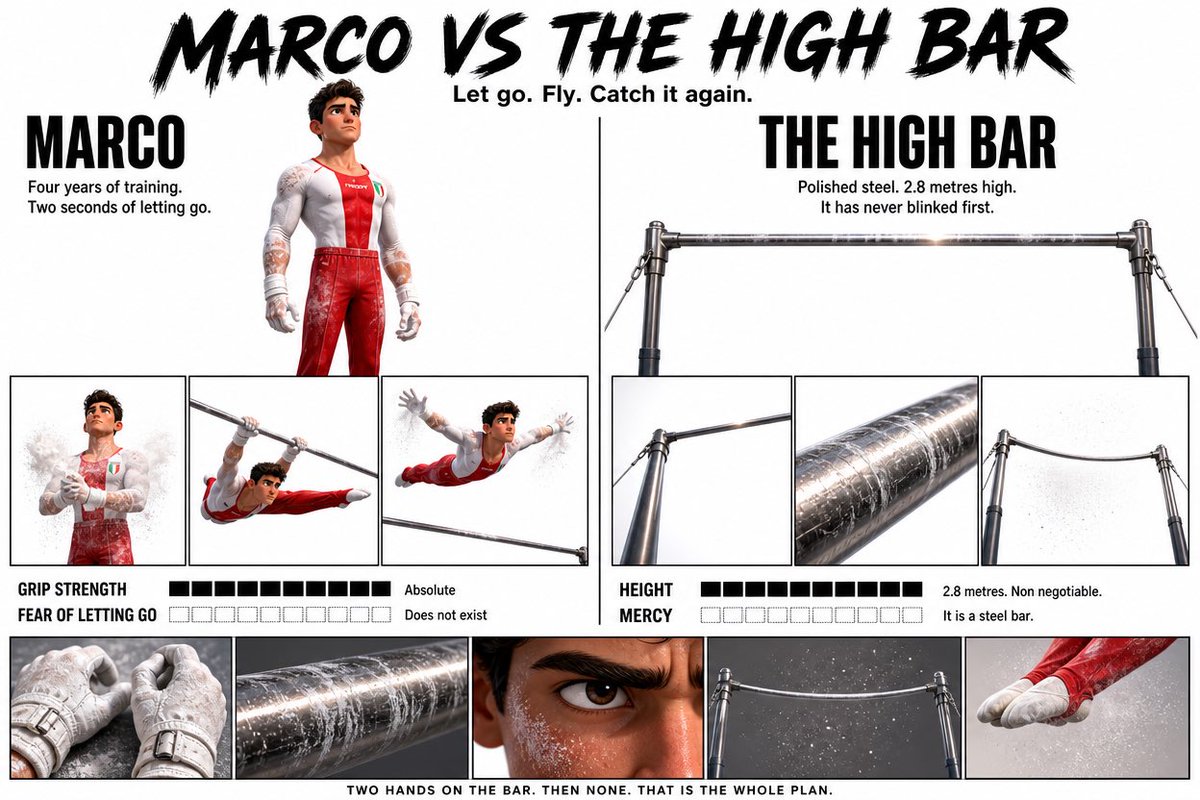
9. 編集イラスト用プロンプト
ブログのヒーロー画像、雑誌風イラスト、抽象的なテーマの表現に向いています。
``text An editorial illustration for an article about creative burnout in the AI era. A designer sits alone at a desk late at night, surrounded by floating half-finished layouts, prompt cards, and glowing notification windows. Moody blue lighting, strong focal contrast, slightly surreal atmosphere, magazine illustration quality, polished composition, no text, no watermark. ``
これは物体を並べるだけでなく、「AI時代のクリエイティブ疲れ」という考えをシーンで表現しています。
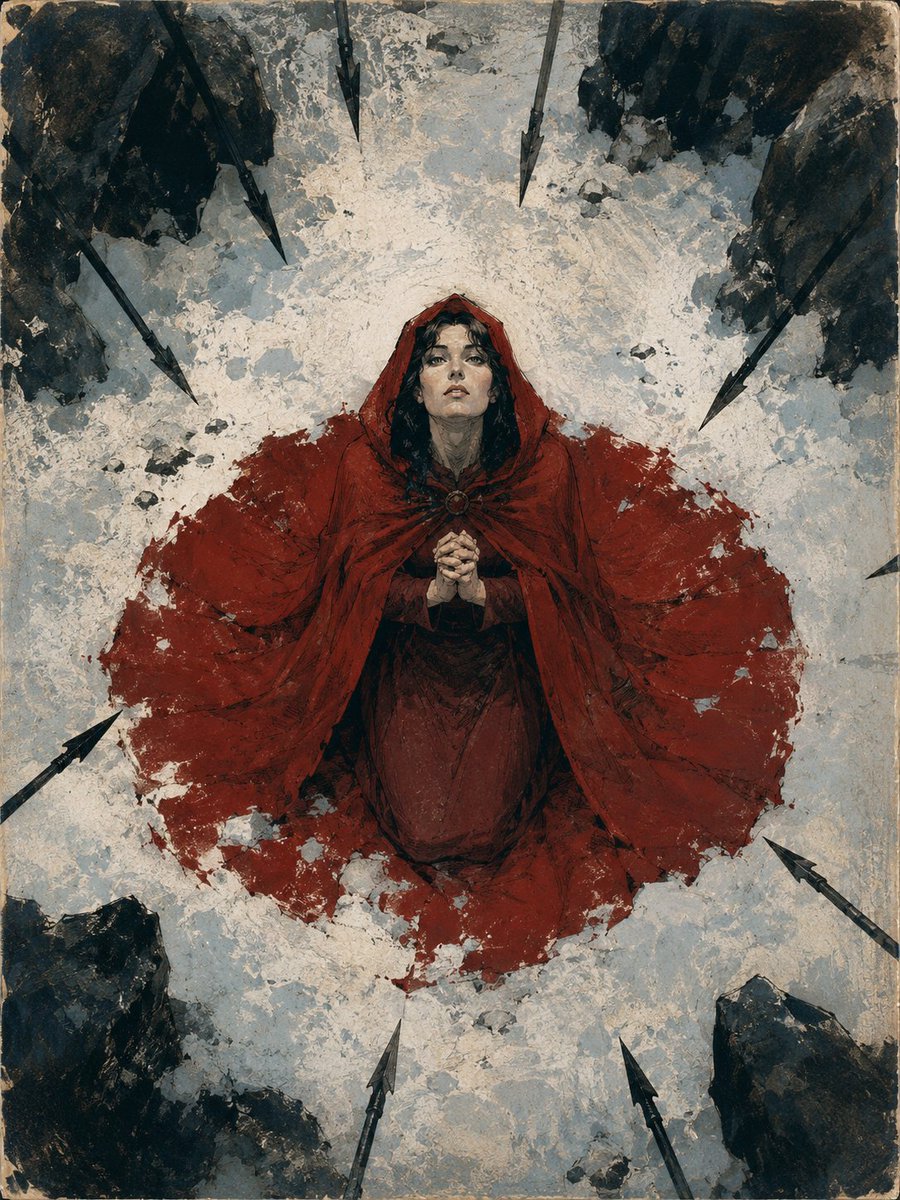
10. YouTubeサムネイル用プロンプト
短時間で内容が伝わる、高コントラストな画像を作りたいときに使います。
``text Create a YouTube thumbnail about AI poster design. A designer points at a dramatic futuristic poster on a screen, surprised expression, dark background with neon blue and magenta highlights. Add the text "GPT IMAGE 2 POSTERS" in large bold white and yellow type on the right side, high contrast, clean spacing, strong thumbnail readability, no extra text, no logos. ``
サムネイルでは、人物、表情、短い文字、強いコントラストに絞るのが基本です。
GPT Image 2プロンプトを改善する方法
結果が惜しいときは、全体を書き直すよりも、足りない指示だけを追加します。
1. 視覚的な責任を追加する
``text Use a centered composition, cleaner spacing, soft studio light, and a premium editorial color palette ``
2. 変えてはいけない要素を固定する
``text Keep the same subject, same composition, same typography placement — only change the lighting from warm sunset to cool studio light ``
3. 複雑な依頼を分ける
構図、文字、仕上げを一度に詰め込むより、段階的に試すほうが安定します。
ImagineGoで使う理由
この記事のプロンプト構造から始めて、自分のテーマに合わせてすぐ調整できます。その後、GPT Image 2 workflow で結果を試せます。
まとめ
GPT Image 2 Prompt Guide の価値は、例の数ではありません。実際の画像制作タスクに使えるかどうかです。この10個のプロンプトをベースに、商品画像、広告、ポスター、UI、編集イラストなどの制作を効率化できます。