Aspect ratio for the output image
Generated Image
No image generated yet
Fill in the form and click Generate to start
Prompts involving policy-sensitive content may result in slower generation or failures.
If generation fails, Credits will be automatically refunded.
Photo to Minimalist Line Art
Convert Photos to Notion-Style Black & White Vector Line Art
Use Cases
Team portraits for docs, wikis, and onboarding
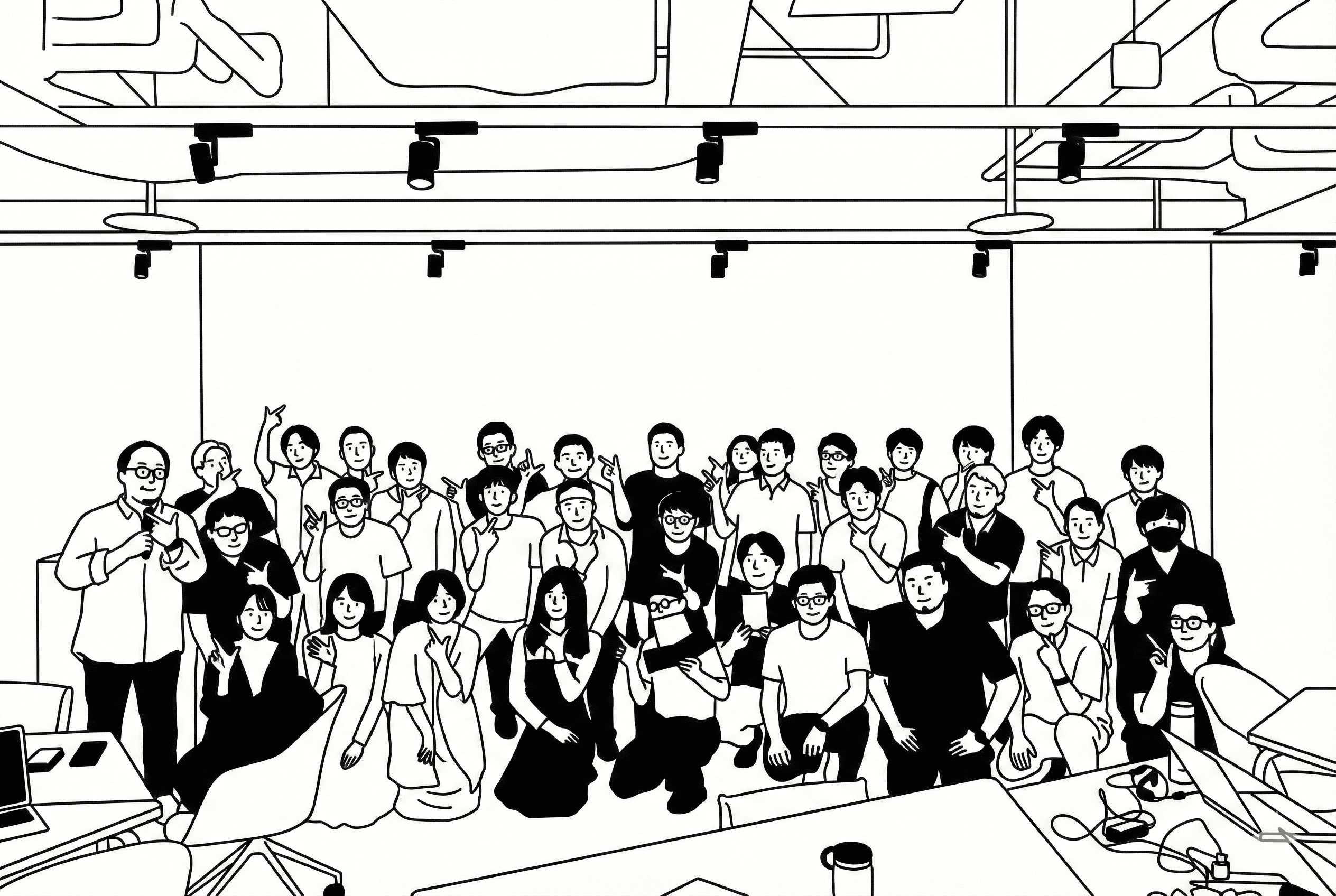
Turn group photos into Notion-style illustrations using Photo to Minimalist Line Art. Replace uneven headshots with uniform line art that preserves poses and friendly expressions. With Photo to Minimalist Line Art, you can keep your org chart, team pages, and onboarding materials stylistically consistent across slides, PDFs, and web. The preset ensures bold outlines, pure white backgrounds, and simplified facial features—ideal for internal docs and public profiles. Export SVG for infinite scaling, or PNG for quick embeds. Photo to Minimalist Line Art makes people-focused content look polished and cohesive in minutes.
How To Use
Follow these simple steps to get started
Upload your photo and select the Notion-style preset
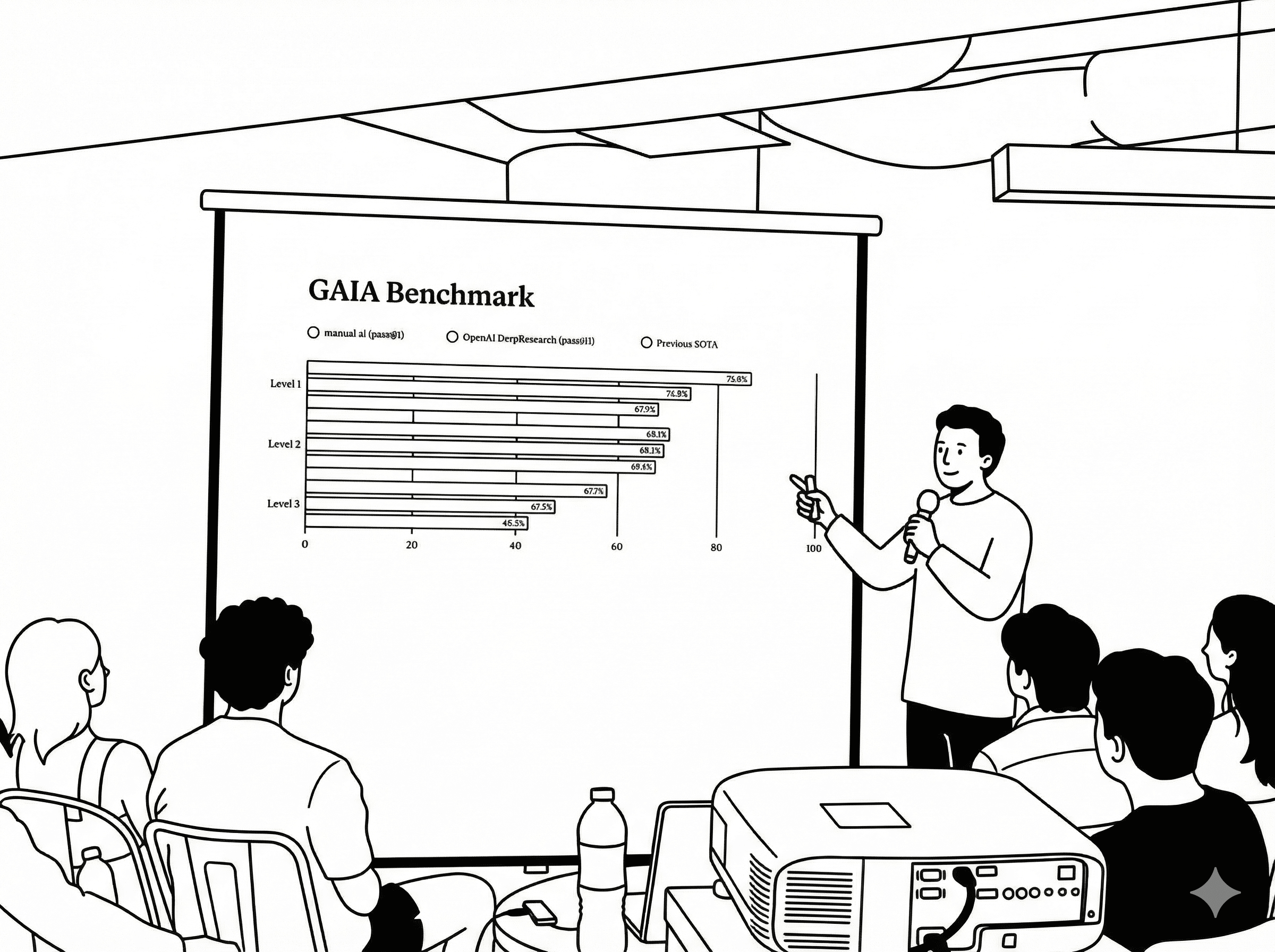
Drag-and-drop your image and let Photo to Minimalist Line Art auto-apply the preset prompt. The tool enforces pure black-and-white output, bold uniform outlines, and a pure white background by default. Photo to Minimalist Line Art will simplify people into friendly, minimal characters while preserving pose and composition. Start with the default settings to establish consistency; you can refine later. For best results, upload well-lit photos with clear subjects and minimal motion blur so the line work renders cleanly on the first pass.
Refine with a short prompt and choose vector export
Add a brief text prompt to guide emphasis—e.g., “include the table and laptop.” Photo to Minimalist Line Art, powered by nano-banana-pro, keeps the style strict while respecting your prompt. Preview the result, verify facial simplicity, and ensure only essential objects remain. Select SVG for scalable vector output or PNG for quick sharing. Photo to Minimalist Line Art lets you iterate rapidly while maintaining Notion-style rules, so your visuals stay consistent across pages, slides, and print materials.
Download, integrate, and maintain brand consistency
Export your illustration and drop it into docs, slides, or design tools. Photo to Minimalist Line Art delivers clean paths that import well into Figma, Illustrator, and Notion. Use naming conventions to organize assets and keep a shared library for your team. If needed, tweak stroke widths or reposition elements without breaking the minimalist look. Photo to Minimalist Line Art ensures every export aligns with your visual system, speeding up production while protecting consistency at scale.
Simple, Transparent Pricing
Pay once, use forever. No subscriptions, no hidden fees. Buy credits that never expire.
 Grok Imagine Video10 credits200 videosGrok Imagine Video 1.5 Preview75 credits26 videos
 Seedance 1.5 Pro7 credits285 videos
 Veo 3.1 Lite10 credits200 videosVeo 3.1 Fast20 credits100 videosVeo 3.1 Quality150 credits13 videos
 Wan 2.560 credits33 videosWan 2.780 credits25 videos
 Hailuo 2.3 Pro40 credits50 videos
 Kling 2.655 credits36 videosKling 2.6 Motion Control48 credits41 videosSeedance 2 Fast62 credits32 videosSeedance 276 credits26 videosKling 3.070 credits28 videosz-image0 creditsInfinity imagesNano Banana3 credits666 imagesNano Banana Pro6 credits333 imagesNano Banana 25 credits400 imagesSeedream 4.56 credits333 imagesSeedream 5 Lite6 credits333 imagesGrok Imagine4 credits500 images
 Flux 2 Pro5 credits400 images
 GPT Image 1.54 credits500 imagesGPT Image 23 credits666 imagesWan 2.7 Image5 credits400 imagesWan 2.7 Image Pro12 credits166 images
✨ More models continuously updating...
Lifetime Validity
Your credits never expire. Purchase now and use them next week, next month, or next year.