Aspect ratio for the output image
Generated Image
No image generated yet
Fill in the form and click Generate to start
Prompts involving policy-sensitive content may result in slower generation or failures.
If generation fails, Credits will be automatically refunded.
Free Text To Image
Imaginego offers high-quality text to image generation—now free for a limited time. It generates photorealistic visuals with refined lighting, clean textures, and balanced composition. The Imaginego model achieves high fidelity at a compact 6B scale, matching outputs from significantly larger systems while staying efficient and consistent.
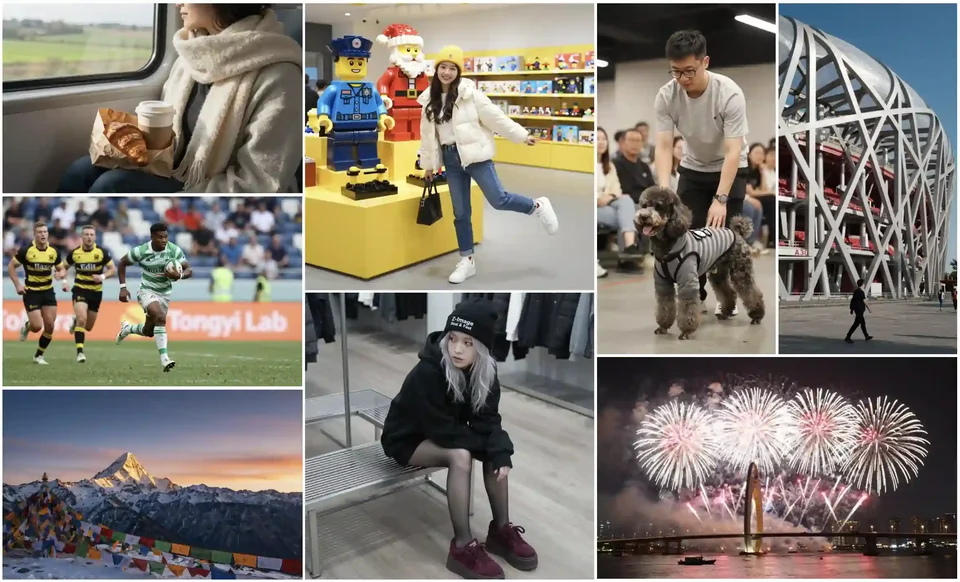
Use Cases
E‑commerce mockups with free text to Image
Turn product descriptions into photoreal listings using free text to Image. Generate clean lighting, accurate materials, and consistent angles for storefronts and marketplaces. With free text to Image, you can quickly produce lifestyle variants, colorways, and seasonal themes that align to your brand look. Create hero images and thumbnails that feel cohesive without reshoots or costly renders.
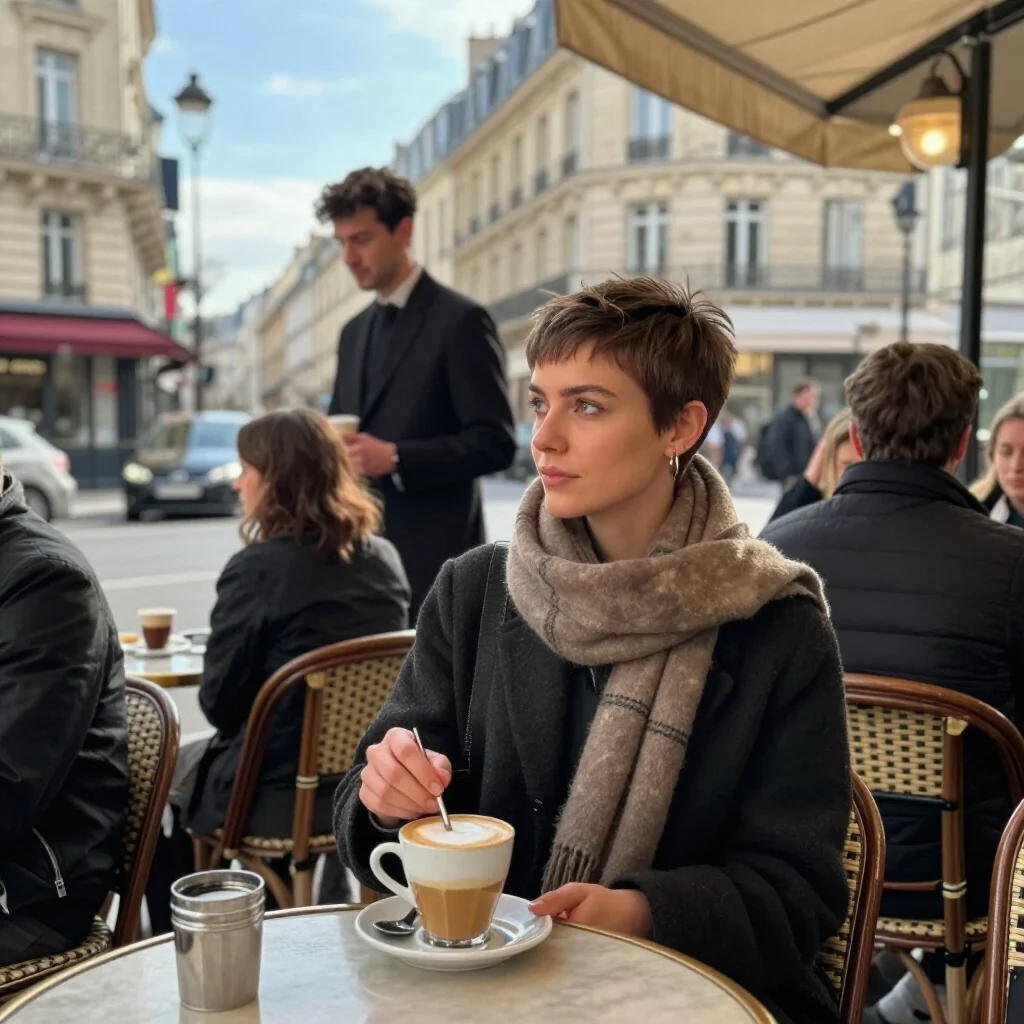
Ad creatives and social content via free text to Image
Build scroll-stopping ads by describing your scene, then refine with free text to Image to match platform specs and aesthetics. Swap backgrounds, add stylized lighting, and test multiple headlines as visual treatments. Use free text to Image to A/B creative concepts quickly, producing consistent brand elements across stories, reels, and carousels.
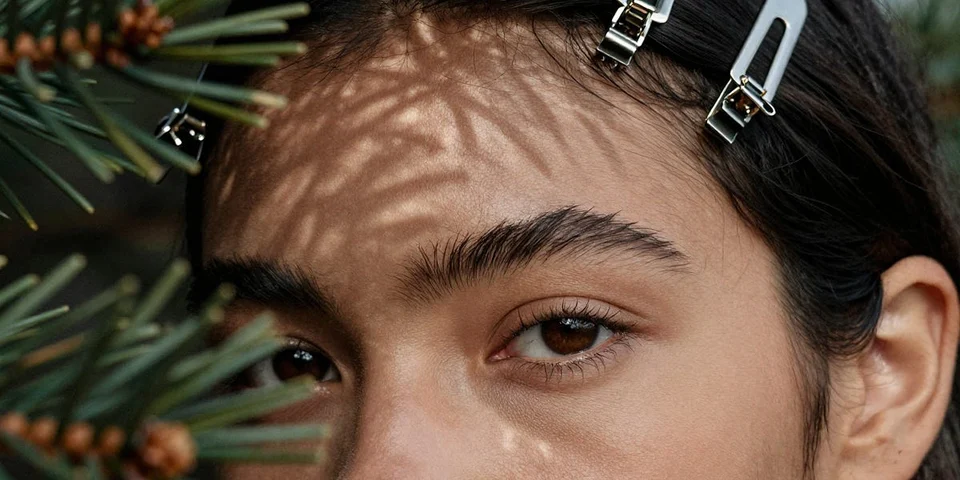
Concept art and mood boards with free text to Image
Pitch a vision fast by turning mood notes into cinematic frames using free text to Image. Explore palettes, camera angles, and atmosphere with repeatable quality, then curate a board that sells your direction. With free text to Image, dial in styles from painterly to ultra-real and lock a consistent visual language across scenes.
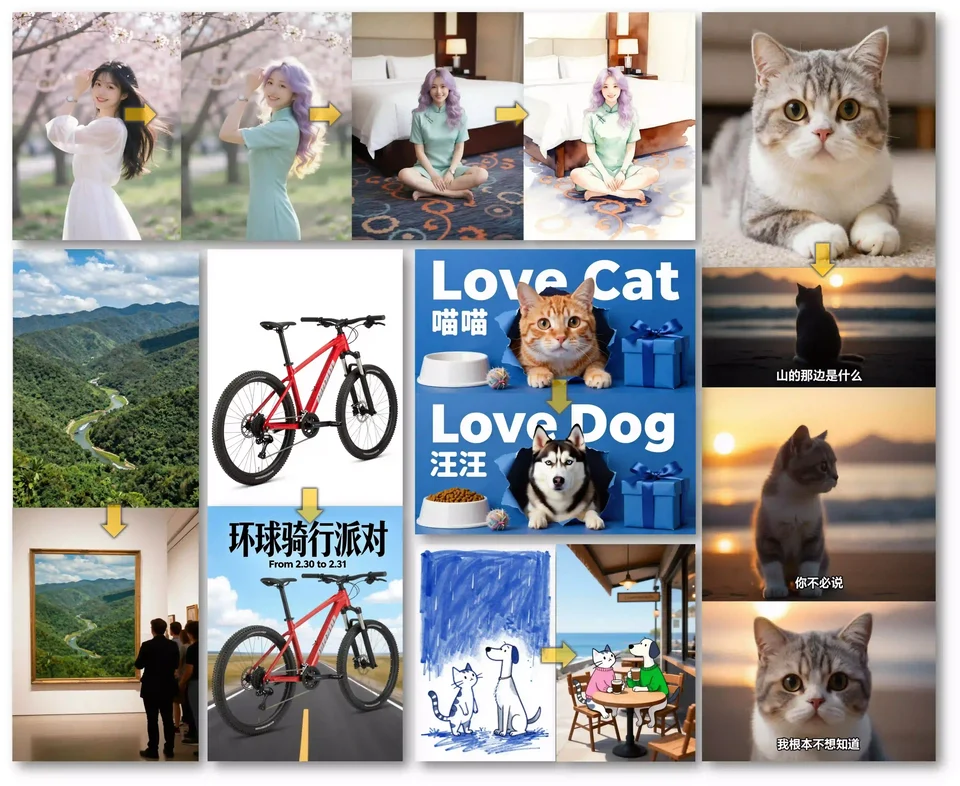
How To Use
Follow these simple steps to get started
Write a vivid prompt that leads the model
Start with the preset: "Describe your image" and expand with subject, setting, style, lighting, and mood. Include key attributes like color, material, camera angle, and intended use. Mention must-have details and constraints to guide free text to Image toward your target. Keep sentences clear, avoid contradictions, and add negative terms for exclusions. A thoughtful prompt helps free text to Image translate your intent into balanced compositions with the z-image model.
Choose style, ratio, and quality settings
Select aspect ratio for your destination (1:1 for feeds, 9:16 for stories, 16:9 for banners). Pick a style direction—photoreal, illustrative, cinematic—and dial detail strength. With free text to Image, the z-image engine keeps textures natural while honoring your choices. Use seed controls when you want repeatable results and enable variations to explore options. These settings help free text to Image maintain consistency across a set while letting you experiment safely.
Generate, review, and iterate quickly
Click generate and evaluate the first pass for alignment to your brief. Mark what works—lighting, pose, background—and note what to adjust. Use variants, prompt edits, and seeds to converge on a final. free text to Image responds fast, so test multiple directions before locking in. If an element feels off, add precise descriptors or exclusions. Iteration with free text to Image keeps quality high while reducing time spent on manual retouching.
Flexible Credit Packages
Buy credits once and use them across every model. Credits never expire.
View all pricing